Maximize productivity with an AI-enhanced Inbox
Work smarter and collaborate faster with Intercom’s configurable, shared Inbox designed for speed and efficiency.
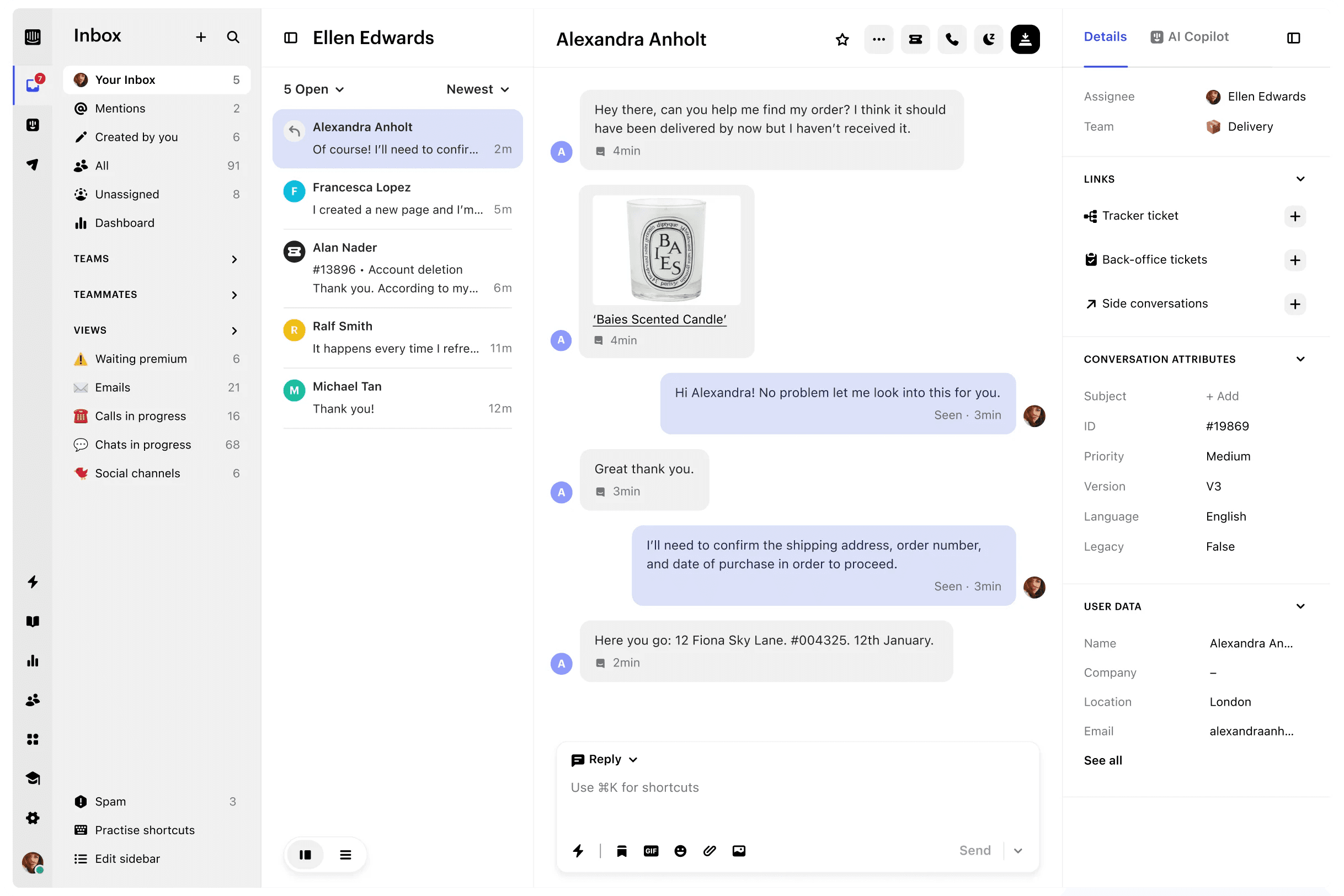

Fast, modern, and built for collaboration
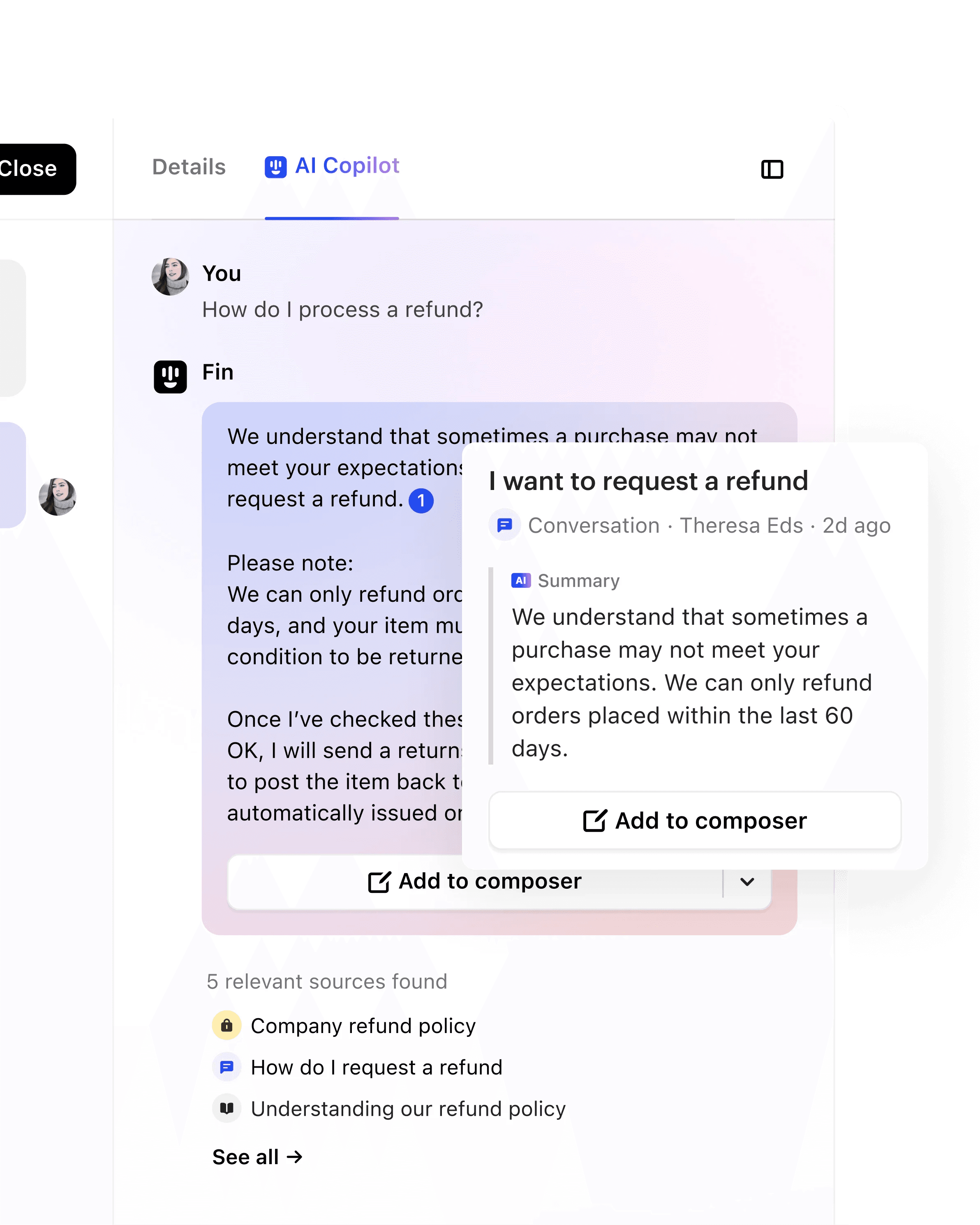
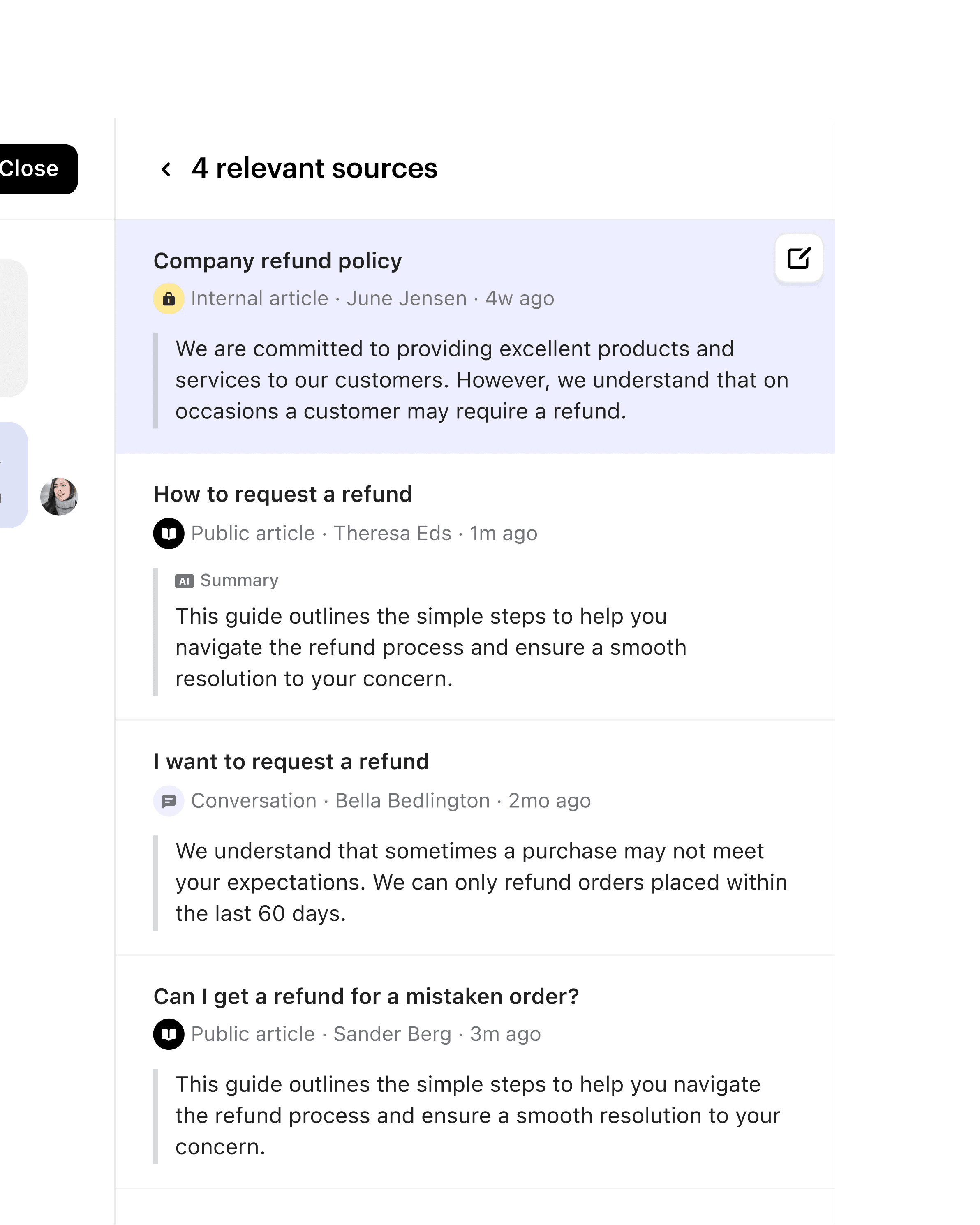
An AI assistant for every agent
Copilot provides instant answers, so your team can focus on customer relationships.
Fast, modern, and fully configurable
Optimize how you work with a flexible, easy-to-use interface designed for speed.
A central hub for easy collaboration
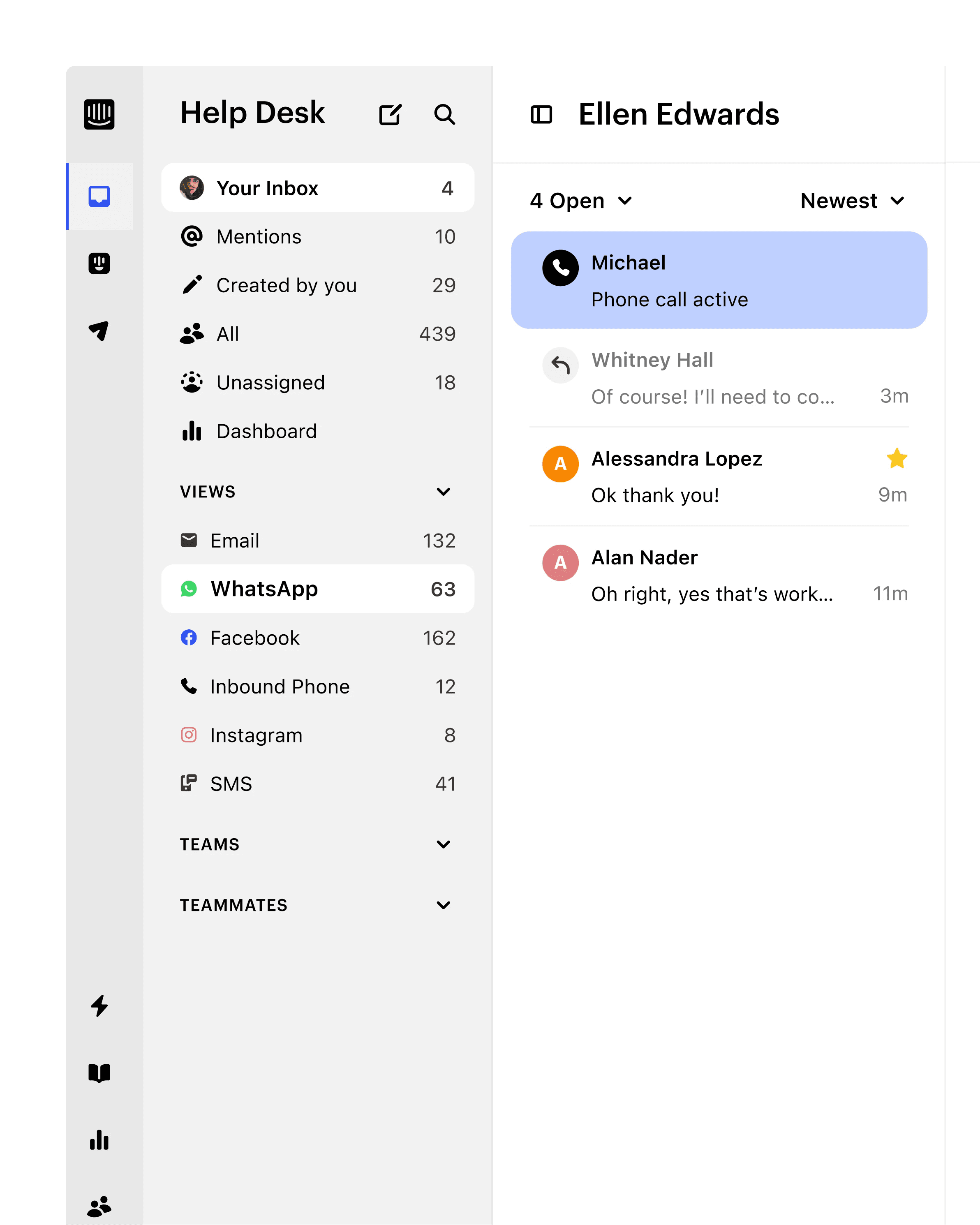
Team Inboxes connect your teams, channels, tickets, and data into one single workspace.
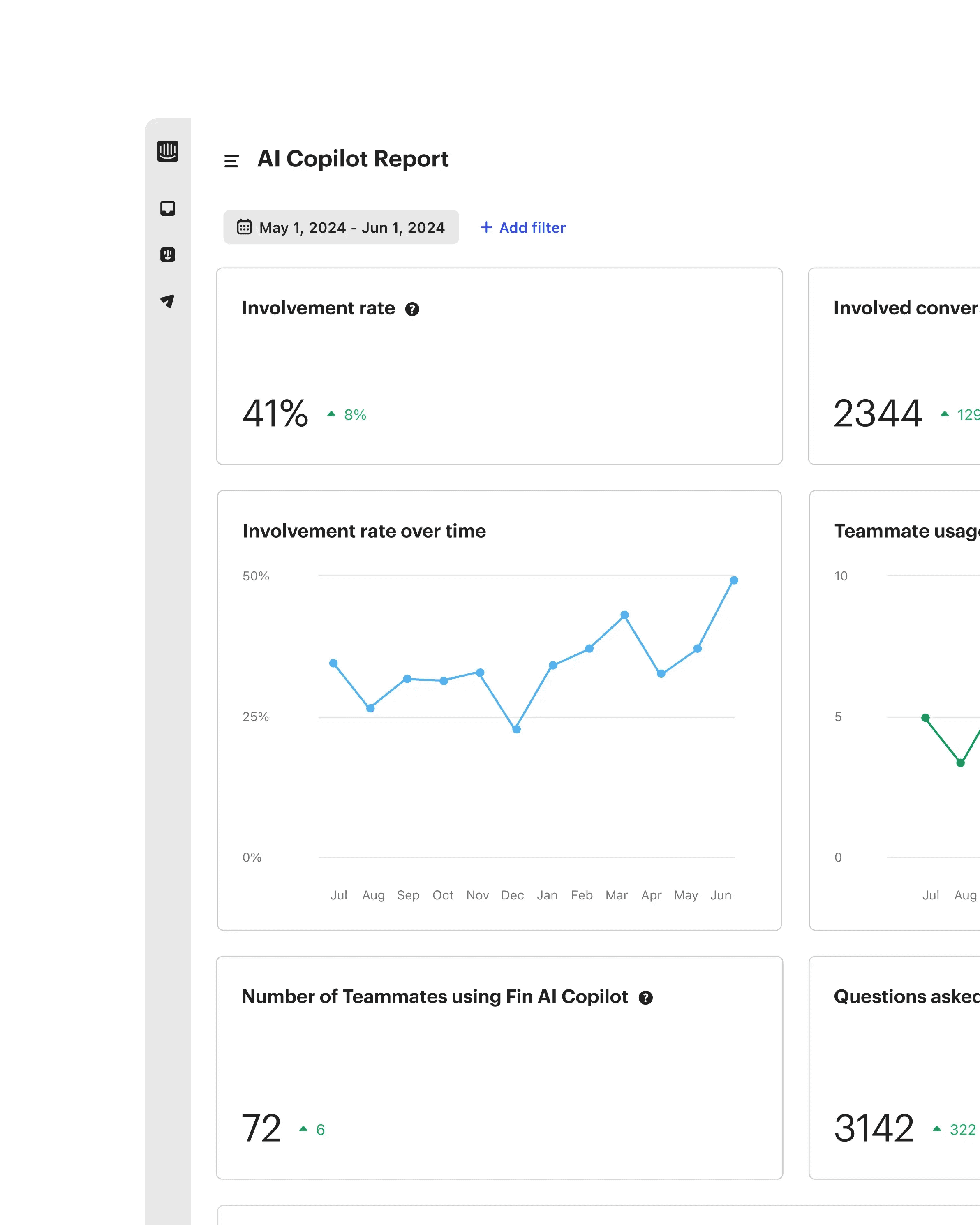
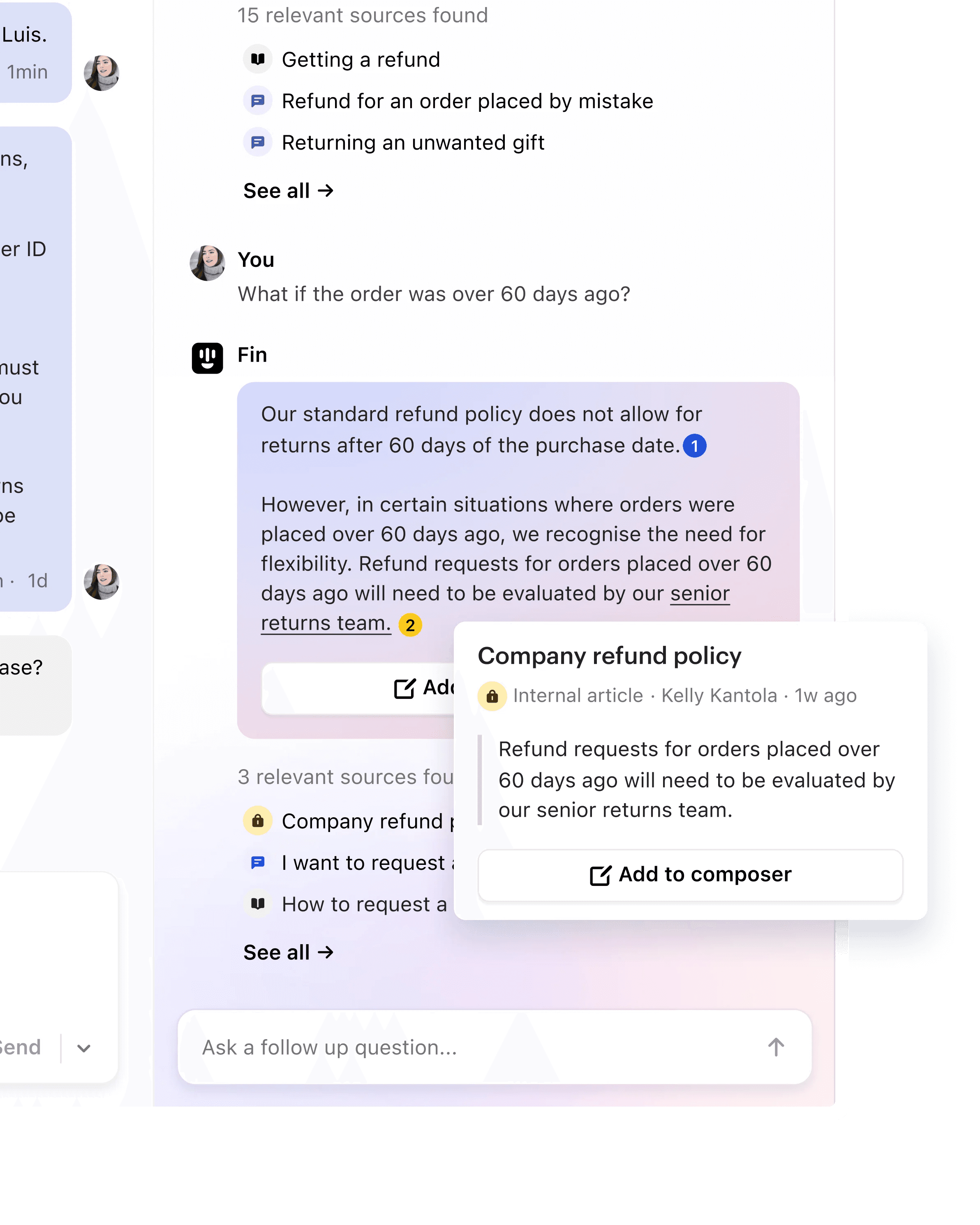
Increase agent efficiency by 31% with Copilot
Intercom’s Copilot gives every support agent a personal AI assistant. It provides instant answers, so your team can stop wasting time and focus on what really matters: forging deeper relationships with customers.



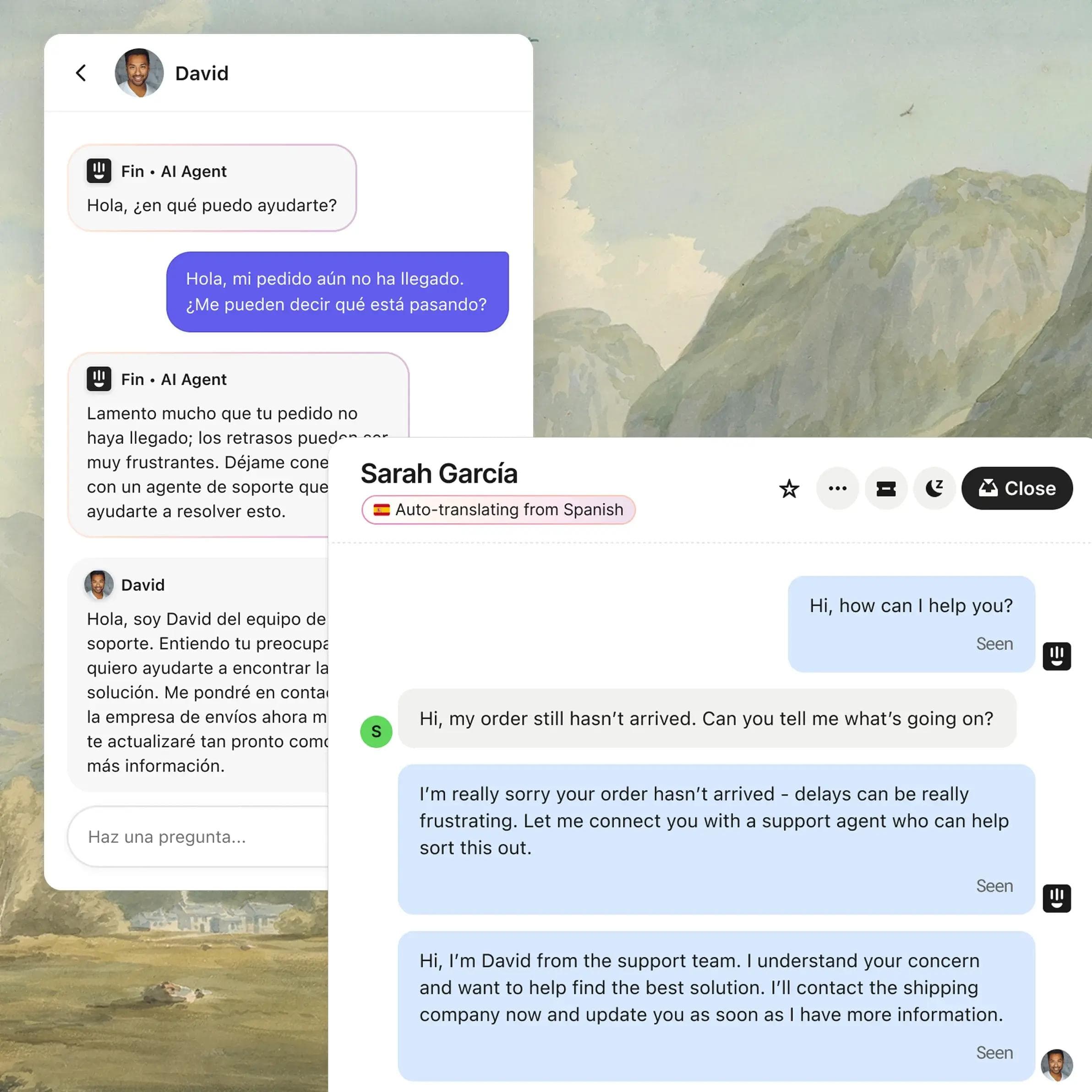
Make every agent fluent in +45 languages
AI instantly translates messages in the Inbox across every channel, so agents can speak to customers in +45 languages, and you can scale your support to any region.
Modern design
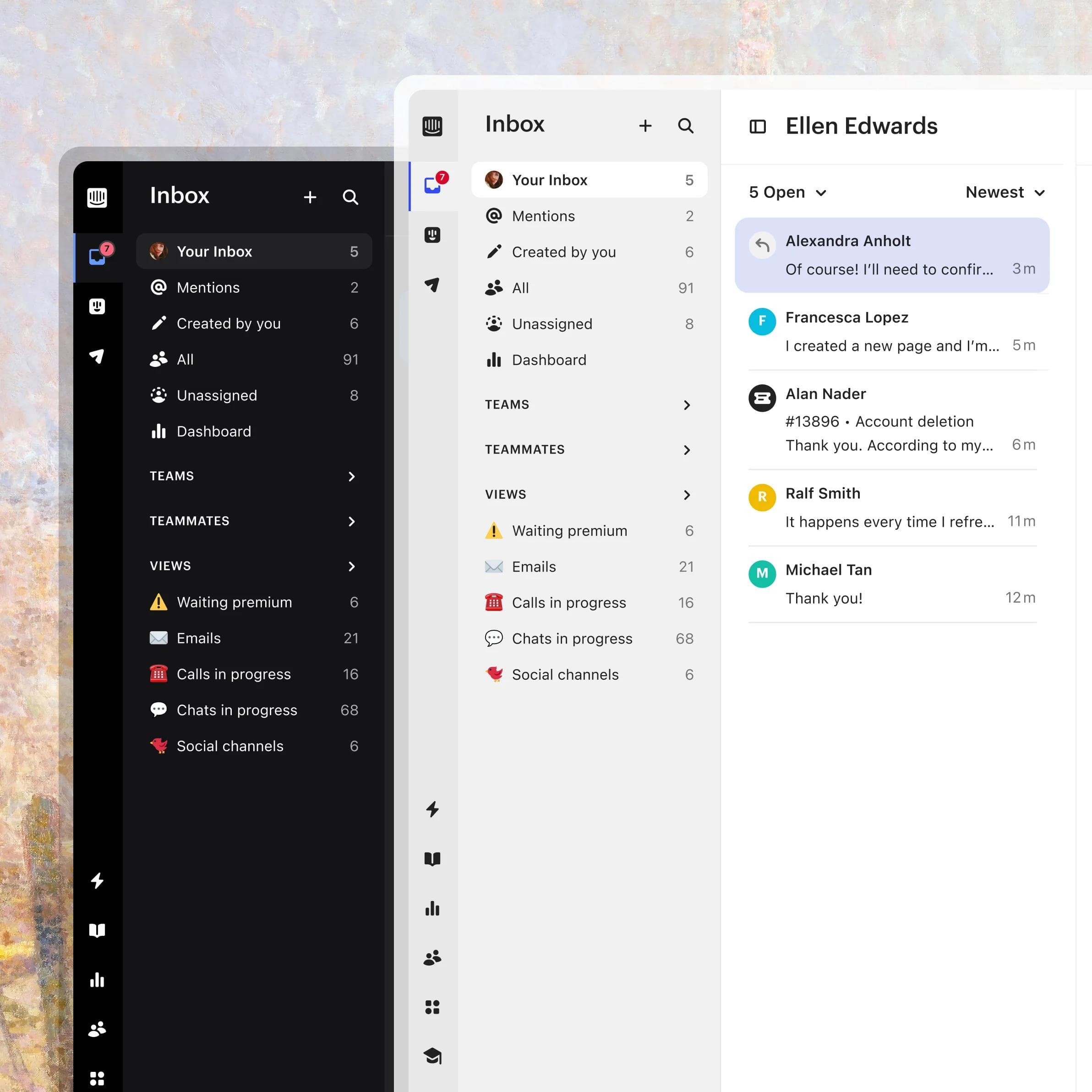
Fully configurable
Customize your Inbox with dark mode, layout options, and multilingual preferences.
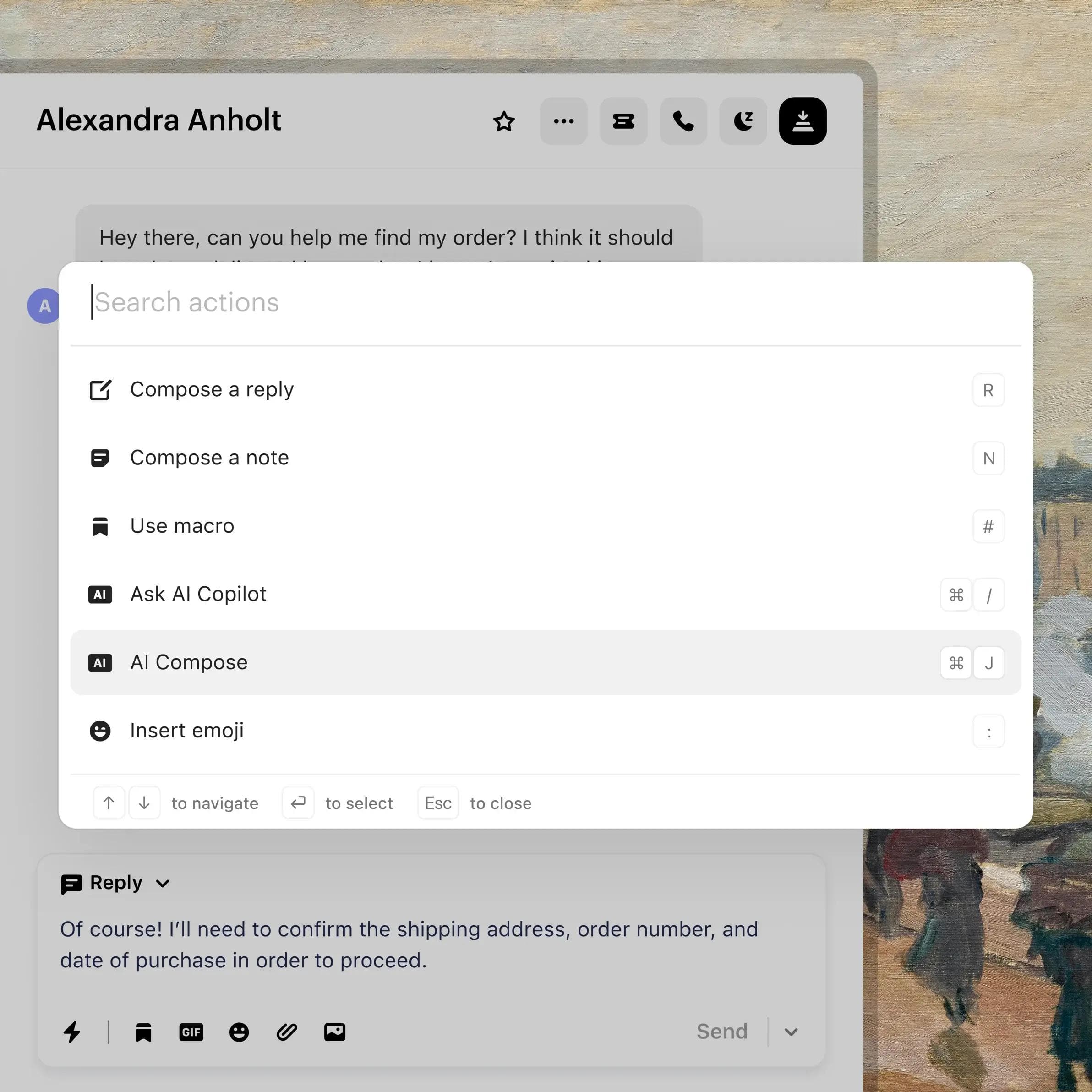
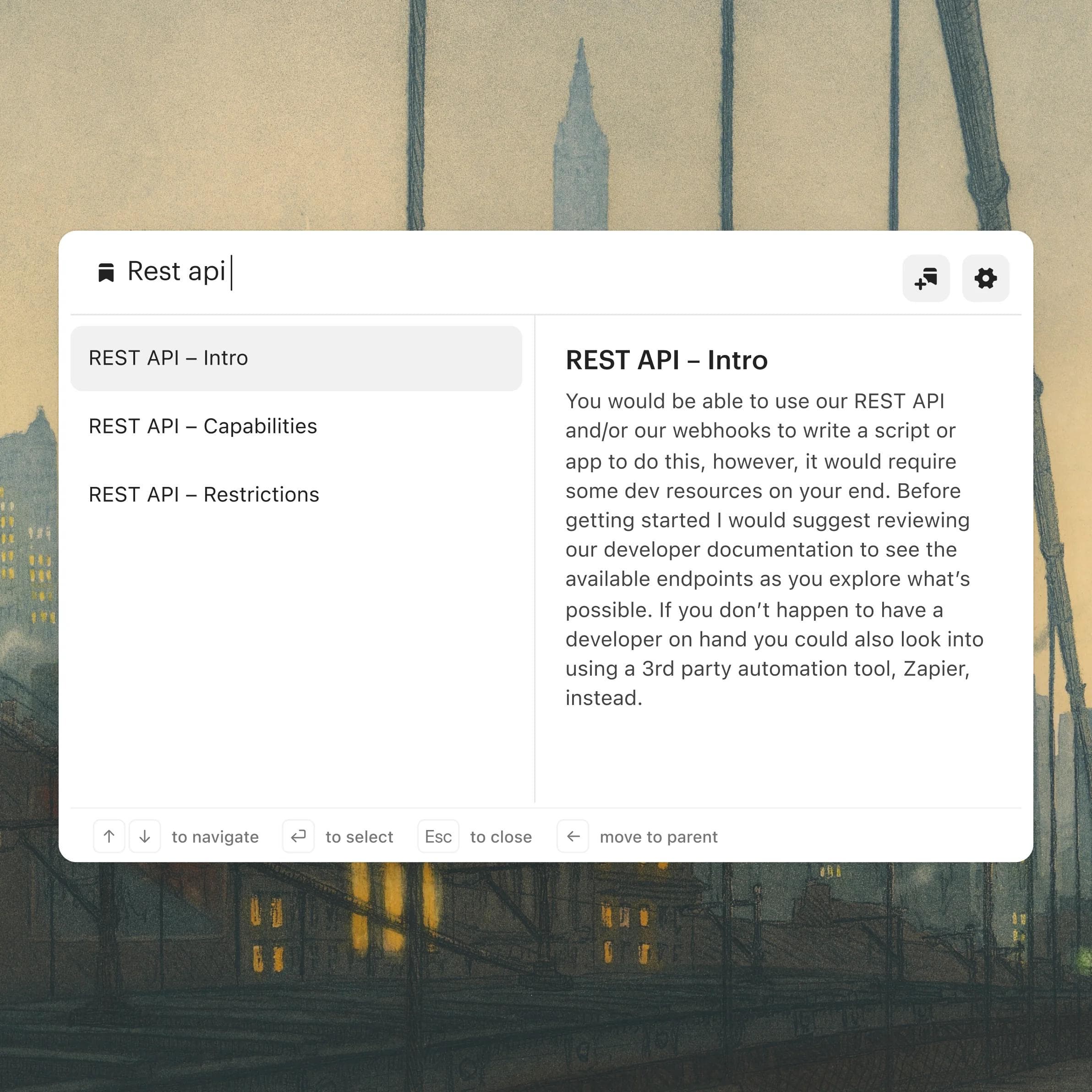
Keyboard-first
With command+K, you can access your whole Inbox with one, simple shortcut.
Powerful macros
Create saved replies and actions, like assign or close a conversation, and apply with one click.

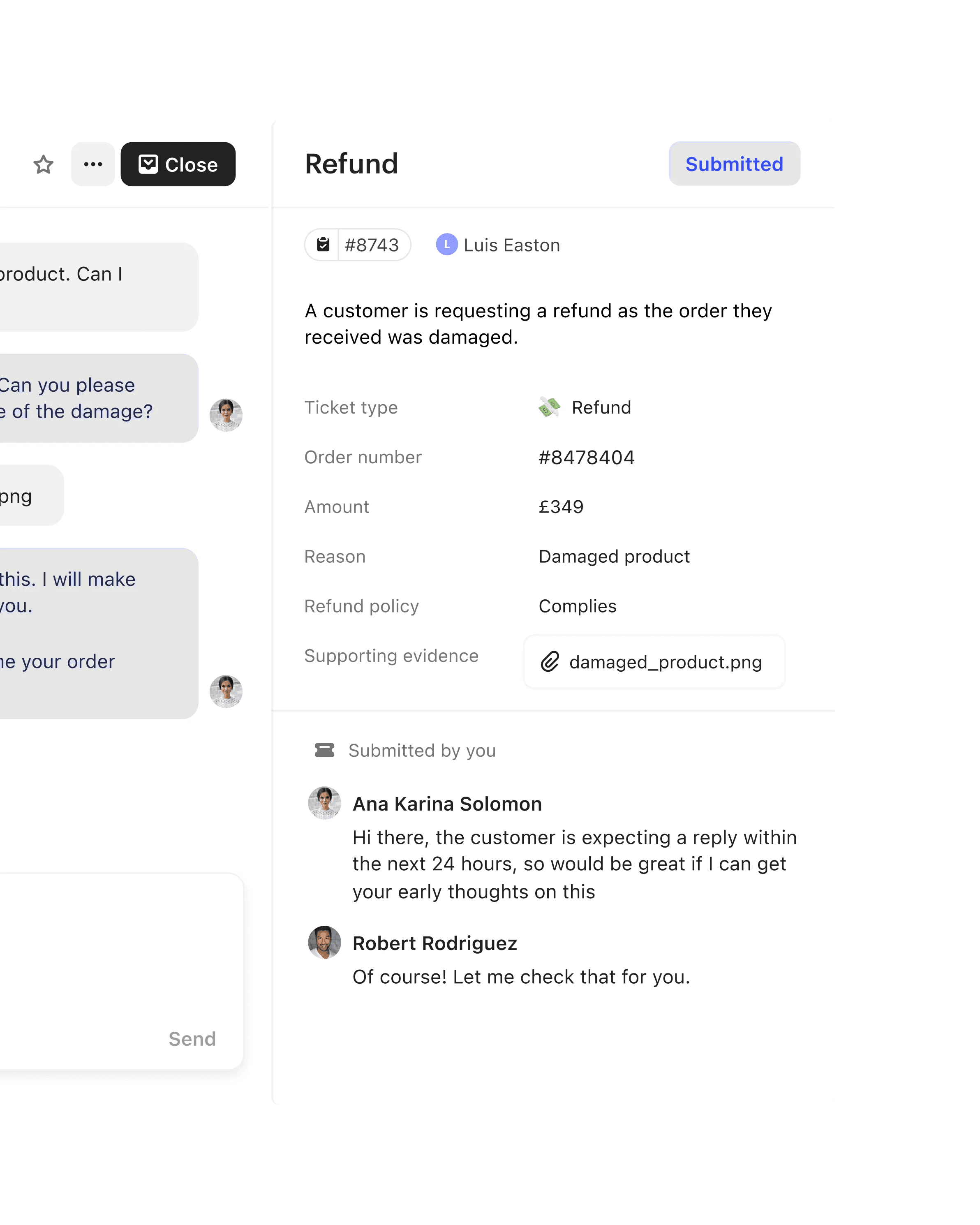

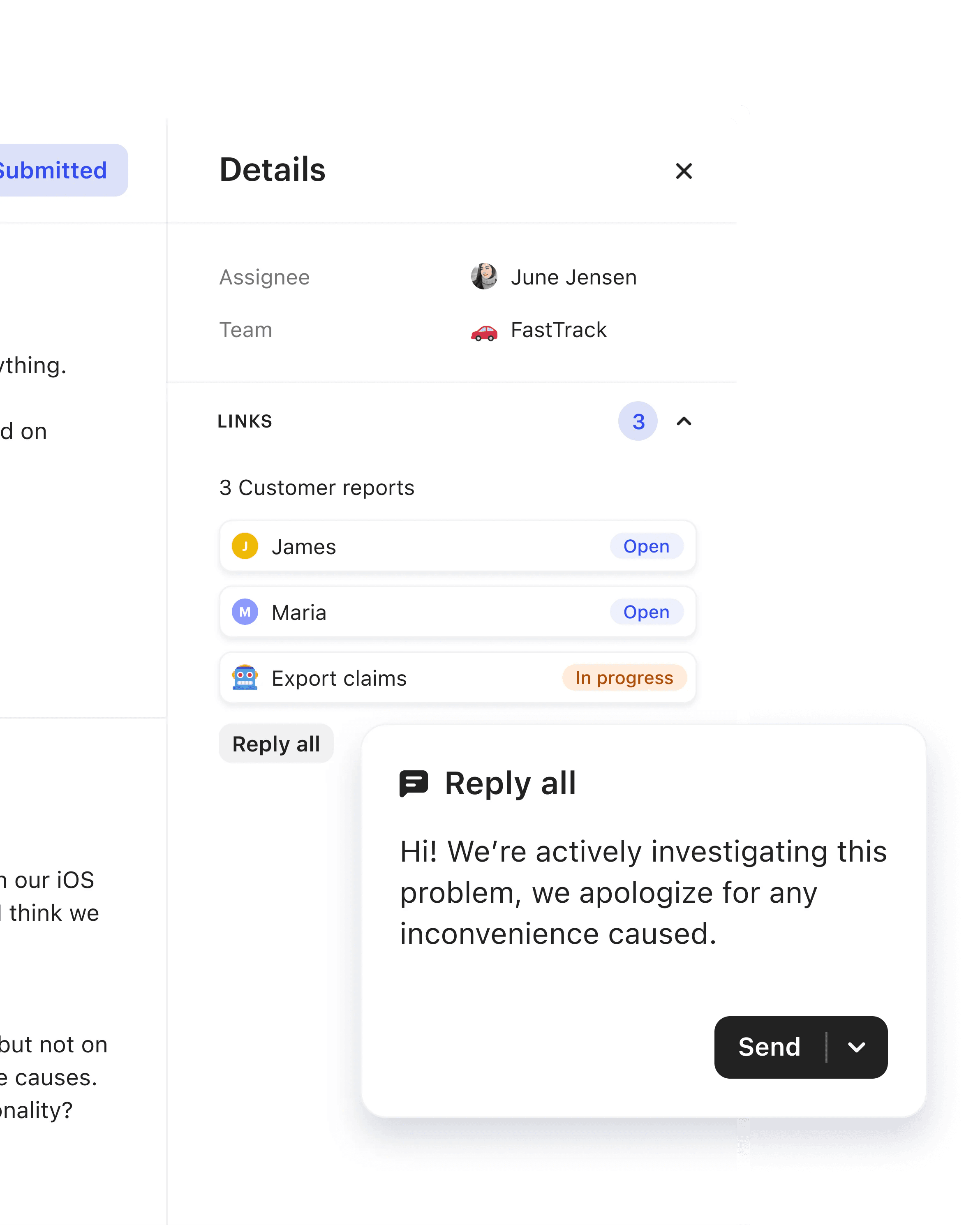

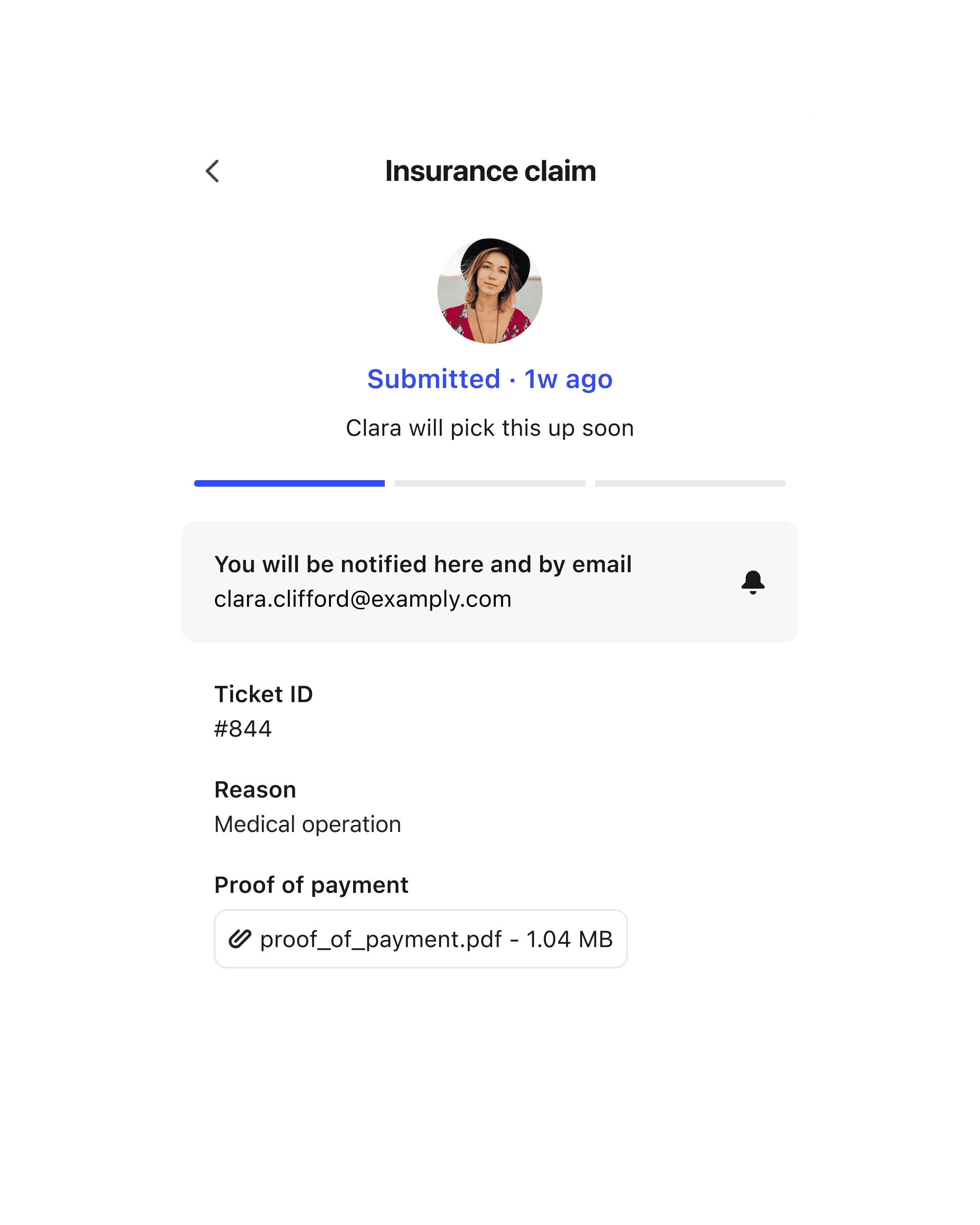
All of your channels together
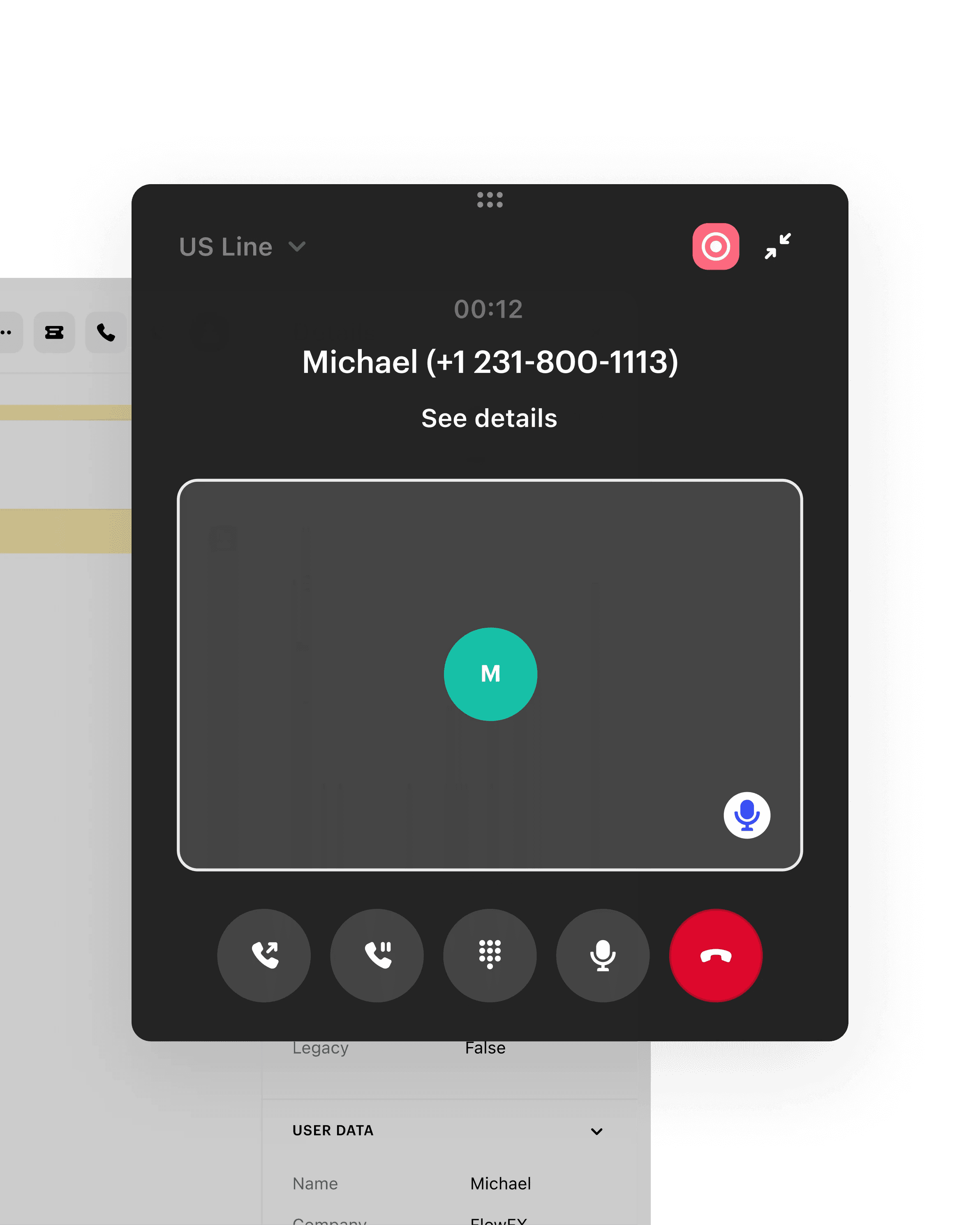
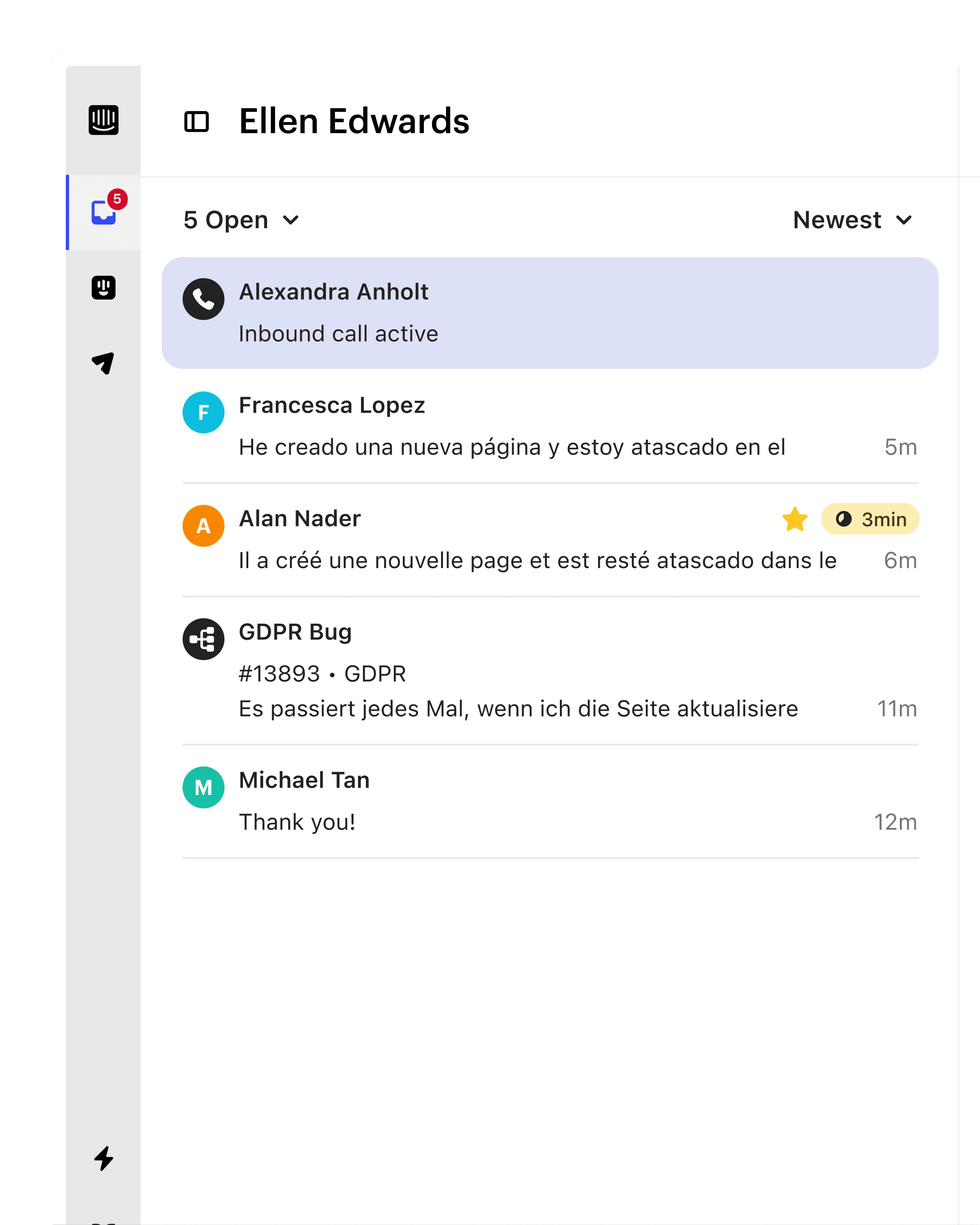
Conversations from every channel route directly to your Inbox for easier prioritization, faster resolutions, and high-quality customer experiences.


Fully integrated customer context
Easily accessible customer data
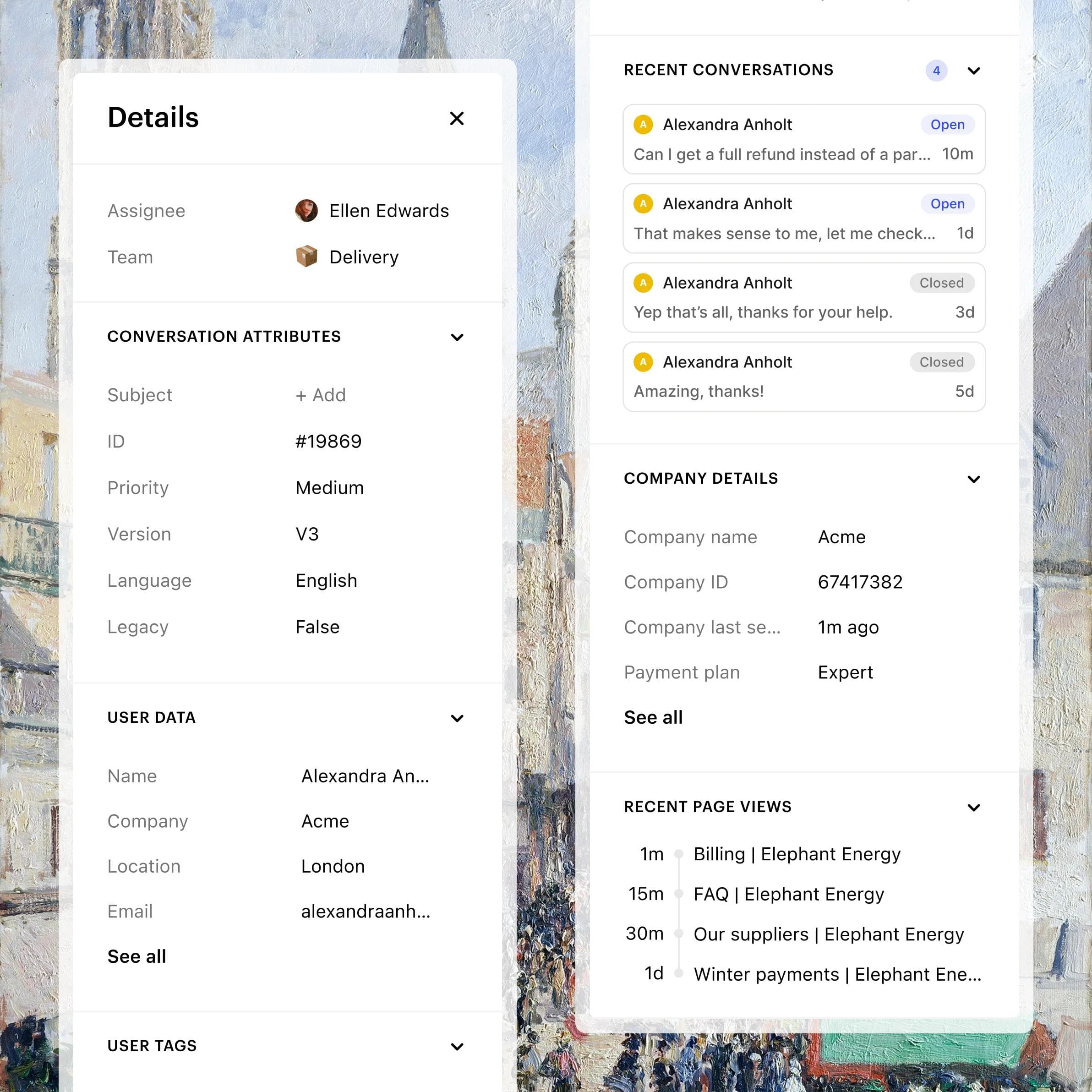
Expand the right hand side bar for rich customer data and context that’s easily customizable.
Apps and integrations
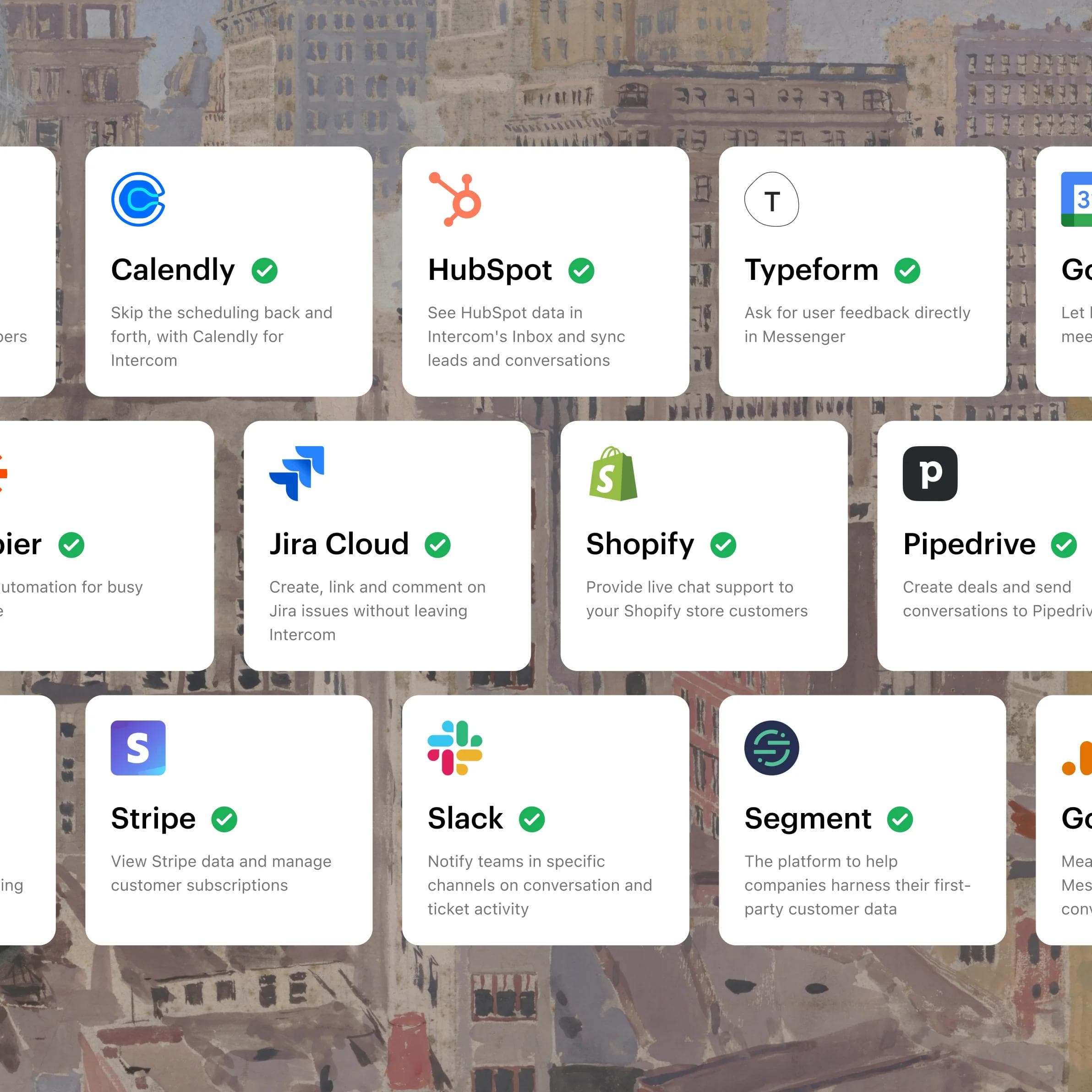
Connect pre-built integrations like Slack, Jira, and Salesforce to access vital info without leaving Intercom.



Additional features
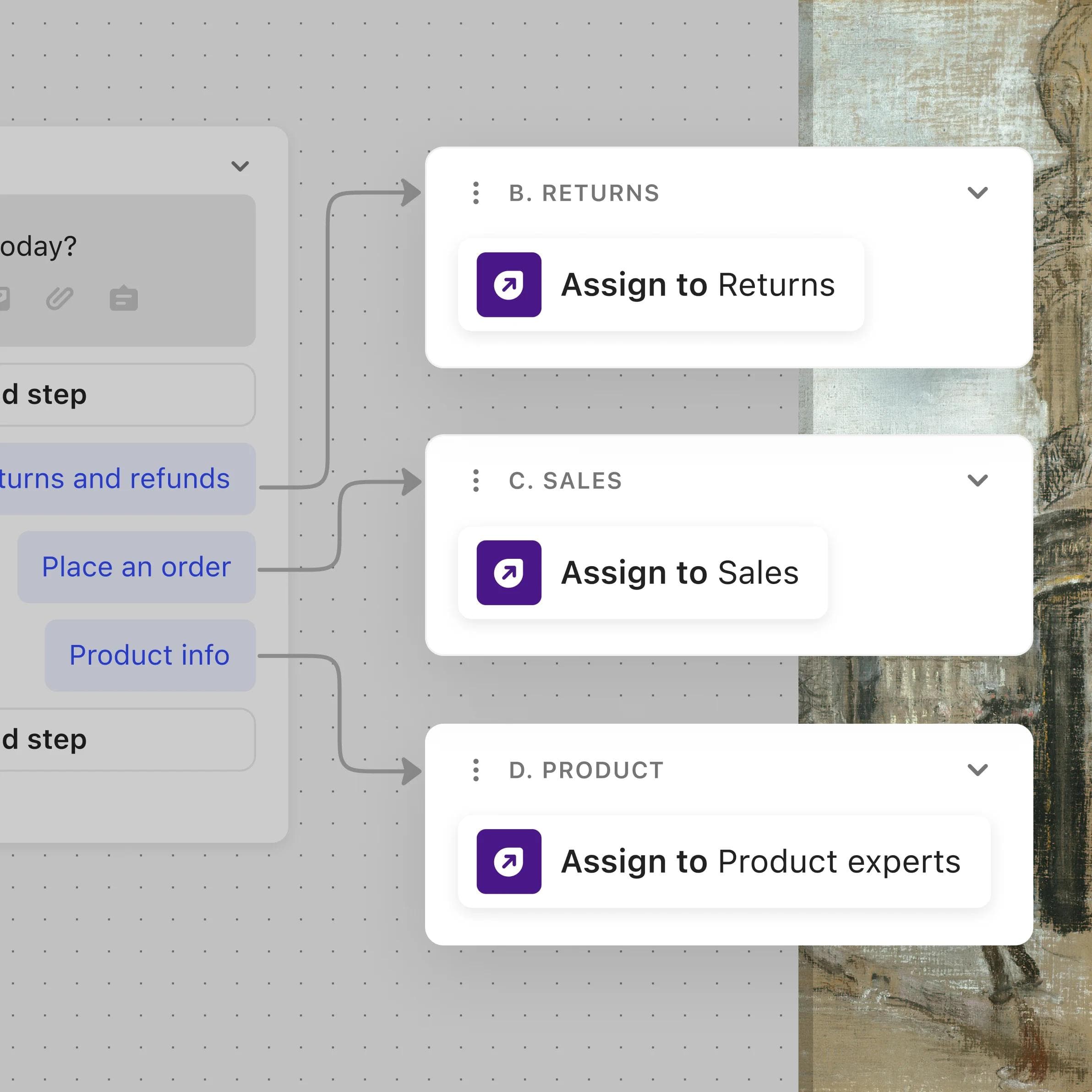
Workload management
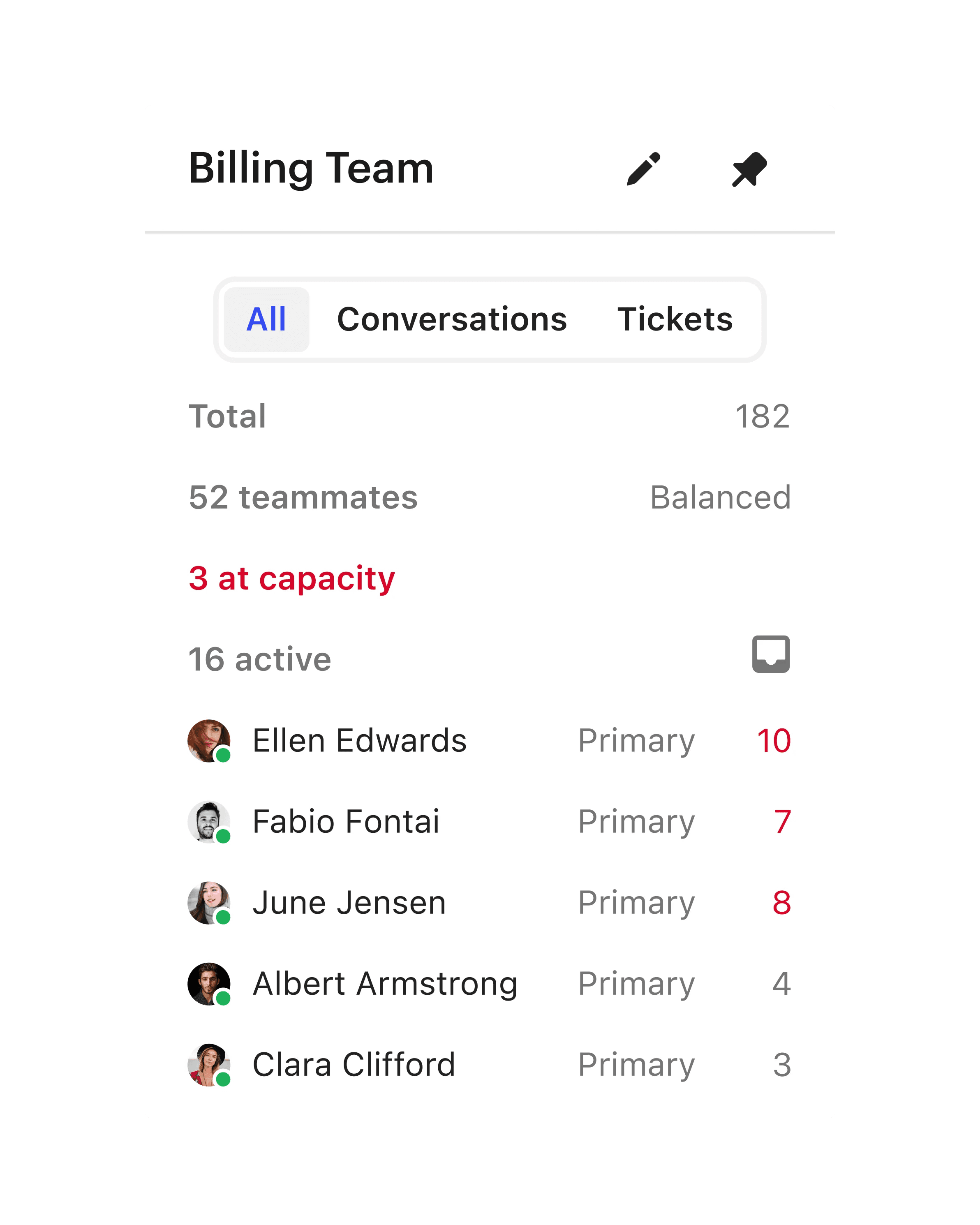
Create team assignment methods and prioritization rules to ensure conversations are assigned to the most relevant teammate.
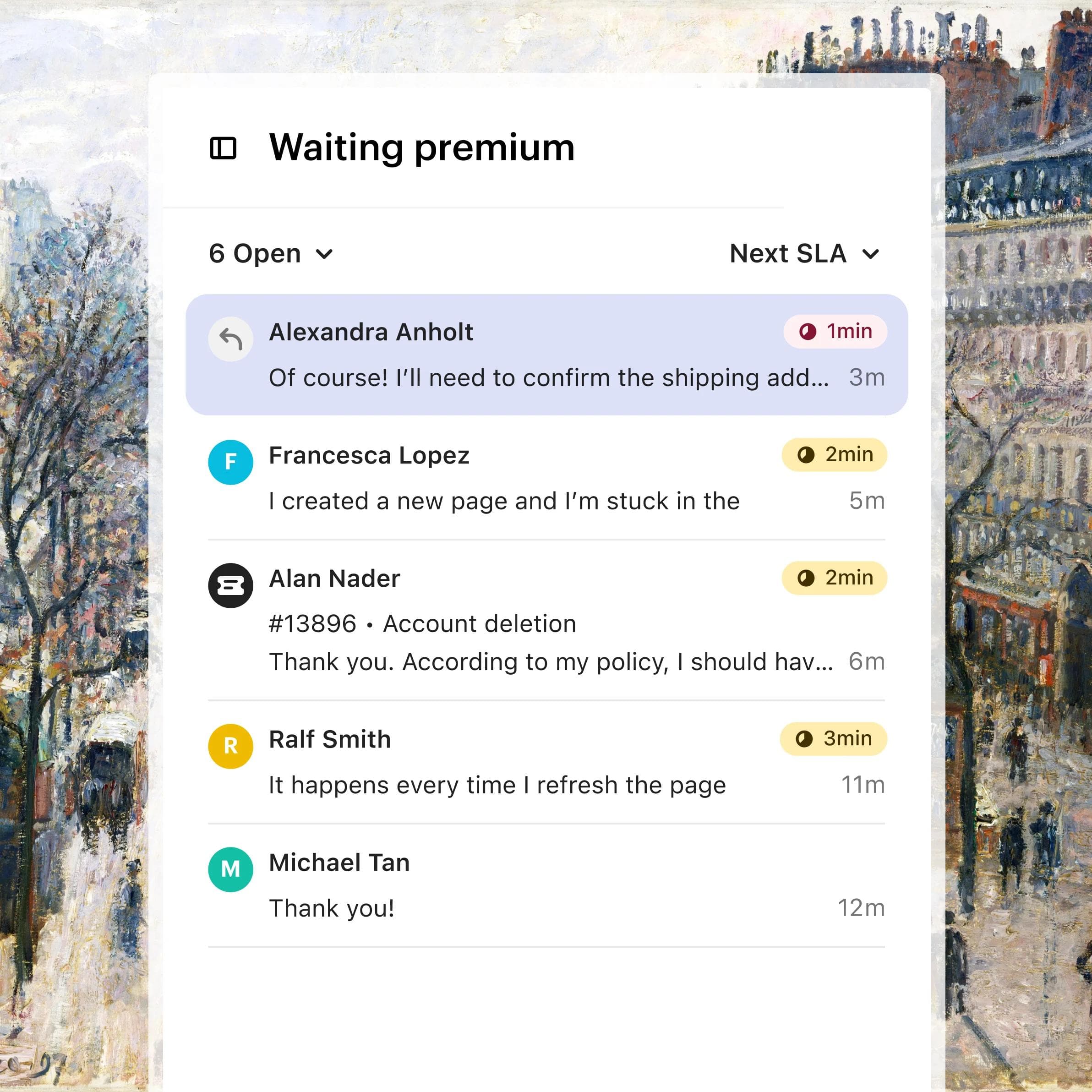
SLAs
Set SLA targets to prioritize urgent conversations, provide VIP support, and track your team’s performance.
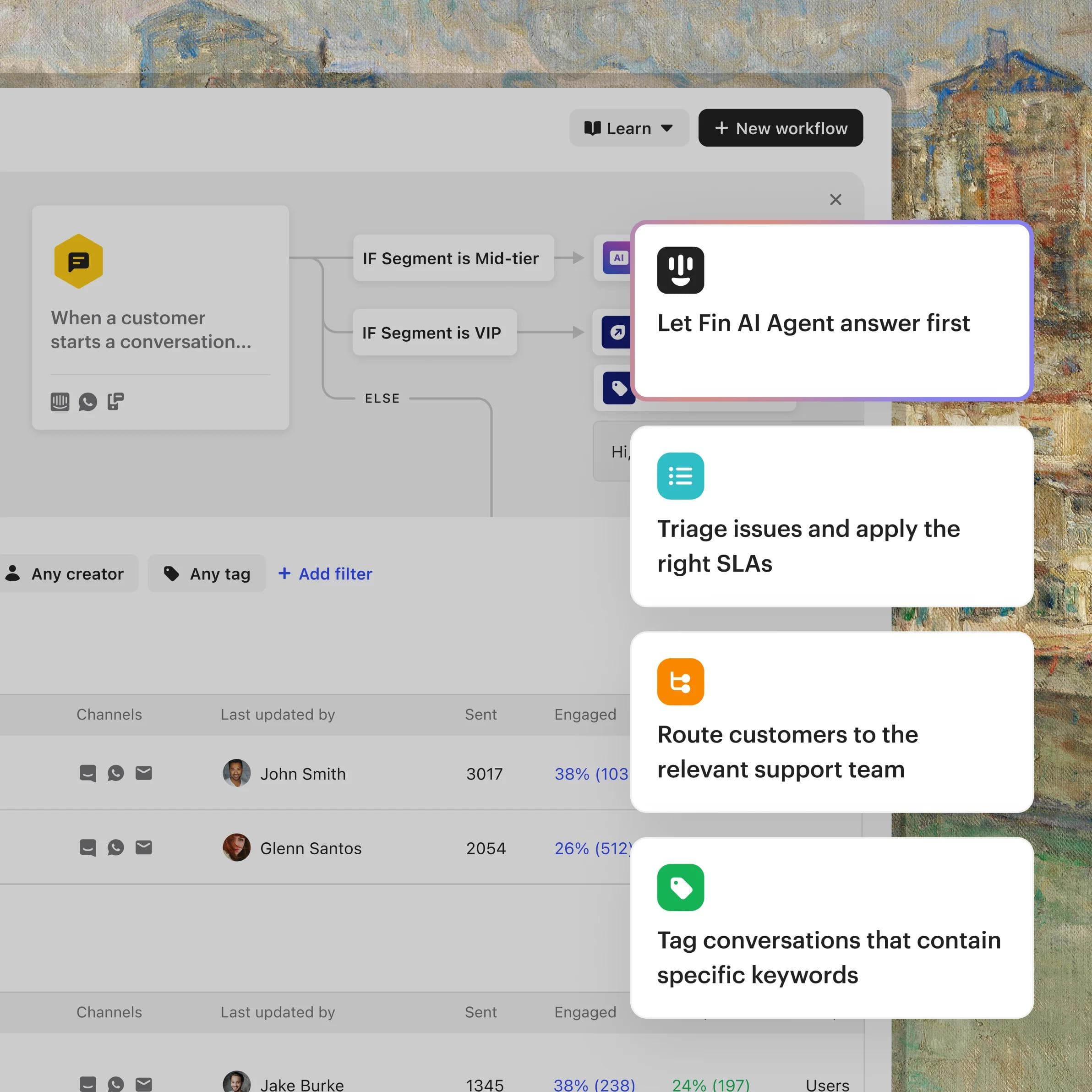
Workflows
Use our visual builder to automate your team’s workload with assignment rules, SLAs, time-saving bots, and more.
Helpdesk Updates
Over 60 improvements to the helpdesk you use everyday
The features you've been asking for and improvements you'll notice every day.
The Inbox for more efficient agents and better service
A huge thing that I really wanted was a tool that looked good and felt good to use. It’s very obvious that it’s been cared for like that. And I spend more than eight hours a day in this tool, so if it feels bad to use and looks clunky, then I’m going to have a bad time and I won’t enjoy it.”
The AI Inbox features are awesome! The summarize option makes it easy to summarize long conversations and saves us a ton of time.”
FAQs
The Intercom Inbox is a shared, omnichannel workspace where your support team manages every customer conversation in one place. It brings conversations from email, live chat, phone, WhatsApp, and social apps into one inbox, with Copilot for instant AI assistance, AI-powered ticketing, and real-time reporting. For the proactive side, reaching customers before they contact support, see Outbound.
Copilot gives every agent an AI assistant that pulls context from past conversations, surfaces instant answers from your knowledge base, and drafts replies, so your team resolves more queries, faster. In beta testing, Lightspeed's agents using Copilot closed 31% more customer conversations daily than agents who did not use it.
Agents handle email, live chat, phone, WhatsApp, SMS, and social messaging from a single inbox, so every conversation is prioritized and resolved in one place. Learn more about omnichannel support.
Yes. AI Inbox Translation instantly translates messages across every channel, so agents can support customers in 45+ languages without changing how they work.
Convert any conversation into a ticket with one click, automatically categorized, prioritized, and routed to the right team with full context. Agents move seamlessly between conversations and tickets without losing the thread. Learn more about tickets.
Yes. Intercom connects to over 350 integrations out of the box, including Salesforce, Slack, and Jira, plus flexible APIs for everything else, so agents access the customer data they need without leaving the inbox.
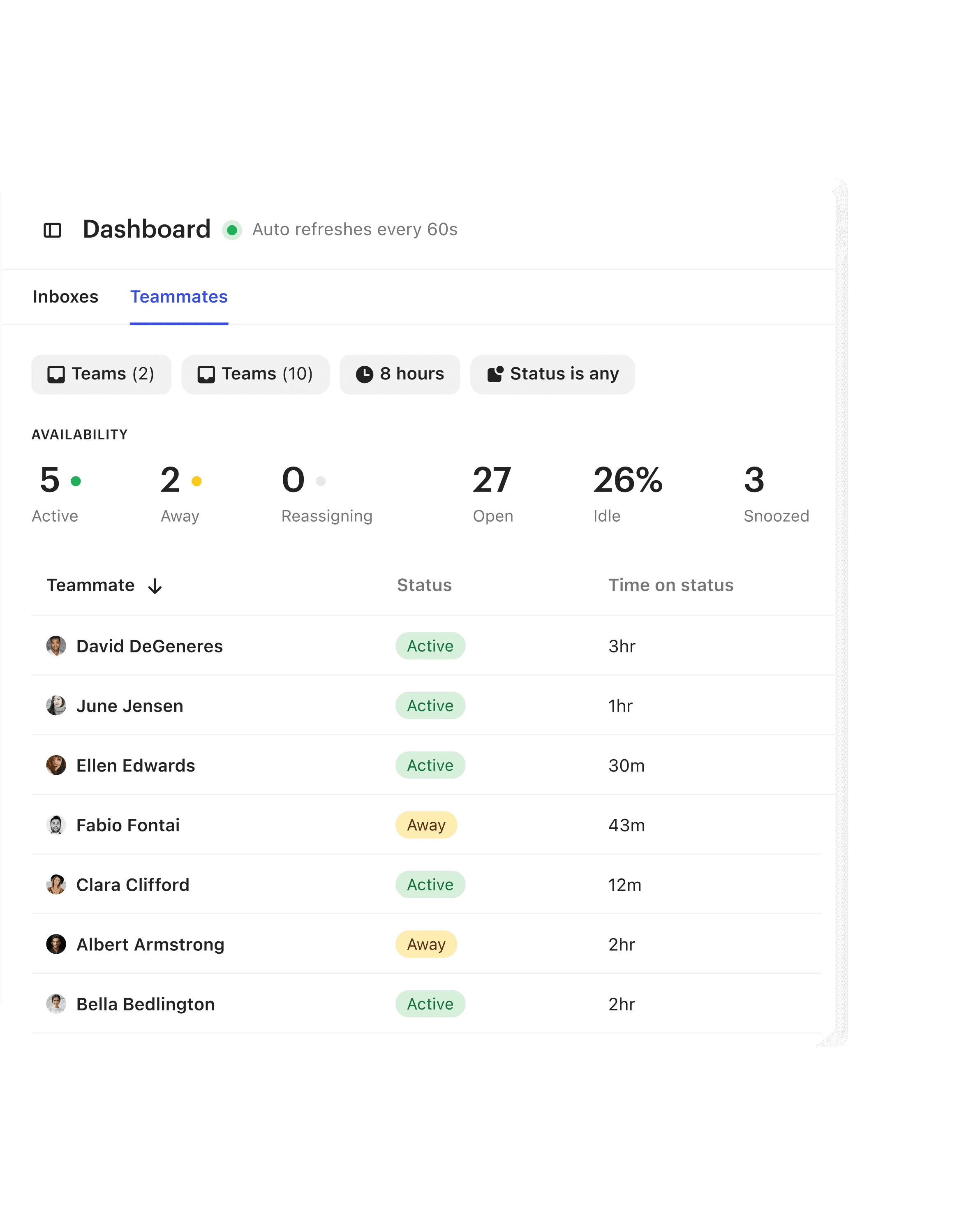
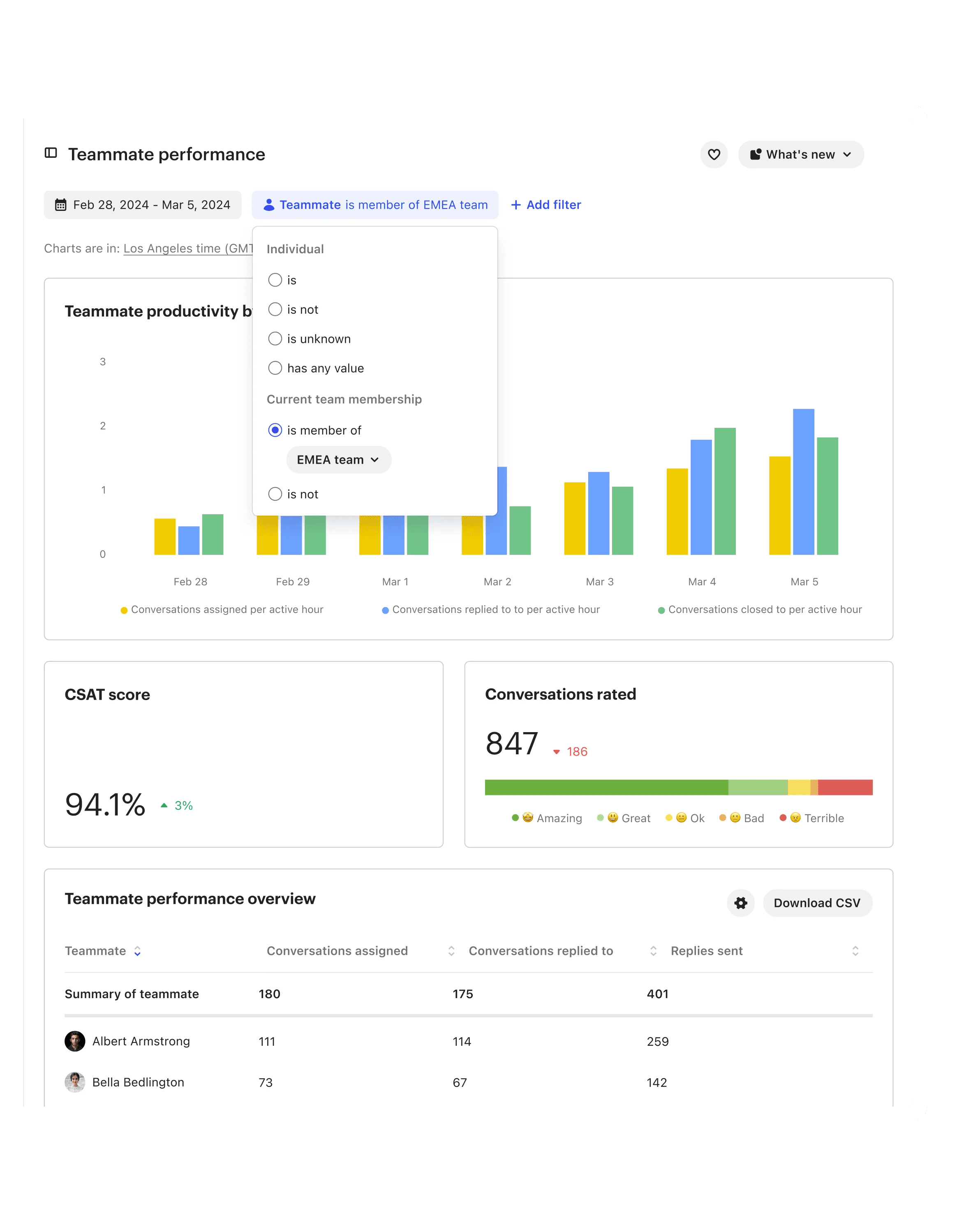
Yes. Managers get real-time dashboards, tailored team views, and pre-built reports to monitor support volume, team capacity, and KPIs, so they can allocate resources and improve performance. Learn more about reporting.
Start a free trial to set up your inbox in minutes, or view a demo to see it in action. For plan details, see Intercom pricing.