Tickets that continue the conversation
Resolve complex issues more efficiently with tickets designed to streamline collaboration and keep the conversation going, with no switching tools, no lost context, and no missed updates.
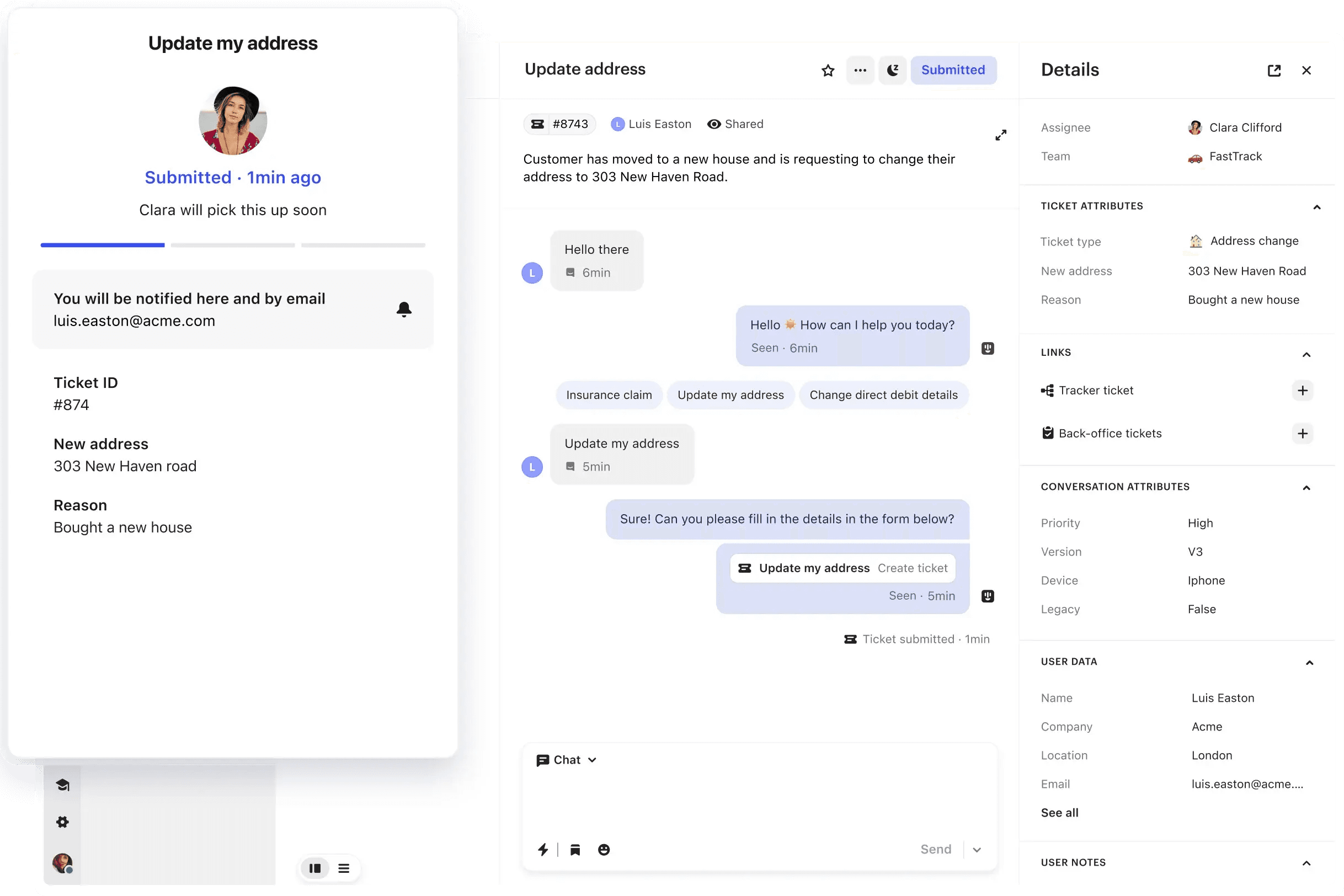

A better system for team collaboration and real-time customer updates
Customer Tickets
Move from conversation to ticket to solve complex issues and keep customers informed.
Back-office Tickets
Ensure all teams have the context they need to collaborate more efficiently.
Tracker Tickets
Share updates and resolve issues impacting many users with a single ticket.
Move seamlessly between conversations and tickets



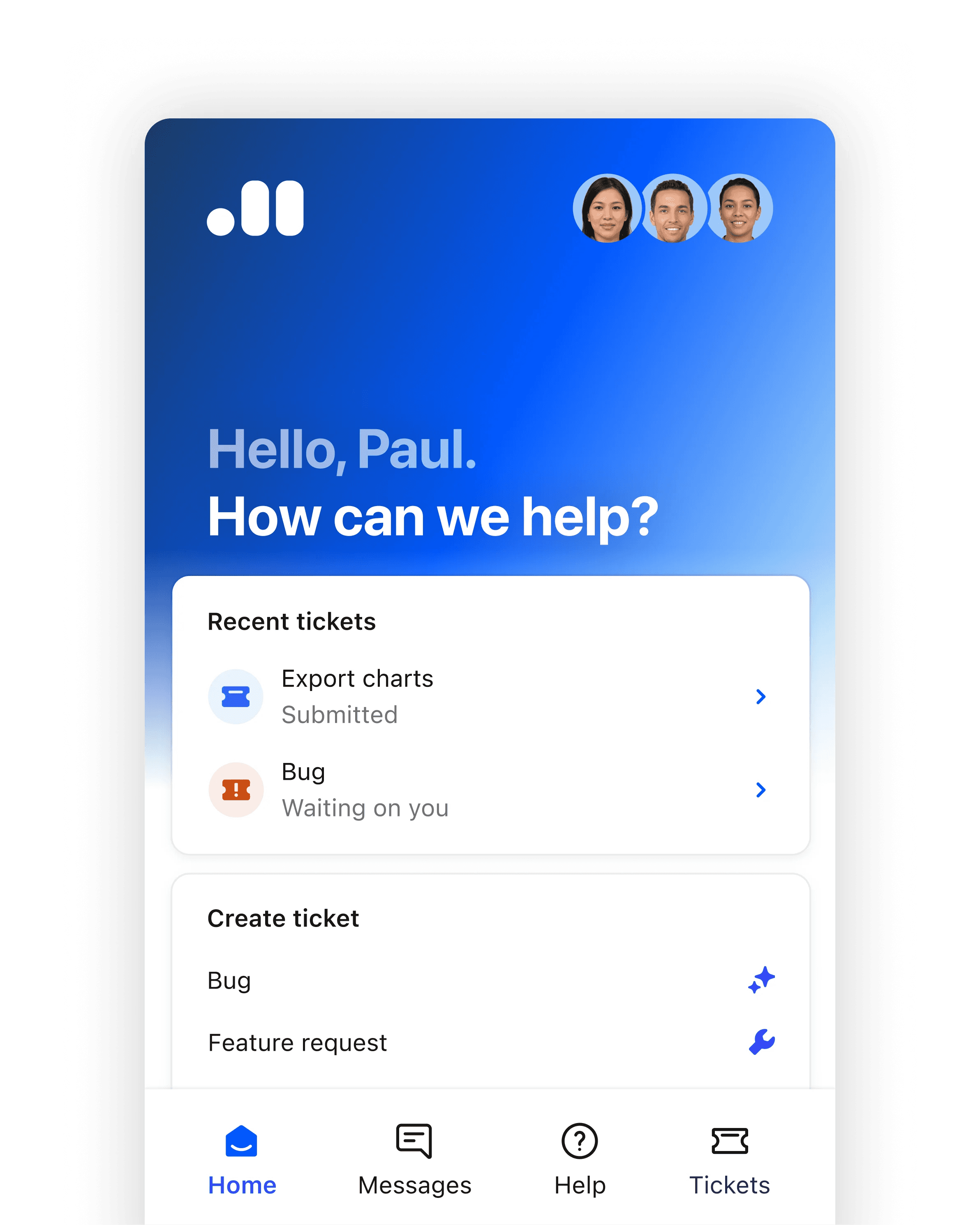

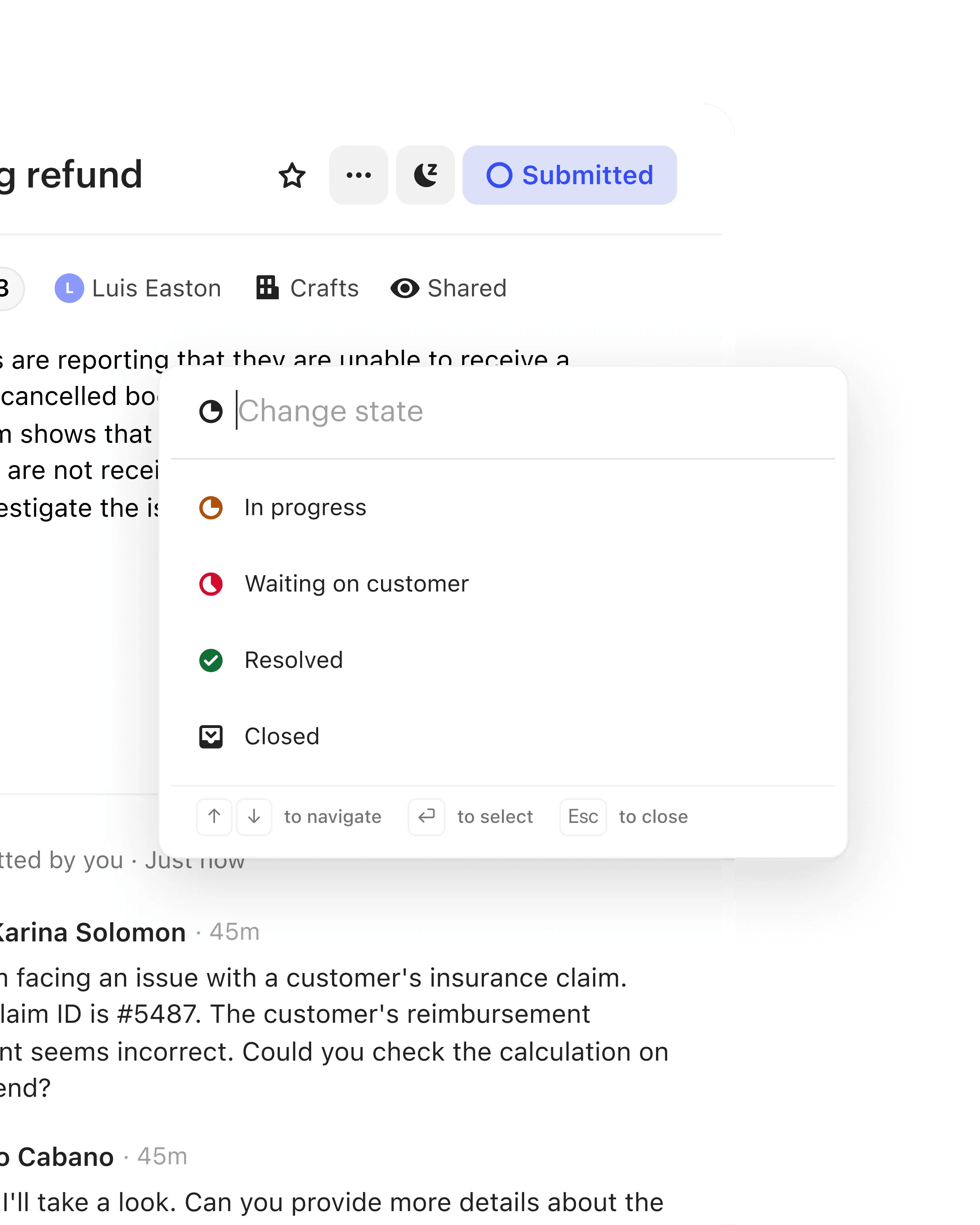


Streamline back-office collaboration
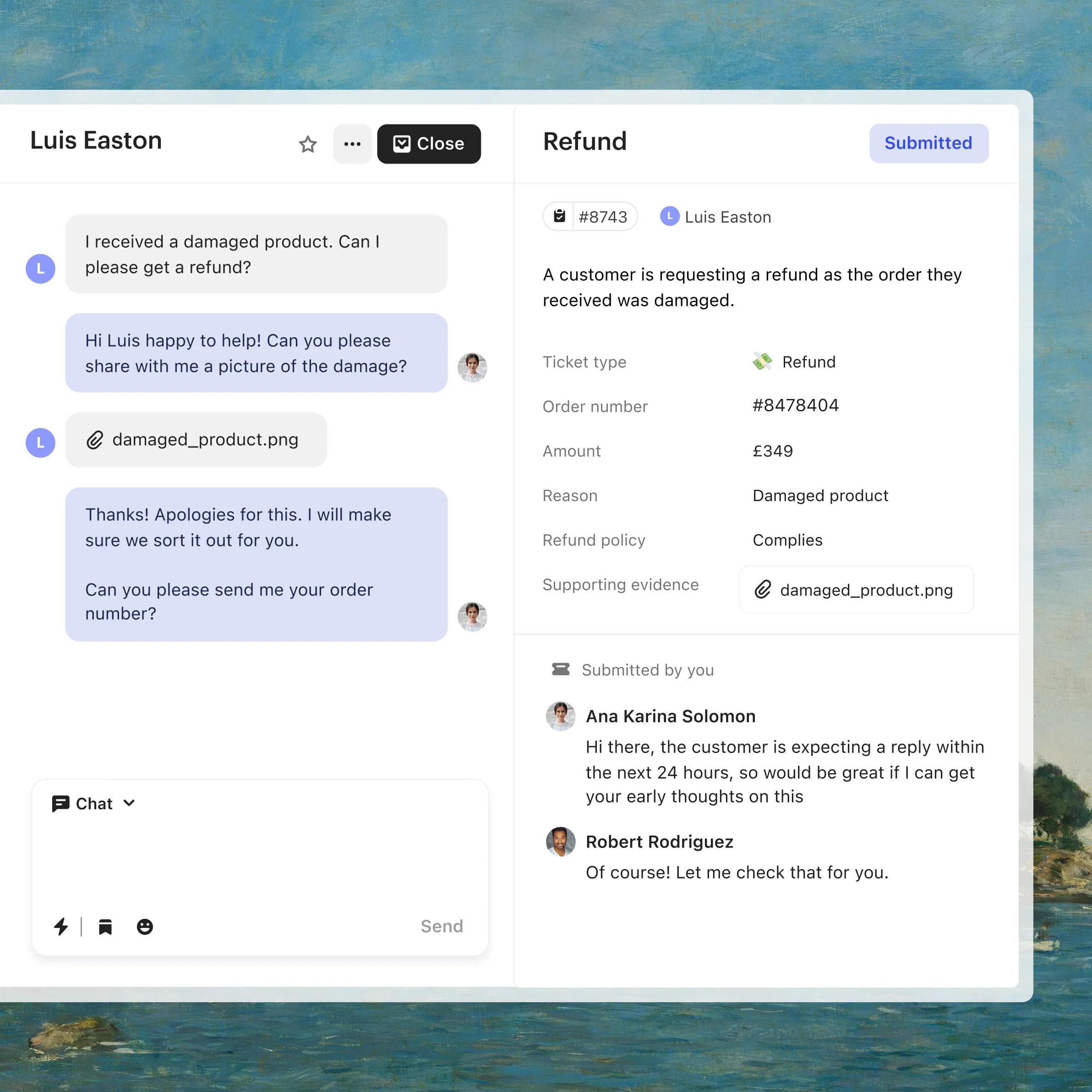
A separate ticket when it’s needed
Assign back-office teams a separate ticket that allows for internal, private notes.
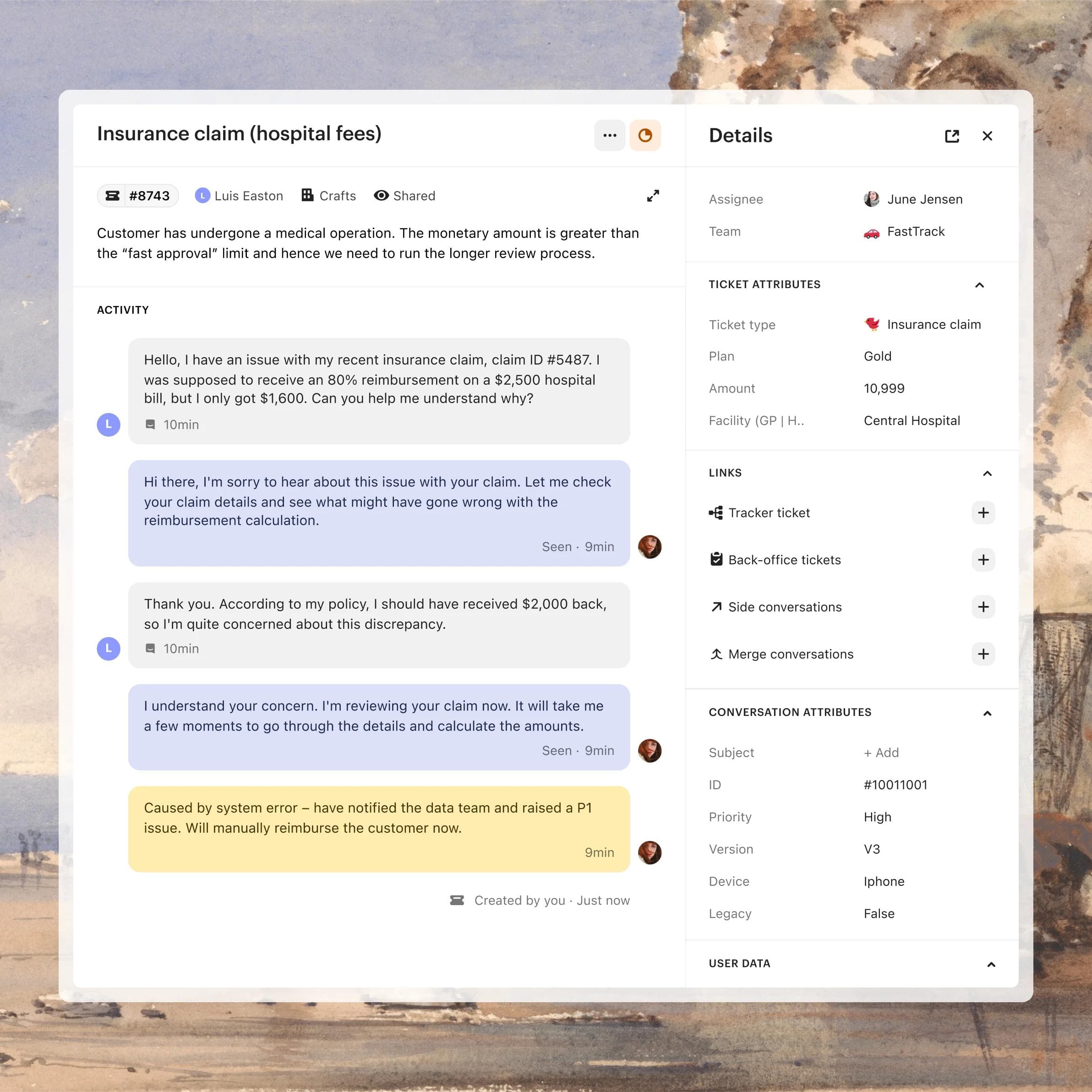
Always connected for context
Conversations, notes, and customer data are always accessible so front- and back-office teams never lose context.
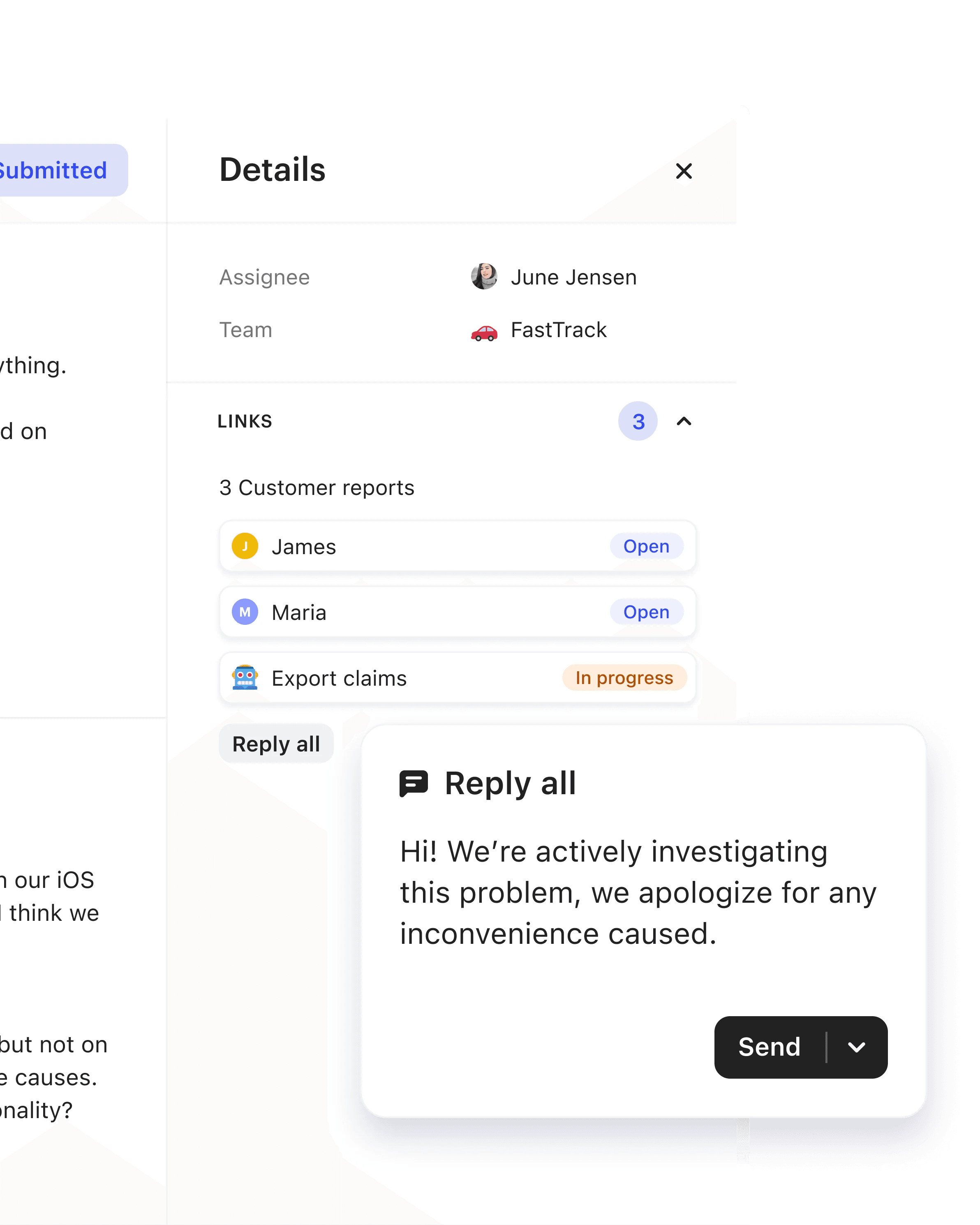
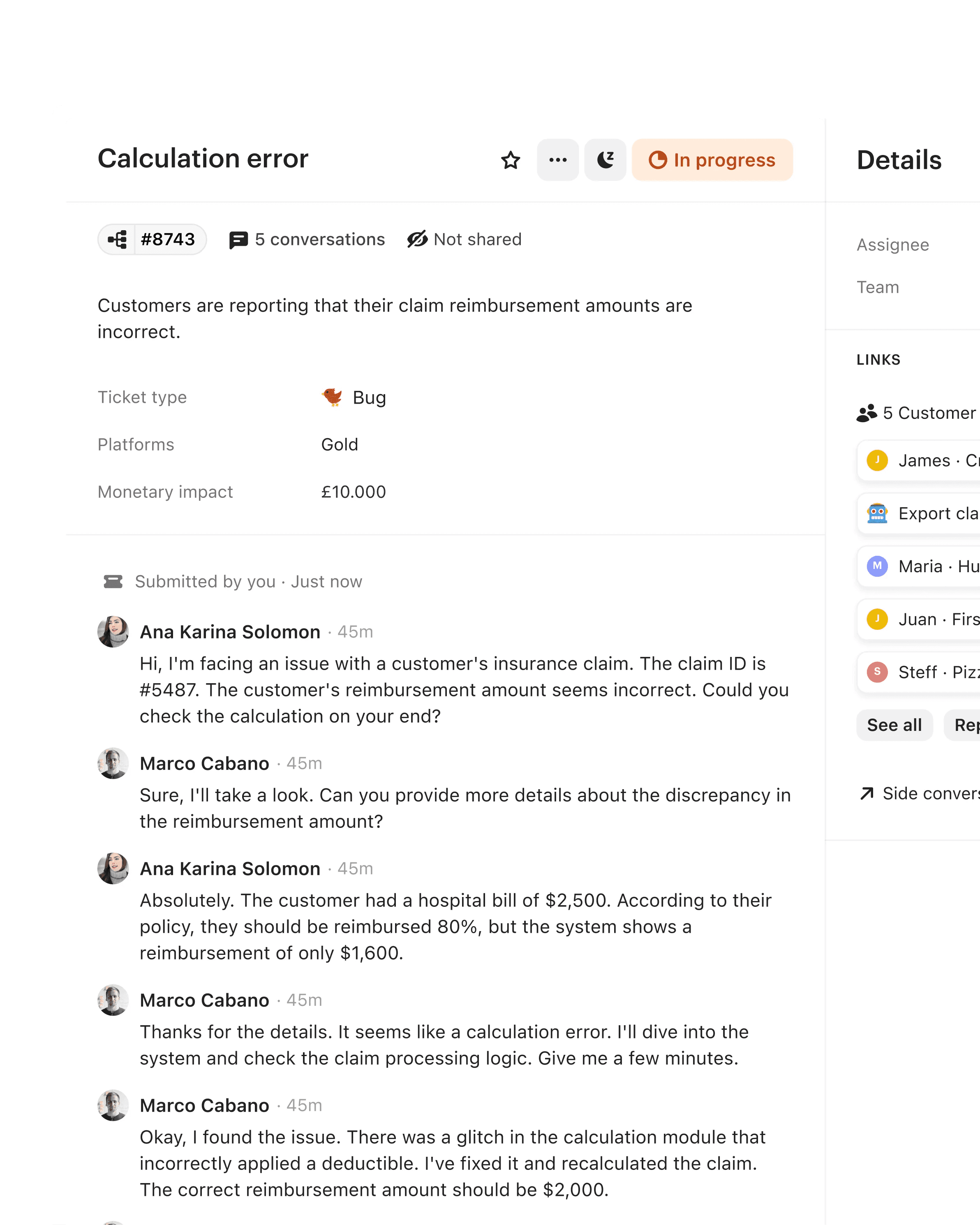
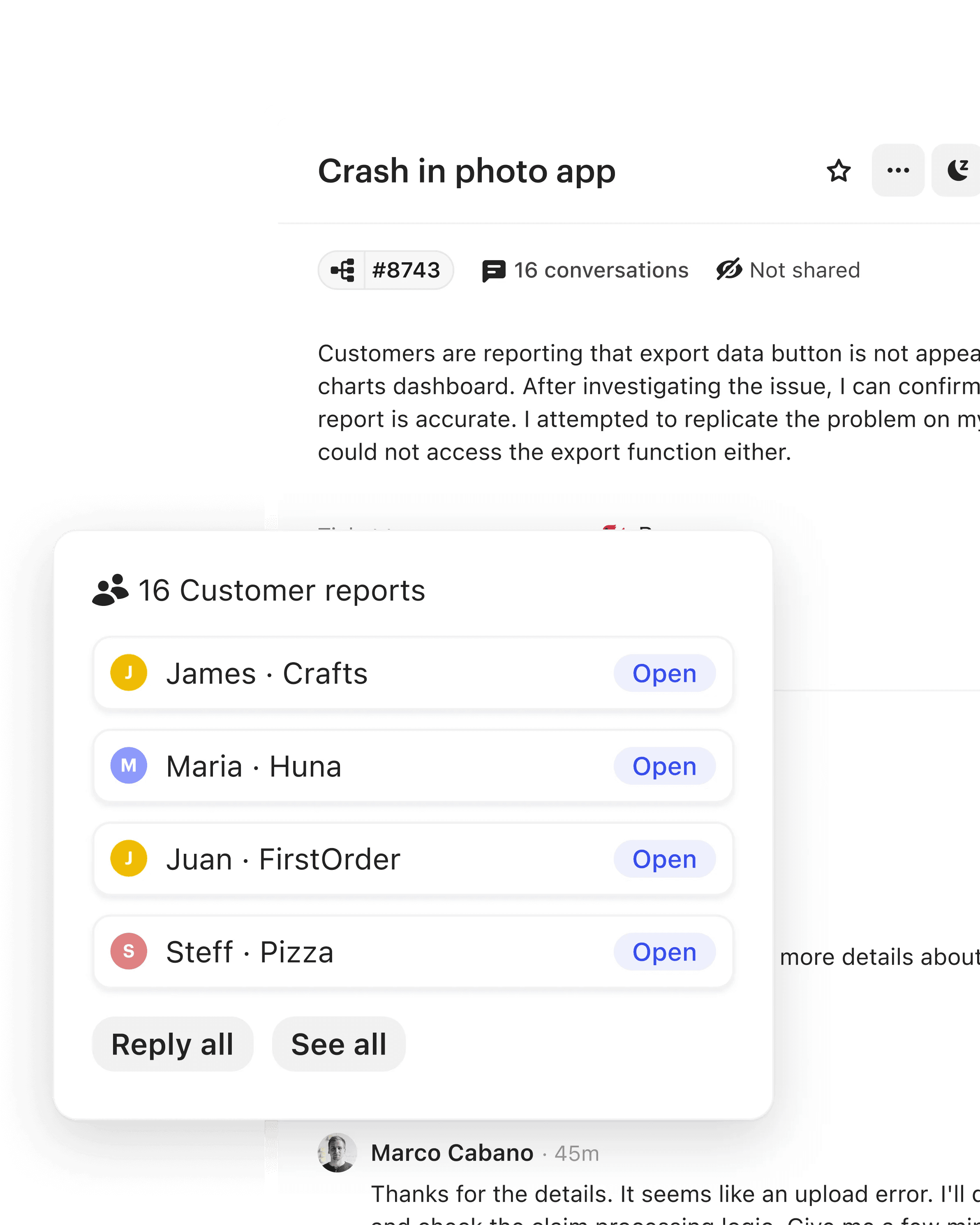
Track multiple customers with one ticket



Plus everything else you need to resolve complex issues faster

Side conversations
Start a conversation with external partners from within the context of the customer conversation.
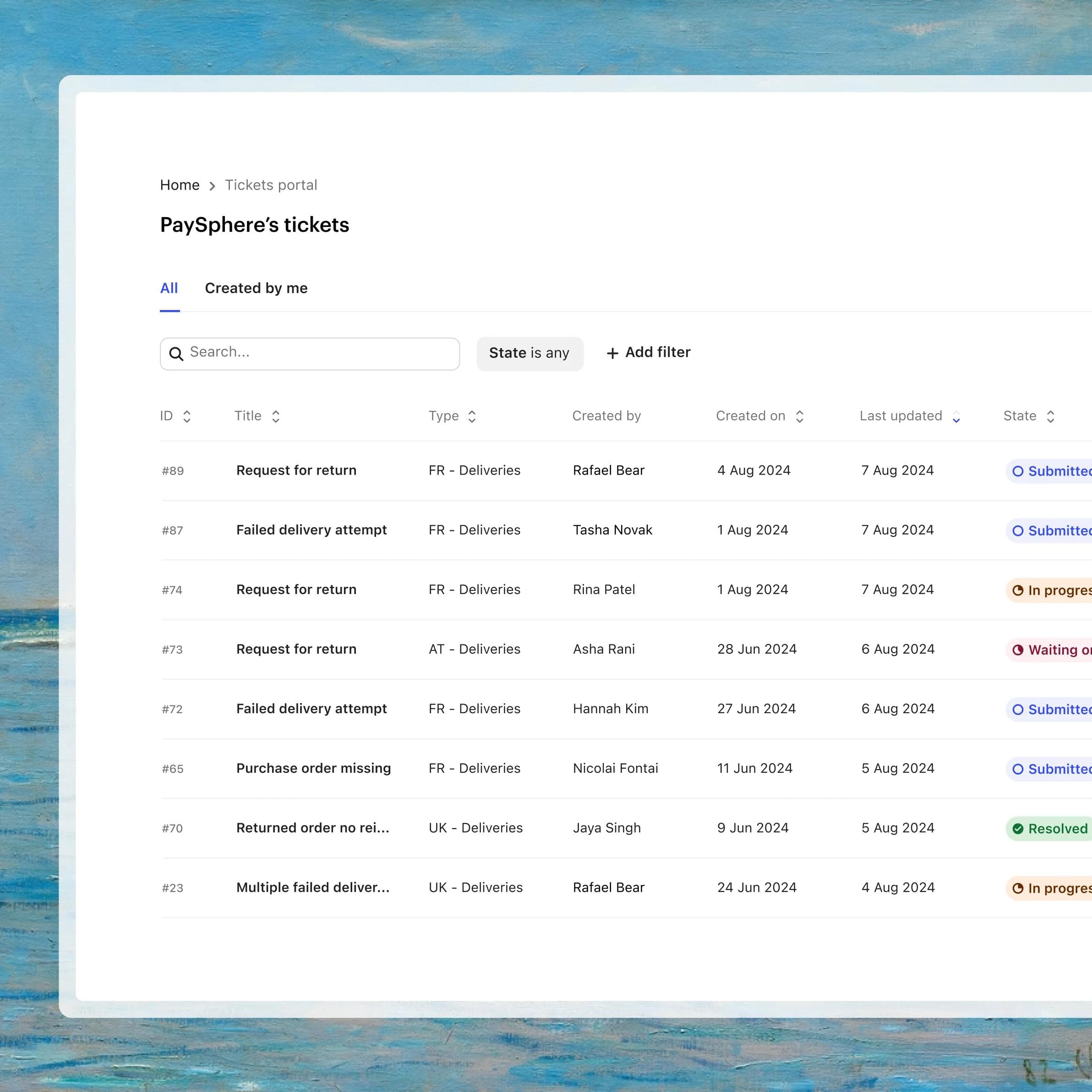
Company portal
Give customers a central portal to view, track, and take action on all their team’s tickets.
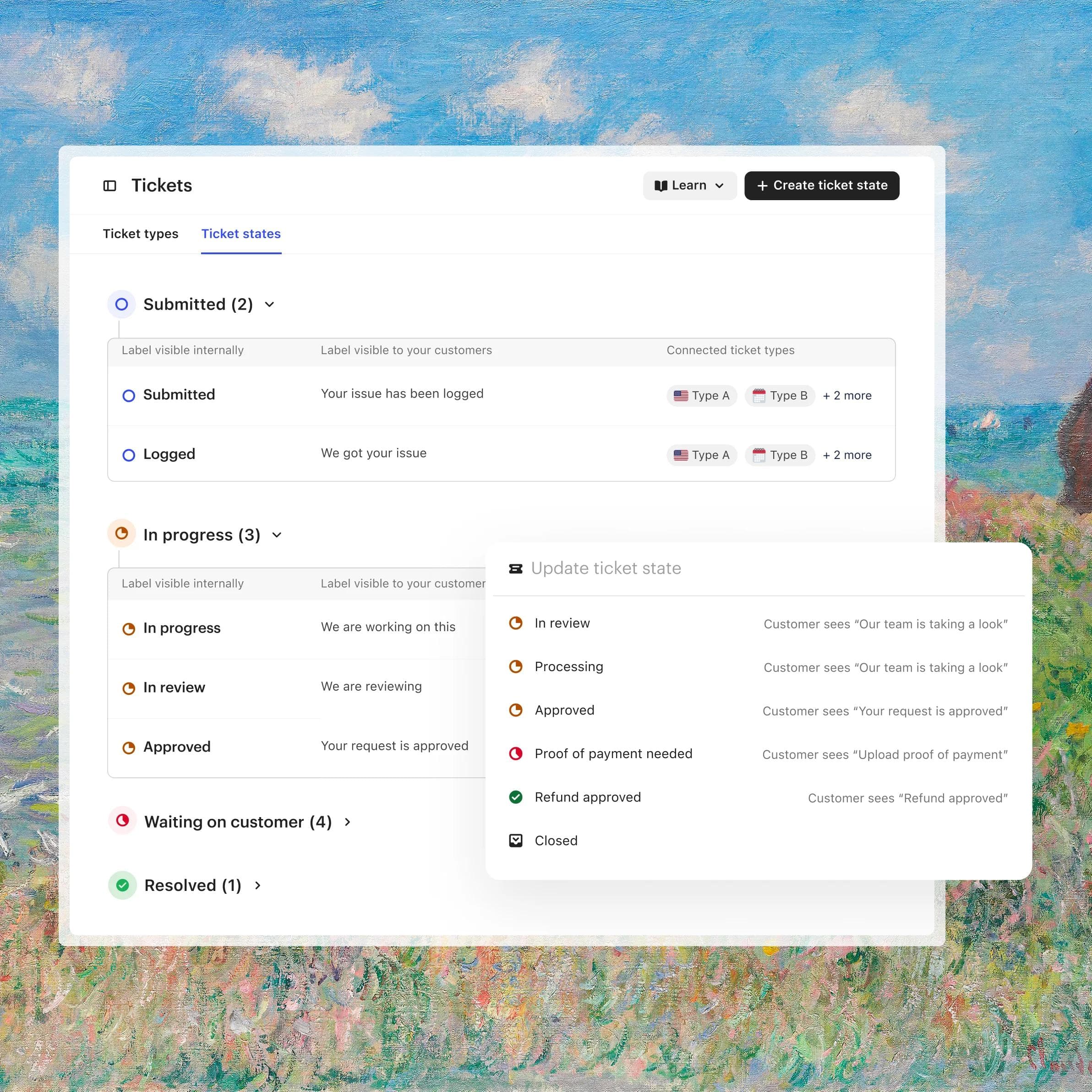
Custom states
Create unique ticket states for tracking that align with your team processes and reporting.
Fully integrated with the Intercom platform
Workflows
Automate actions like assigning ticket types to specific teams with our visual, no-code builder.
Lite seats
Let back-office teams access Intercom as a collaborator and help resolve tickets more quickly.
Customer notifications
Give customers real-time updates over email and chat as their tickets progress.
Integrations
Connect to 350+ integrations out of the box, including Slack, Jira, and Salesforce, plus flexible APIs for everything else.
Reporting
Track and optimize your team’s impact with ticket metrics and dashboards.
SLAs
Set ticket SLAs to more effectively track your team’s response and resolution times.
Helpdesk Updates
Over 60 improvements to the helpdesk you use everyday
The features you've been asking for and improvements you'll notice every day.
A ticketing system that saves time and effort for agents and customers
Since moving our support ticketing from Zendesk to Intercom, we’re not only saving both money and agent time by consolidating to one support platform, but we’re also delivering a faster and more personalized experience to our customers.”
The new ticketing flows made it easier to set up and maintain rules. A huge time-saver that helps us provide better service.”
FAQs
Intercom's ticketing system lets support teams turn any customer conversation into a ticket to resolve more complex issues without losing context. It includes customer tickets, back-office tickets, and tracker tickets, so front- and back-office teams can collaborate and keep customers updated as work progresses.
Intercom has three ticket types. Customer tickets move a conversation to a ticket to solve complex issues and keep customers informed. Back-office tickets give internal teams a separate ticket with private notes while staying connected to the original conversation. Tracker tickets manage many conversations about a single widespread issue, so you can update all affected customers at once.
Intercom is the only helpdesk with a natively integrated AI Agent, Fin. Any conversation can be converted into a ticket that is automatically categorized, prioritized, and routed to the right team, so every issue reaches the right person with full context.
You can convert any conversation into a ticket with one click, so you resolve the issue without losing context. Collect the details you need upfront with ticket forms sent through a bot or directly in your product, and keep customers updated automatically over chat and email as the ticket progresses.
A back-office ticket is for collaborating on a single customer's issue: it gives an internal team a separate ticket with private notes, connected to the original conversation. A tracker ticket is for a widespread issue affecting many customers: it links all the related conversations to one ticket so you can resolve it once and update everyone affected at the same time.
Yes. Teams regularly consolidate onto Intercom from other tools. Copper moved its support ticketing from Zendesk to Intercom and reports saving money and agent time by consolidating to one support platform, while delivering faster, more personalized service. Request a demo to see how a move would work for your team.
Intercom connects to 350+ integrations out of the box, including Slack, Jira, and Salesforce, with flexible APIs for everything else. You can also automate ticket workflows, such as assigning ticket types to specific teams, with a visual, no-code builder.
Set SLAs on tickets to track your team's response and resolution times, and use ticket metrics and dashboards to monitor and improve performance. Learn more about helpdesk reporting.