Calls and conversations in one place
Use phone calls, video calls, and screen sharing to troubleshoot customer issues faster with modern, native phone support.
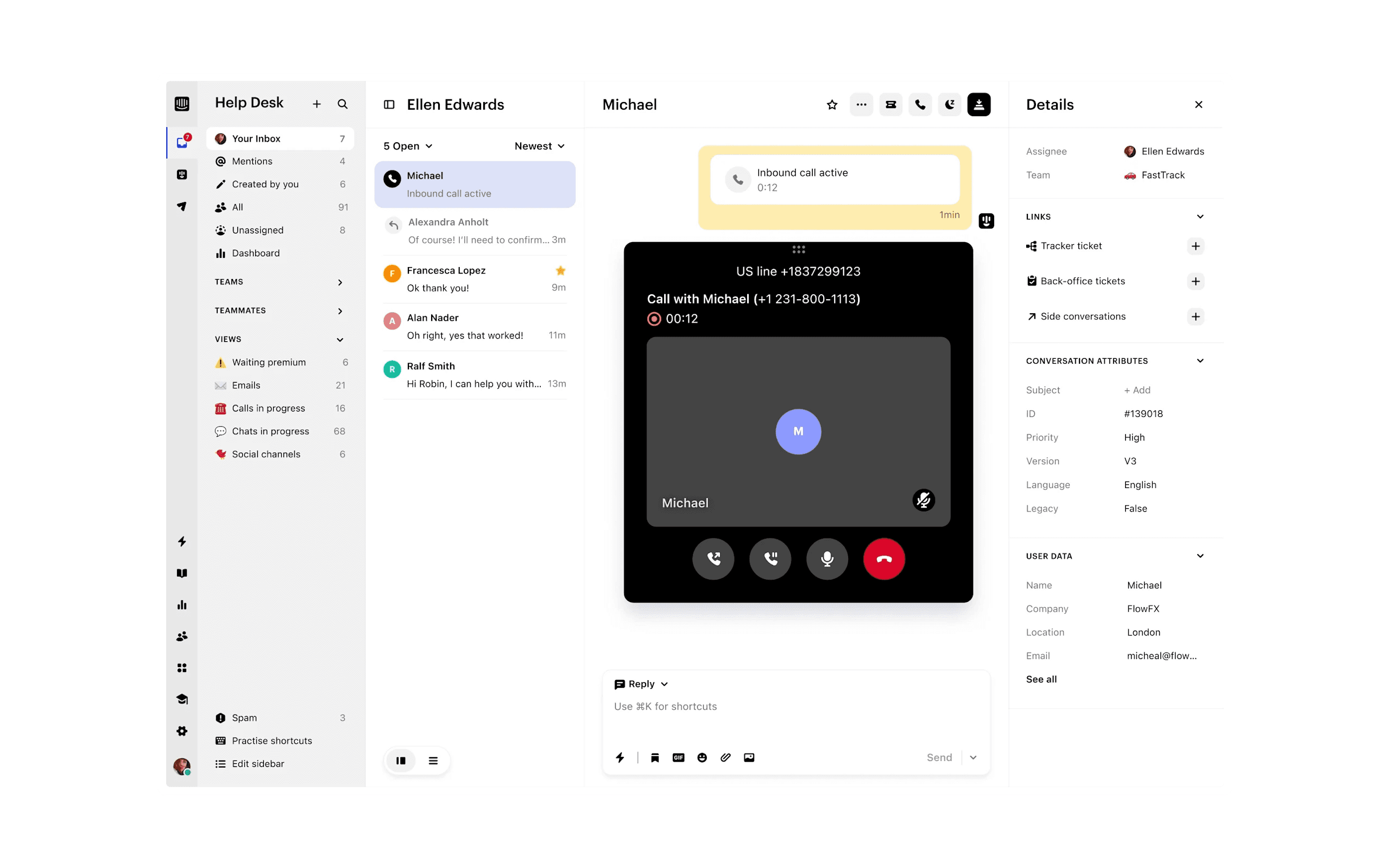

Modern, native phone support in your inbox

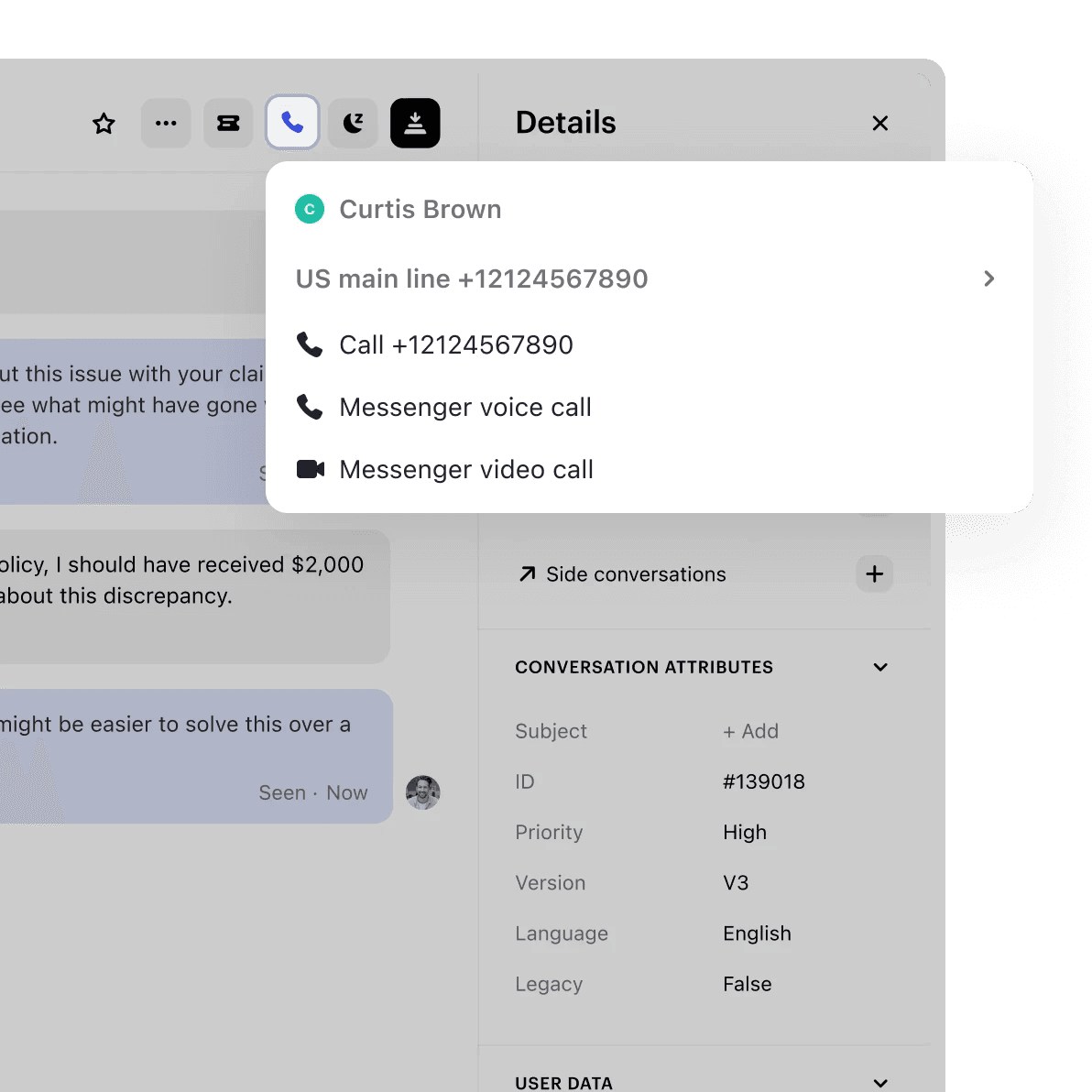


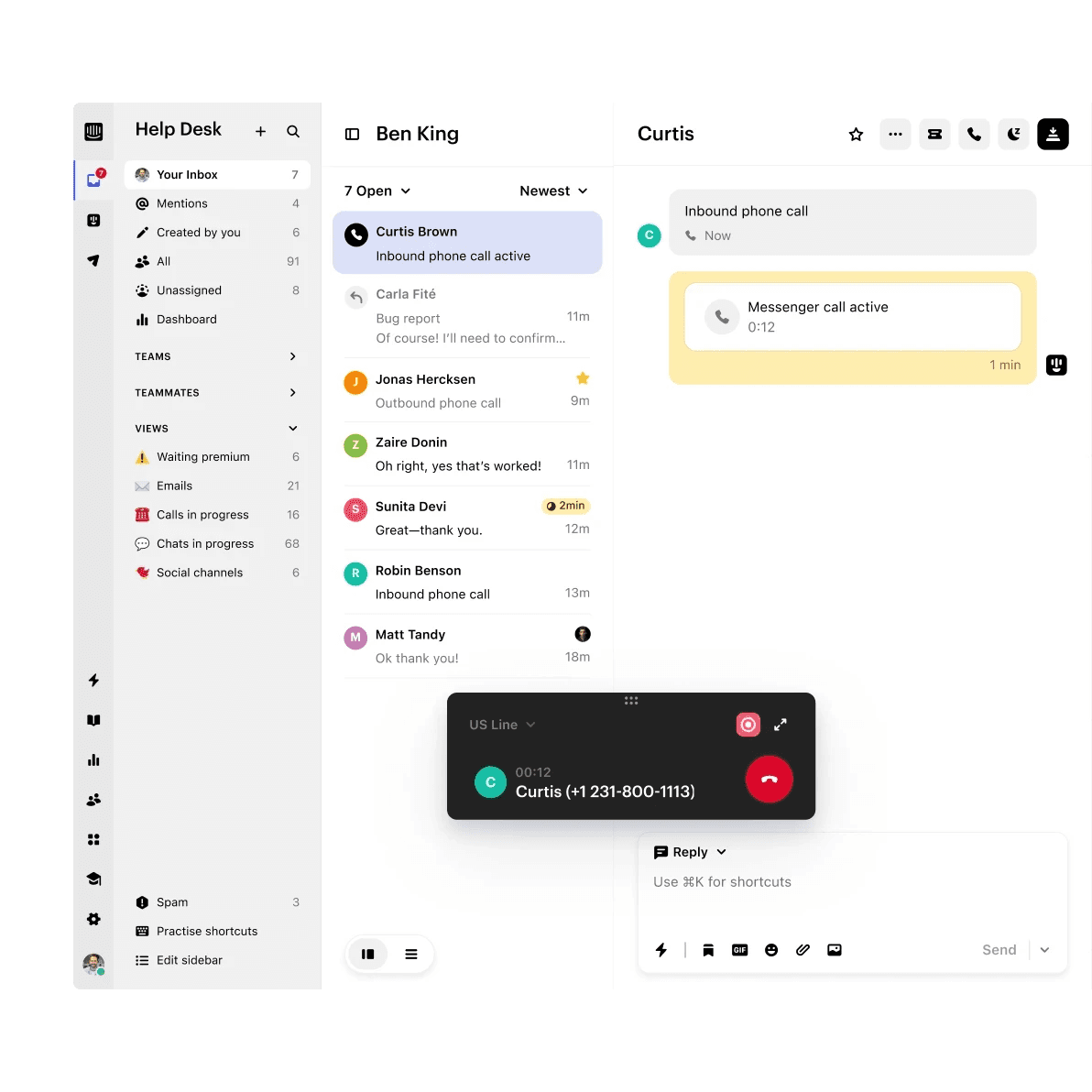
Receive inbound calls directly in the inbox so your team has no missing context and can solve customer issues faster.

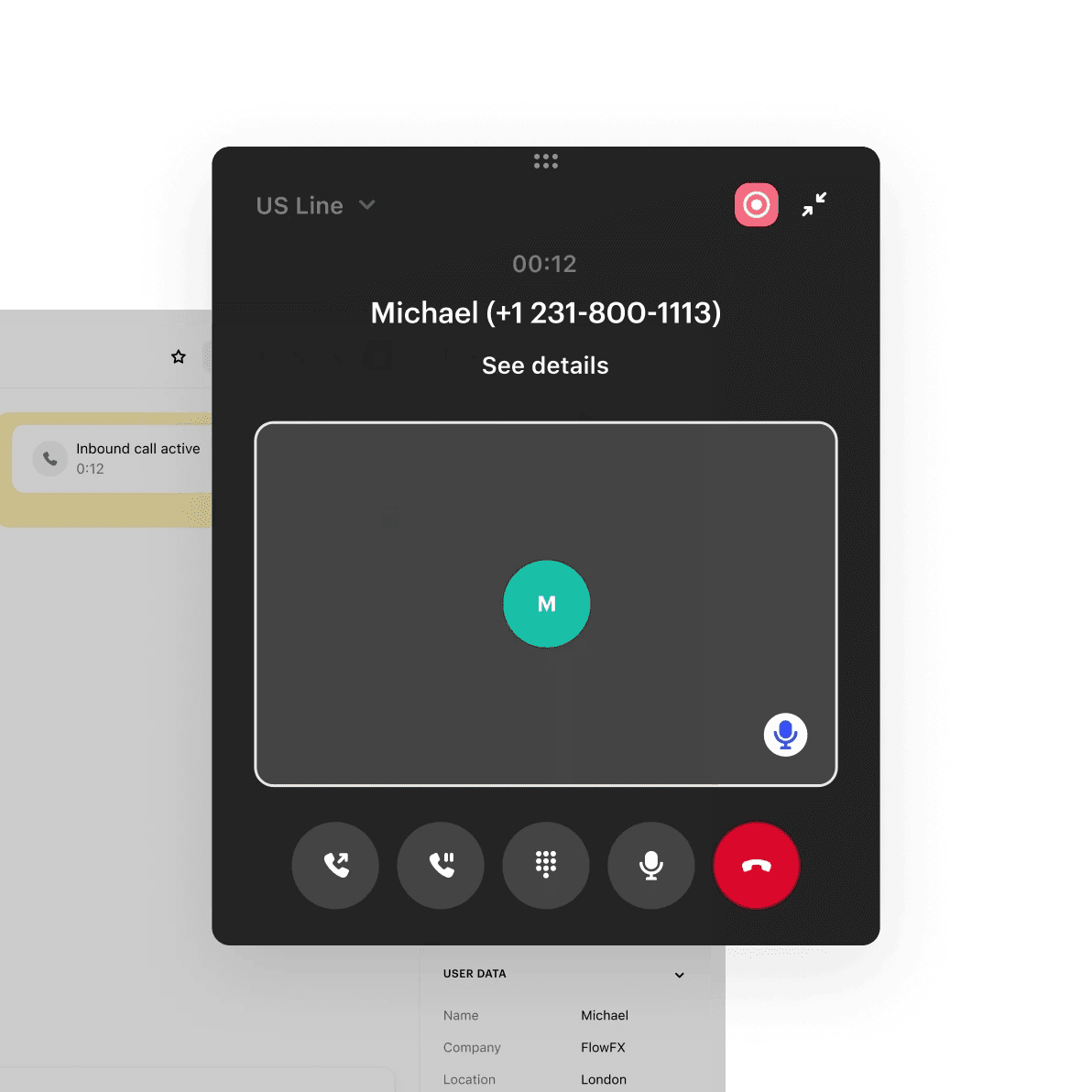
Use outbound calls to follow up on ongoing issues or provide a more personalized experience. Global coverage available.
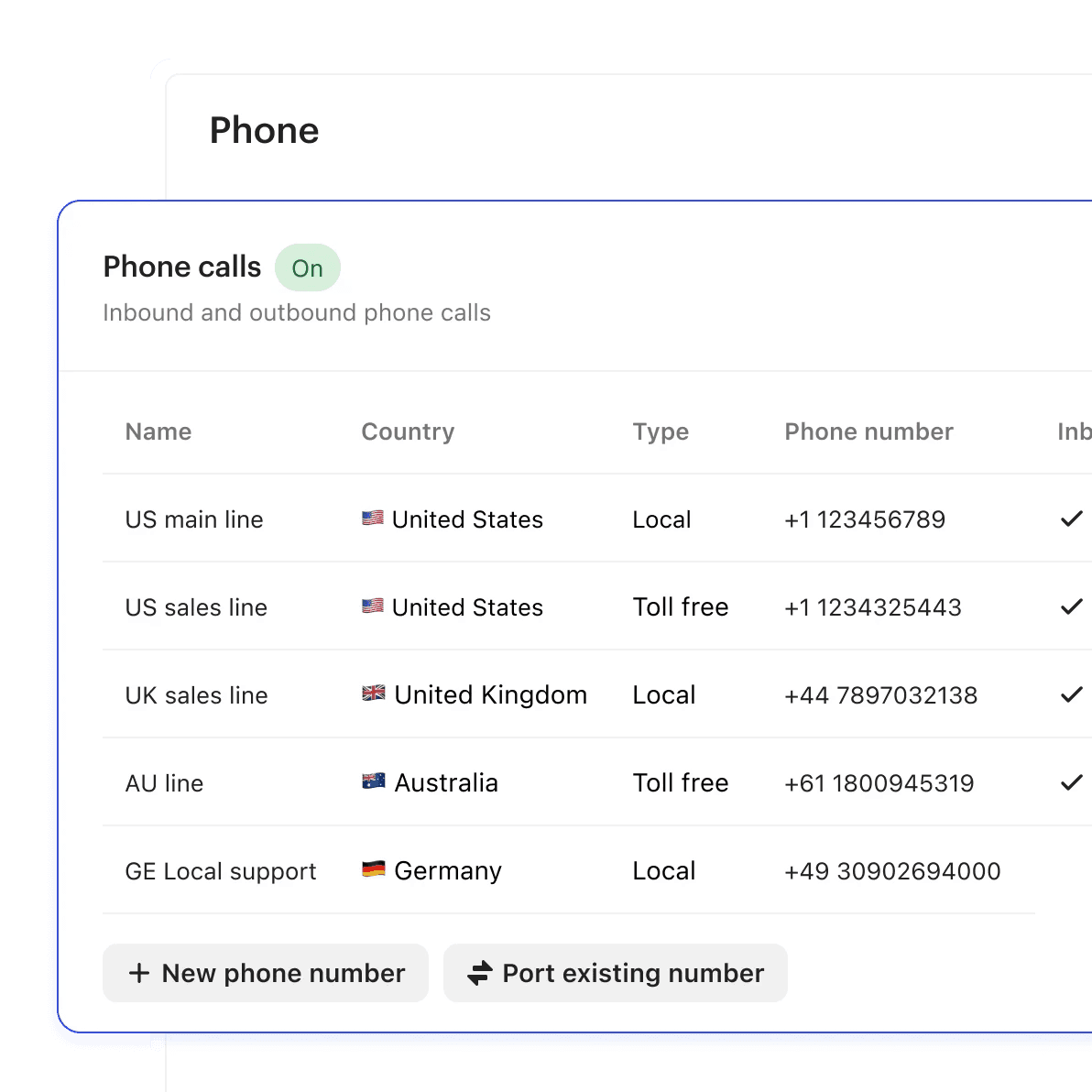
Set up a new number directly on Intercom or use existing numbers to maintain your current workflows.
Calls, emails, tickets, and conversations all connected in one shared inbox.
Build IVR workflows, no code required
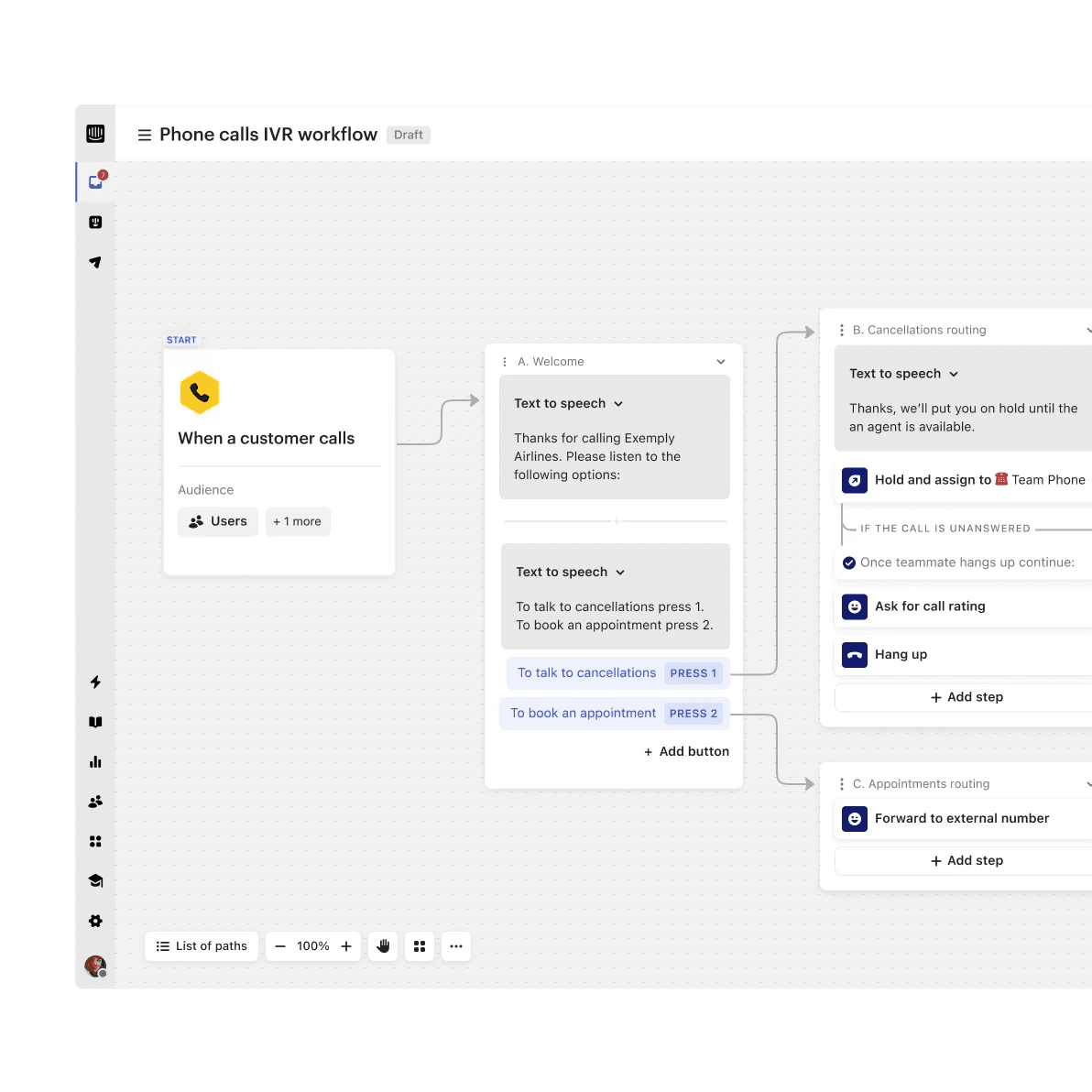

No-code automation
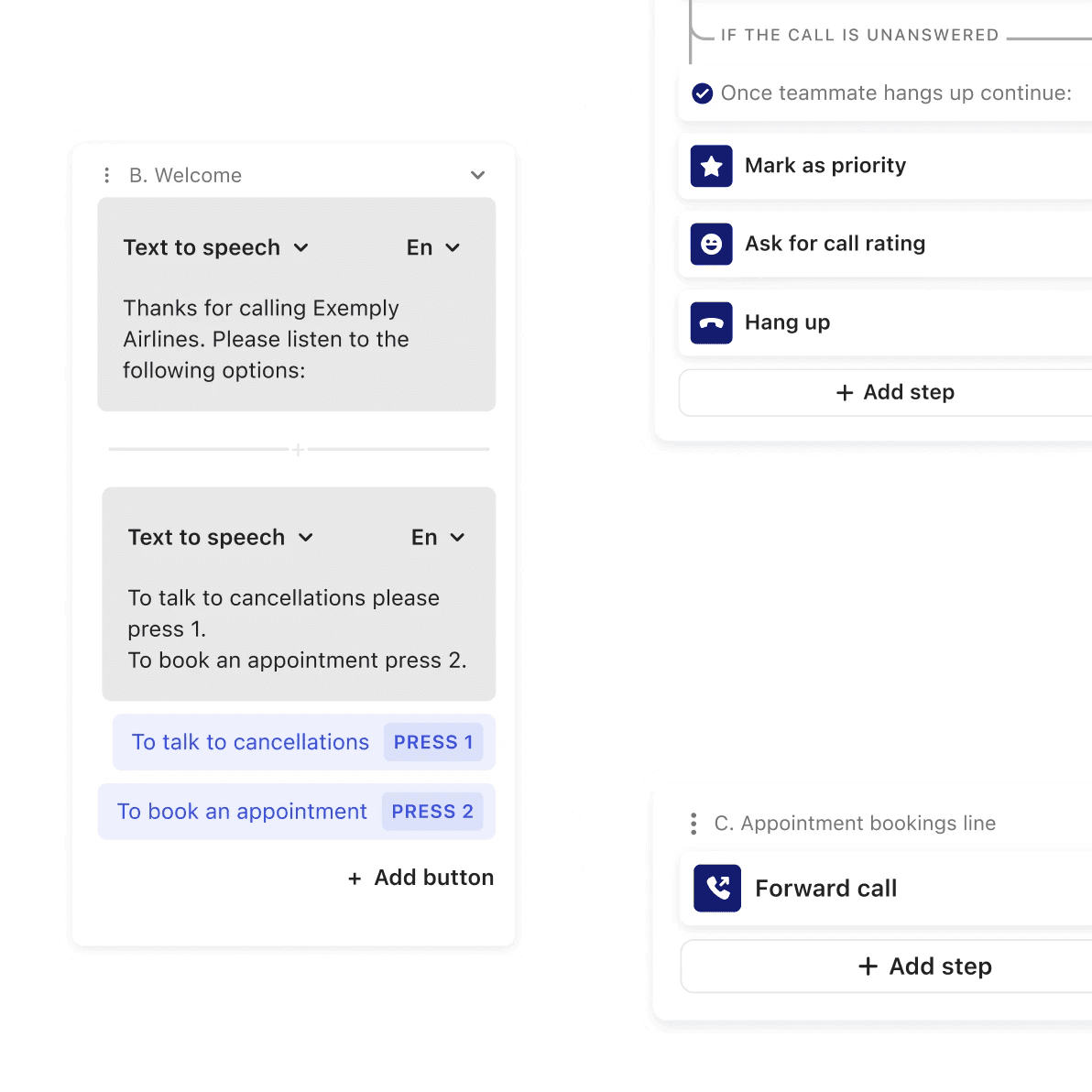
Customizable interactive voice response (IVR) trees help you automate calls—no code required.
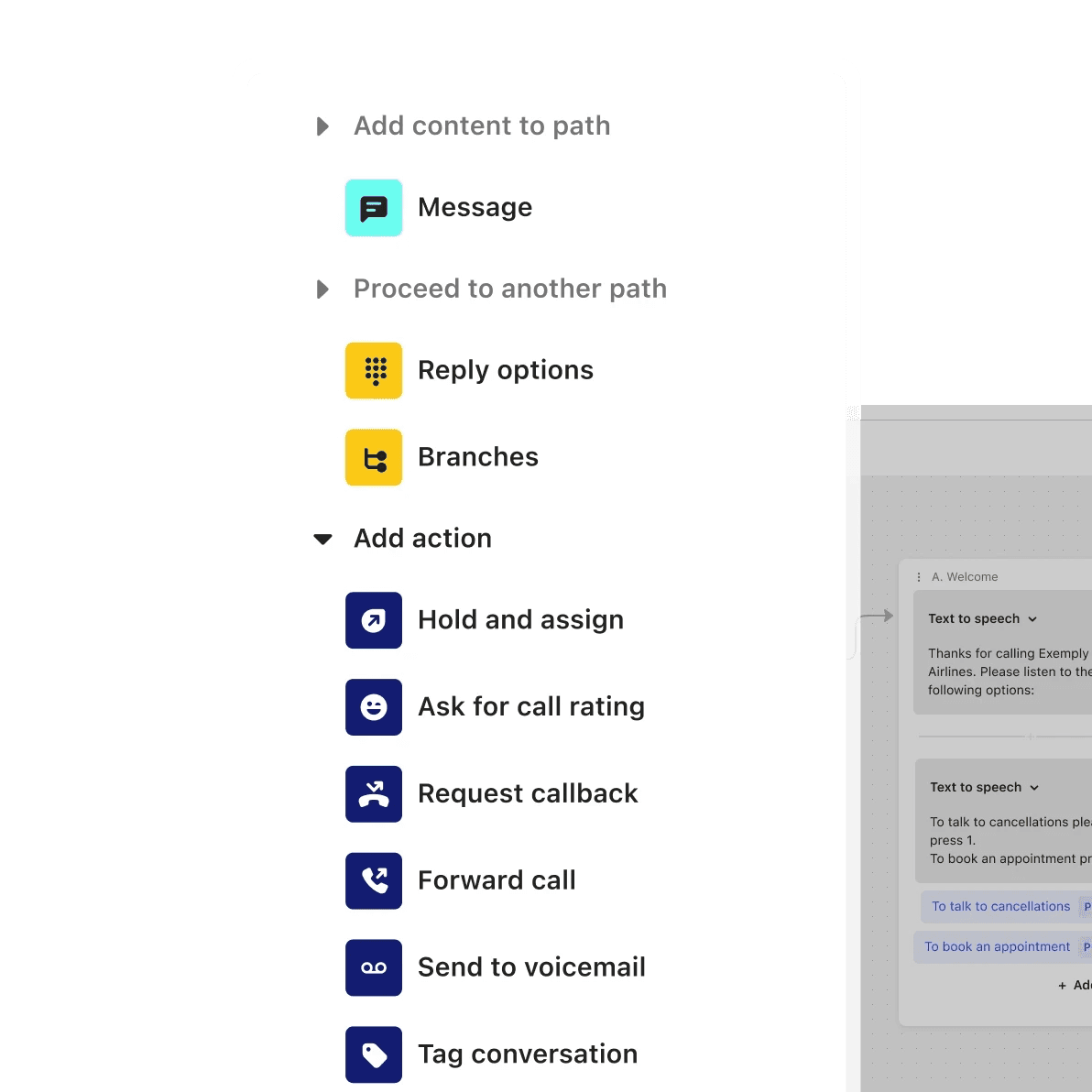

Route and assign calls
Assign calls to your team, schedule for later, and forward to external numbers when you’re out of office.
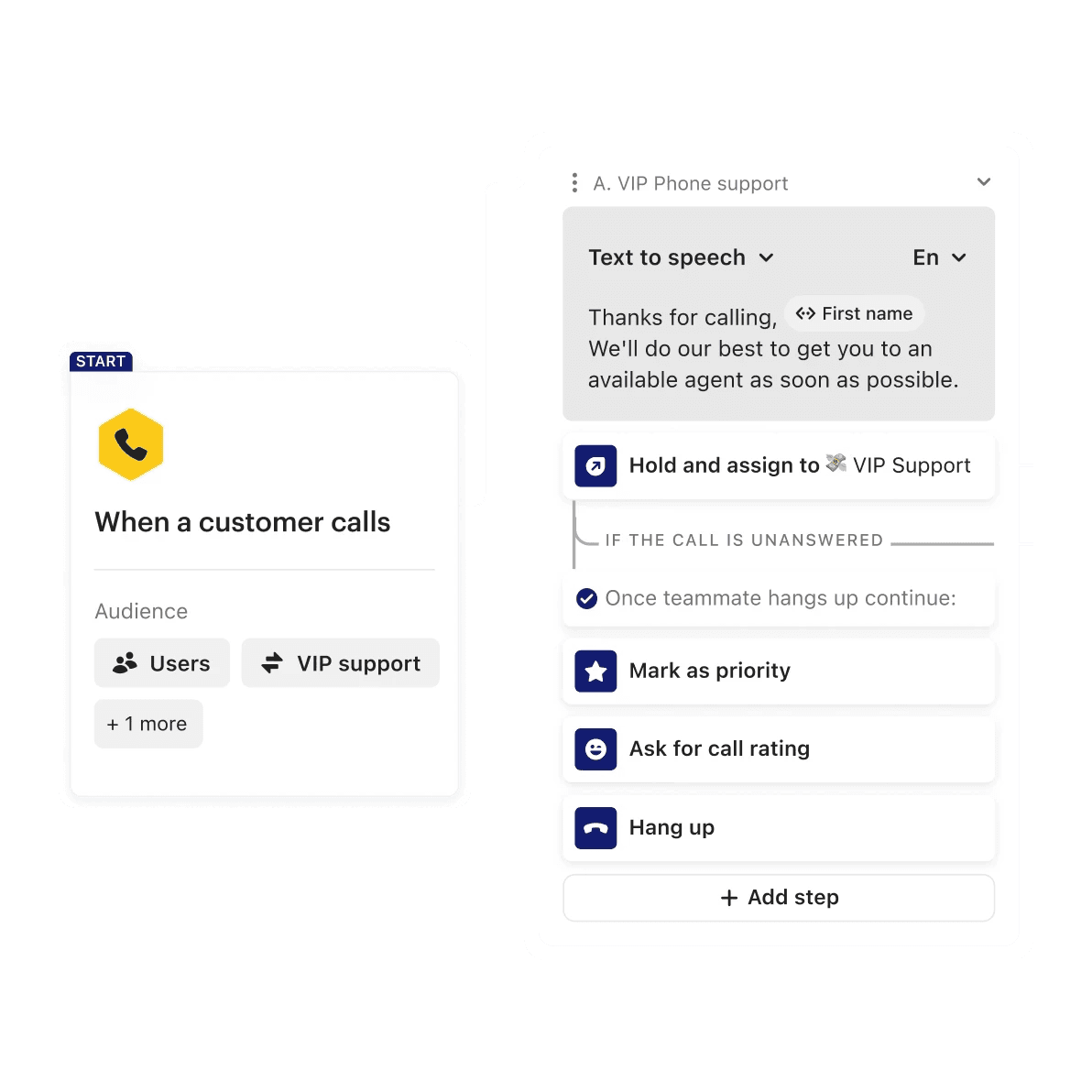

Create personalized experiences
Personalize phone support with on-brand greetings and custom actions based on who the customer is.
Bring voice, video, and screen sharing into the Messenger
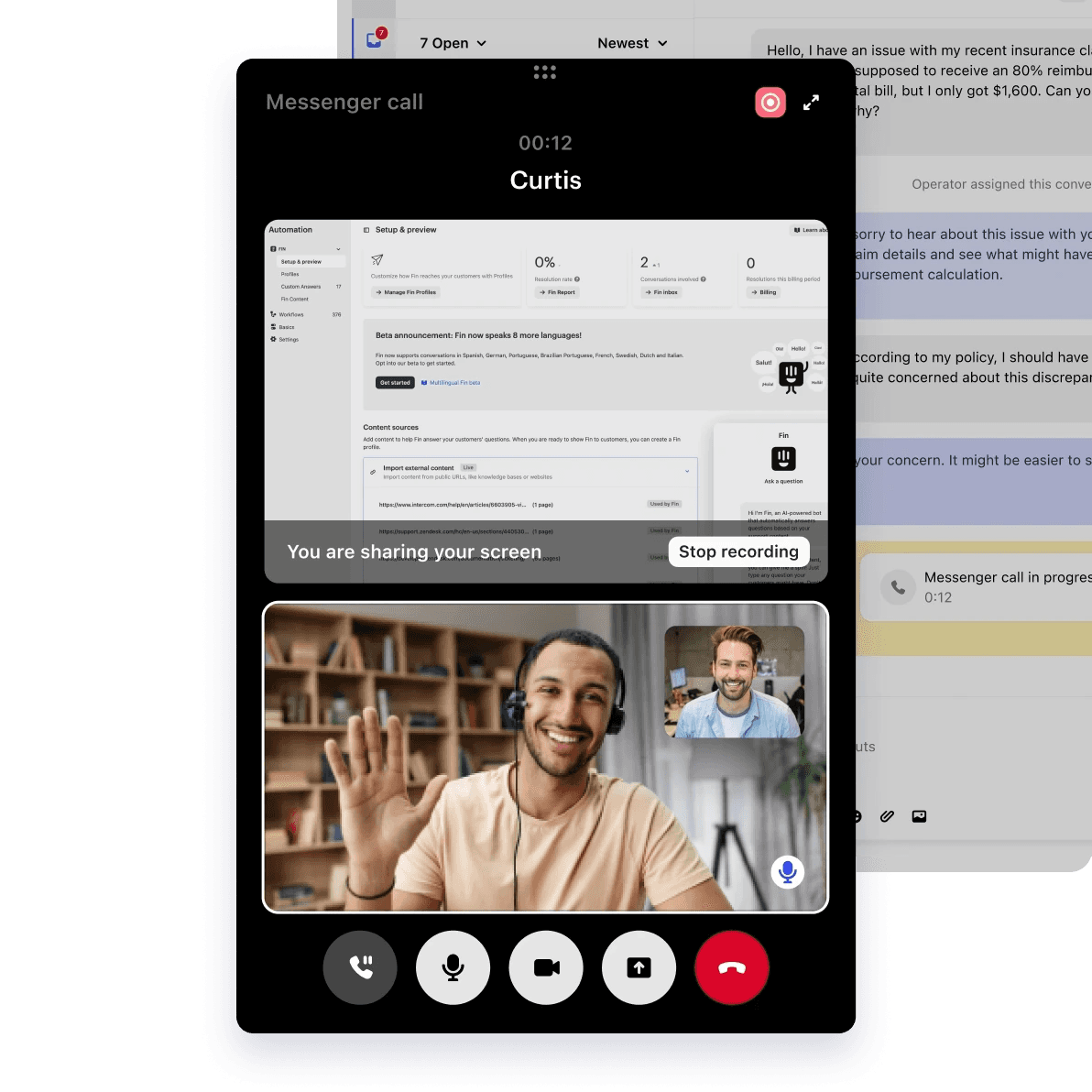

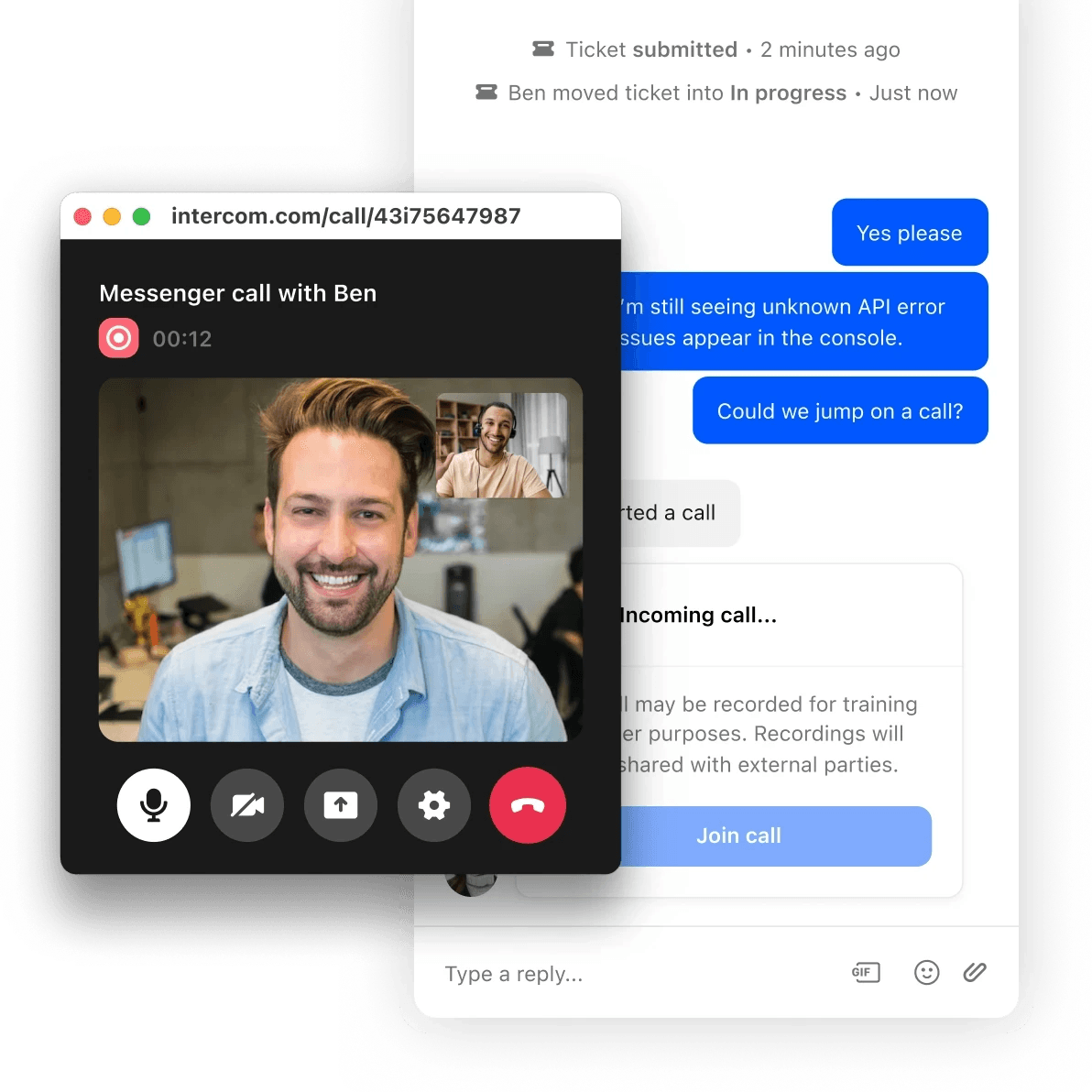
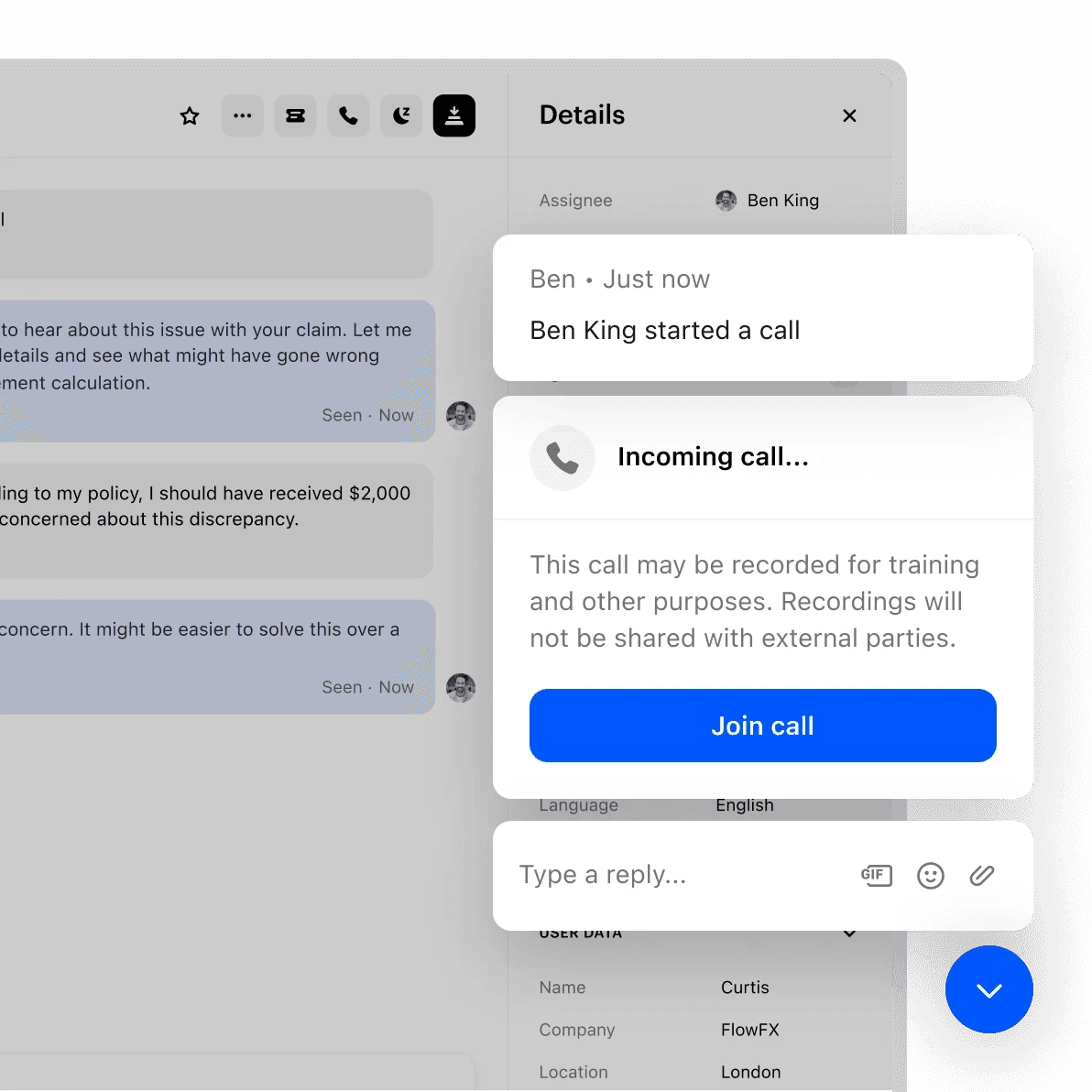
Transition Messenger conversations into voice or video calls to save time and reduce effort.

See what your customers see by screen sharing through the Messenger for easier troubleshooting.
Voice, video, and screen sharing are all available in the Messenger for the most seamless customer experience.
Tools to optimize your team’s call performance and quality
Handle availability for inbound calls and monitor your team’s performance with the real-time dashboard.

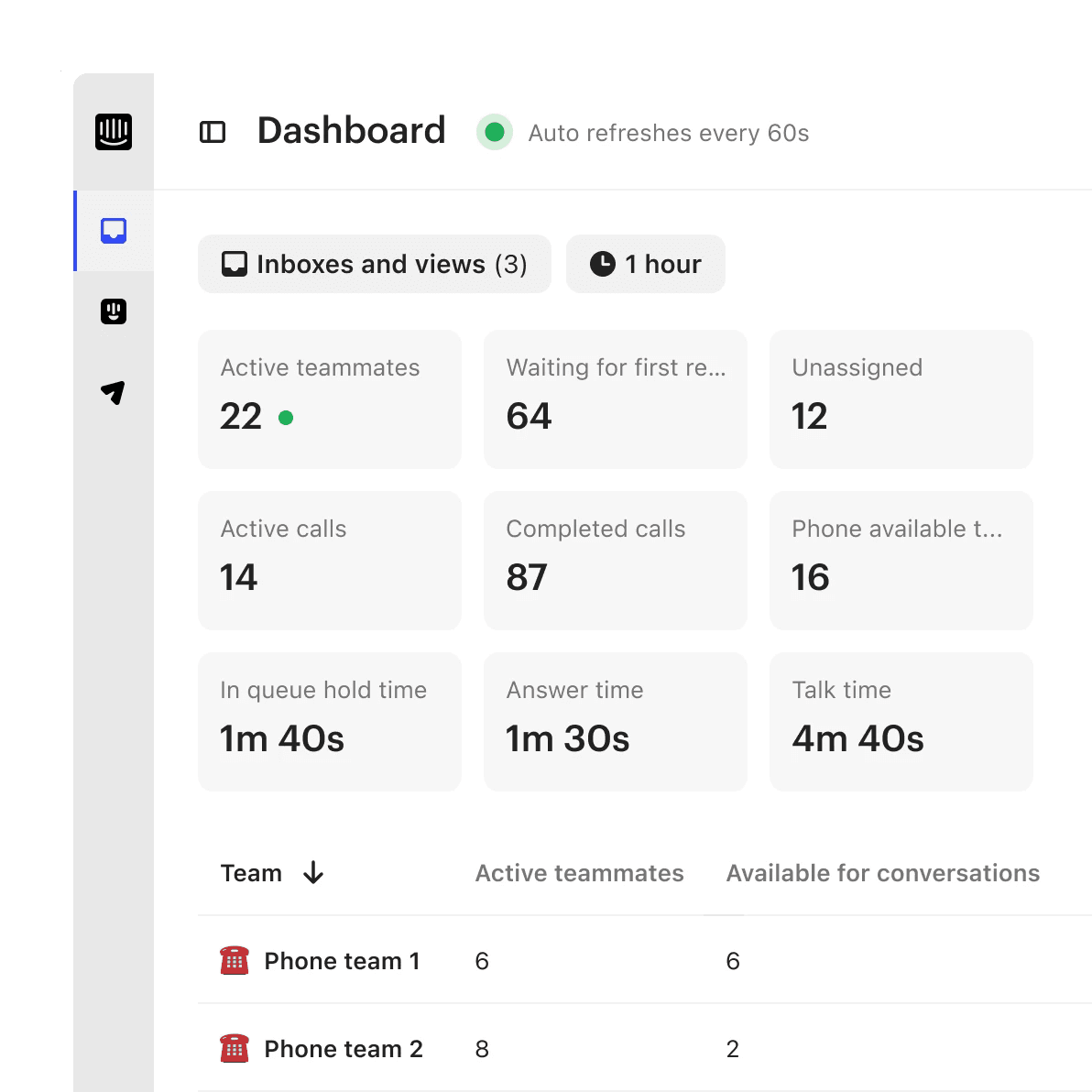
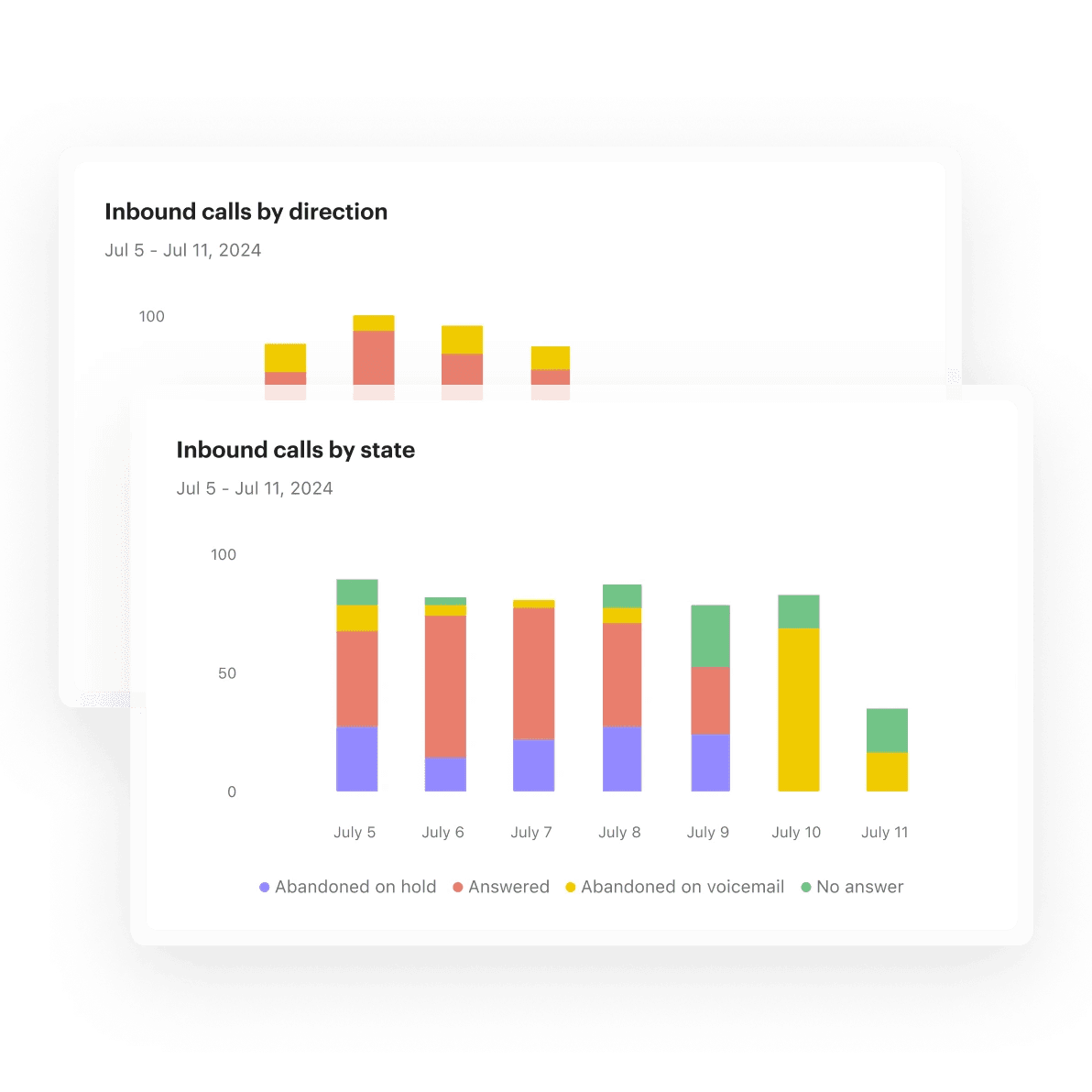
Optimize call performance with call trends and insights in reporting.

Reduce wait times and call volume by giving customers the choice to switch to messaging.
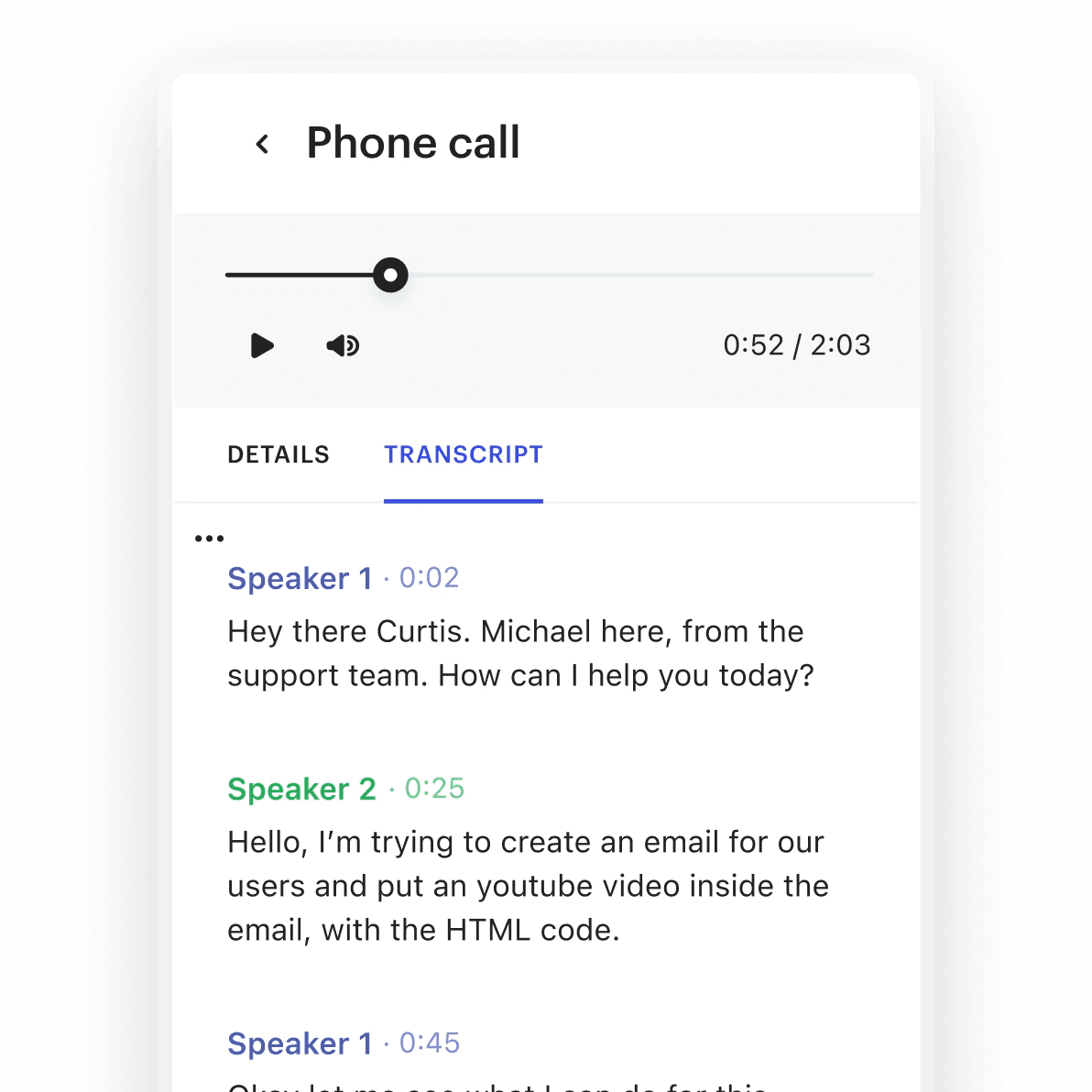
Access recordings and transcripts for referencing, quality assurance, and performance insights.

Turn on transcribed voicemails to easily understand and return customer calls.
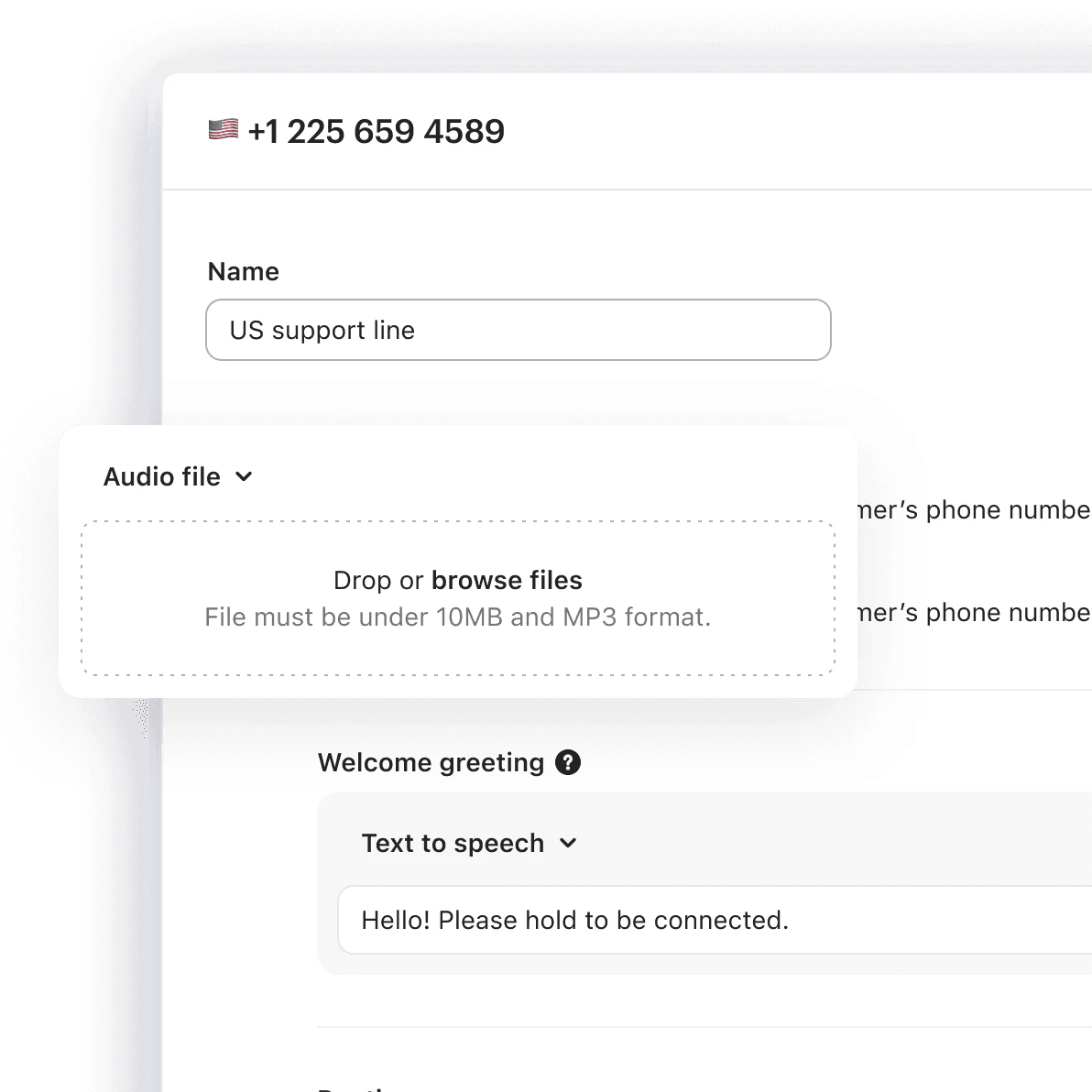
Generate greetings with text-to-speech or upload custom audio for branded or localized messages.

Manage your team’s phone availability from the admin settings to ensure you’re meeting demand.
Specify the teams for call routing so customers connect to the right agent.
Set the amount of time agents have after a call to wrap up before accepting new calls.
Automatically identify the customer on incoming calls and have full context before the call starts.
Mute, hold and transfer calls to other teams to collaborate and escalate as needed.
Integrate with your existing call center so all phone support data is synced and accessible.
Add an additional step in your IVR workflow to capture customer satisfaction ratings after the call ends.
Route calls to a secondary team or configure a call deflection option in Workflows.
Allow customers to request a callback at a convenient time instead of waiting on hold.
Forward calls to external numbers when out of office or to connect customers with a partner.

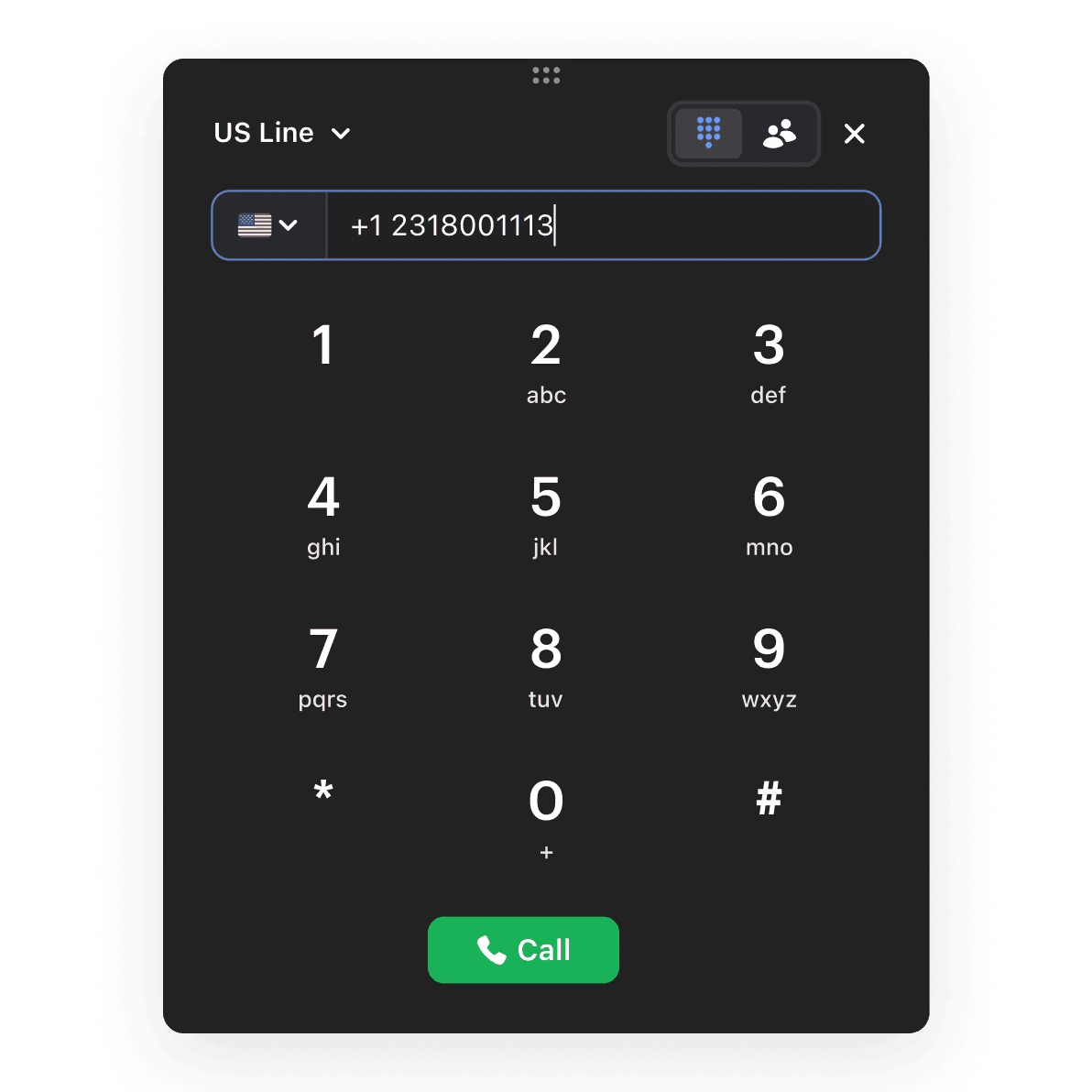
Use a dial pad directly in the inbox to make outbound calls to any number.

Using Intercom Phone ensures all our conversations are logged in one platform, with easy access to previous messages and company data. Even though Deliverect is a chat first company, we see value in calling a customer to solve a complex issue faster or add a personal touch to the customer experience.”
FAQs
Intercom Phone is priced based on usage - for inbound calls (minutes), outbound calls (minutes), Messenger calls (minutes), recordings (minutes) and phone number provisioning (monthly charge). You can see all countries we support and their associated prices here.
Customers who are part of the early access / beta program for Intercom Phone will continue to have access without charge for a limited time. Any changes to the early access program will be notified in advance. See terms of service.
Phone number prices depend on the region and type of the phone number (local, toll free or mobile). For example, local and Toll Free US numbers have different prices.
You can see all countries we support and their associated prices here. Phone number prices will be billed every month the phone number is active. All prices are exclusive of applicable taxes.
Phone call minute prices vary based on the call direction (inbound, outbound), region and phone number type (local, toll free or mobile).
You can see all countries we support and their associated prices here.
Billing will be rounded off to the next minute. For example, if a call lasts 2min 35sec it will be billed for 3 minutes. All prices are exclusive of applicable taxes.
Phone call minutes are calculated from the start of the call until the call has ended. This includes the time customers calling your business spend in the IVR, wait queues and on-hold.
You can see a breakdown of your individual call usage and costs from Billing > Subscription in your workspace.
Yes! You can trial Intercom Phone free for 14 days. You can use up to $10 during this time period. Once this is reached, access to Phone features and functionality will be seized, unless the account converts to a paid account.
If you continue to use Intercom Phone after your trial period ends, you will be billed for your usage at the rates listed here.
If you do not wish to continue using Intercom Phone, make sure to delete all phone numbers from your workspace.
Intercom Phone is currently only available to customers on our new pricing plans who joined Intercom since November 15, 2023.
Customers on our legacy pricing plans who were not on the early beta will not have access to Phone, but you can indicate your interest via a banner on the settings page.
Intercom is currently able to provision phone numbers to receive inbound calls for 32 countries, including:
Argentina, Australia, Austria, Belgium, Bulgaria, Canada, Chile, Colombia, Czech Republic, Denmark, Finland, France, Germany, Greece, Hungary, Ireland, Italy, Luxembourg, Mexico, Netherlands, New Zealand, Norway, Peru, Poland, Puerto Rico, Romania, South Korea, Sweden, Switzerland, the UK, and the US.
Note: Outbound calls and Messenger calls have no geographic restrictions and are available worldwide.
Yes! Phone is now available on US, EU and AU workspaces. You can turn this on for your workspace from Settings.
No, there’s no way to change the phone number we provide at this time.
Intercom Phone supports multiple phone numbers per workspace.
Mobile SDKs are not supported for Messenger calls at this time.