Centralize your content for AI and human support
Configure and optimize all of your support content sources in one central knowledge management system.
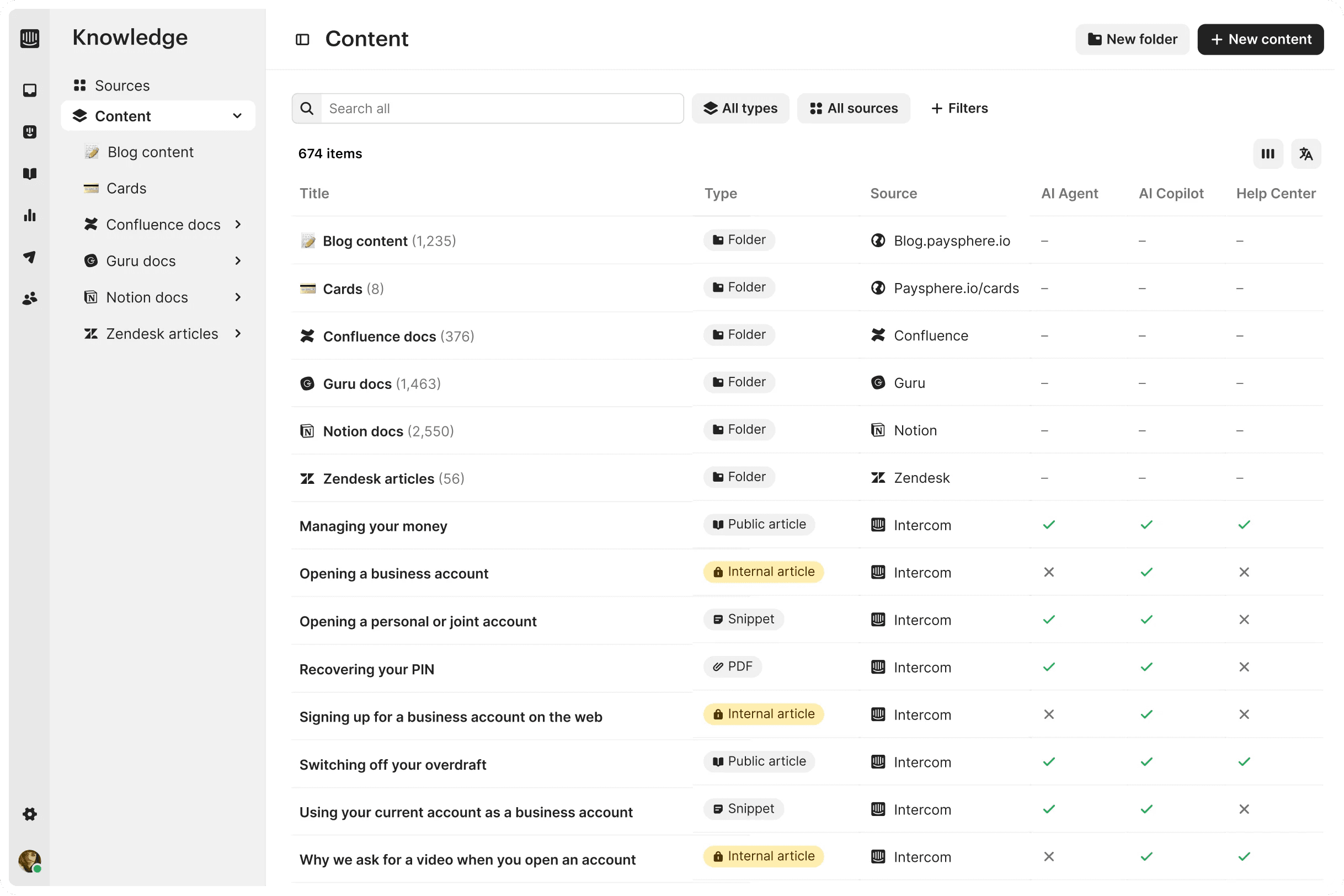

Create, manage, and optimize all of your content with one tool
Fuel your entire support ecosystem with consistent, accurate, and fully optimized support content to deliver better performance across AI, agent, and self-serve support.
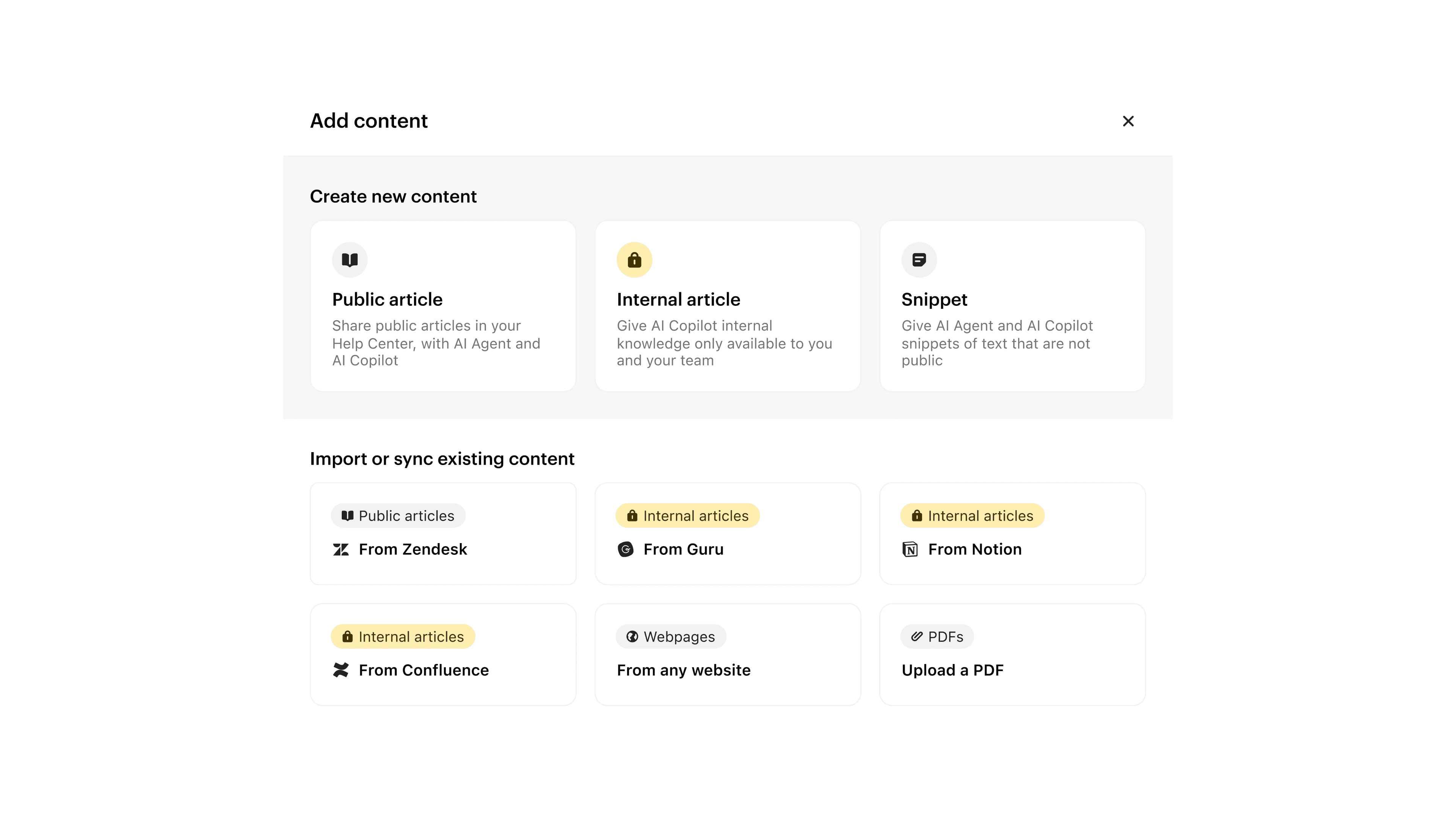


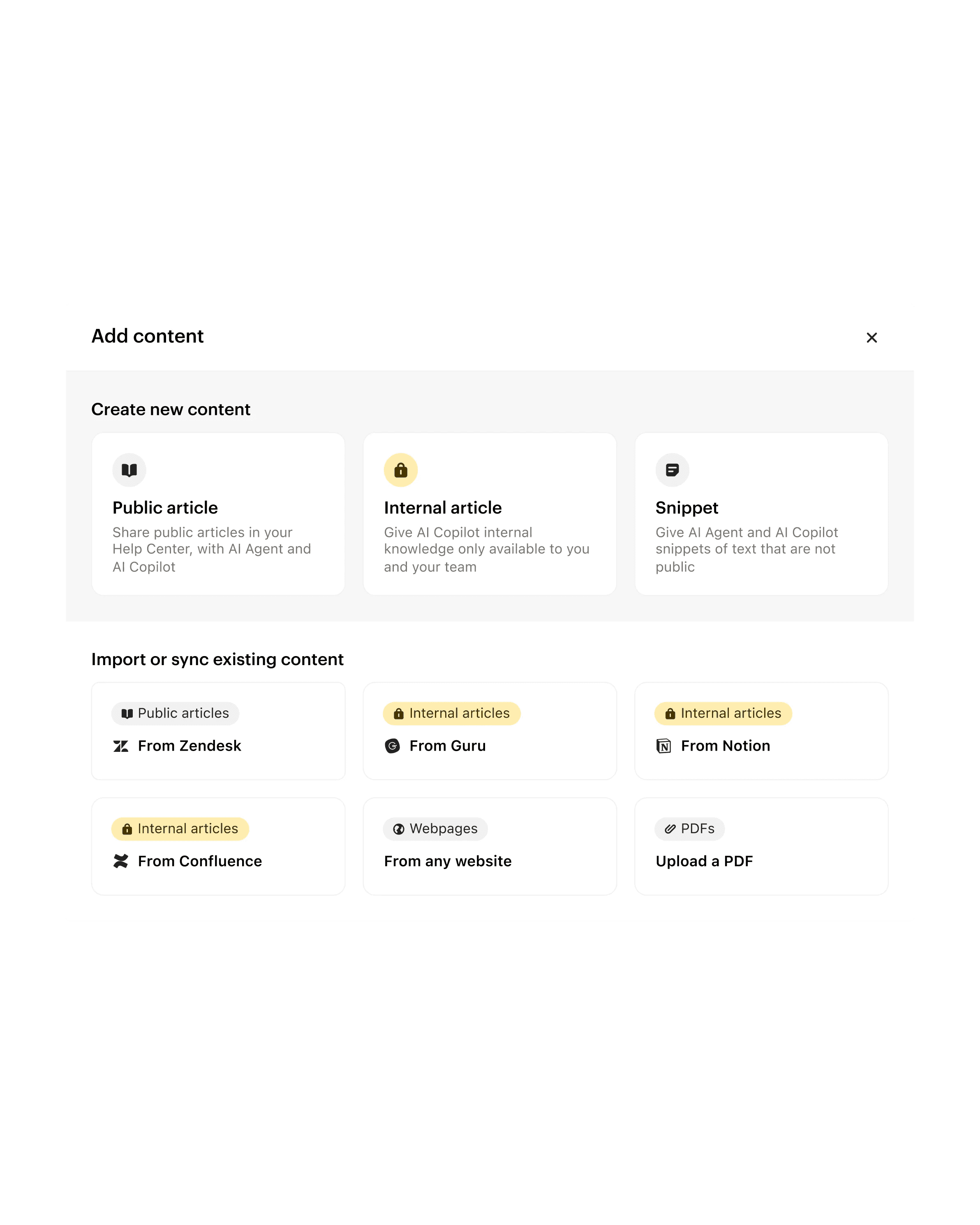
Import, sync or create content from scratch, and target the right content to the right audiences.

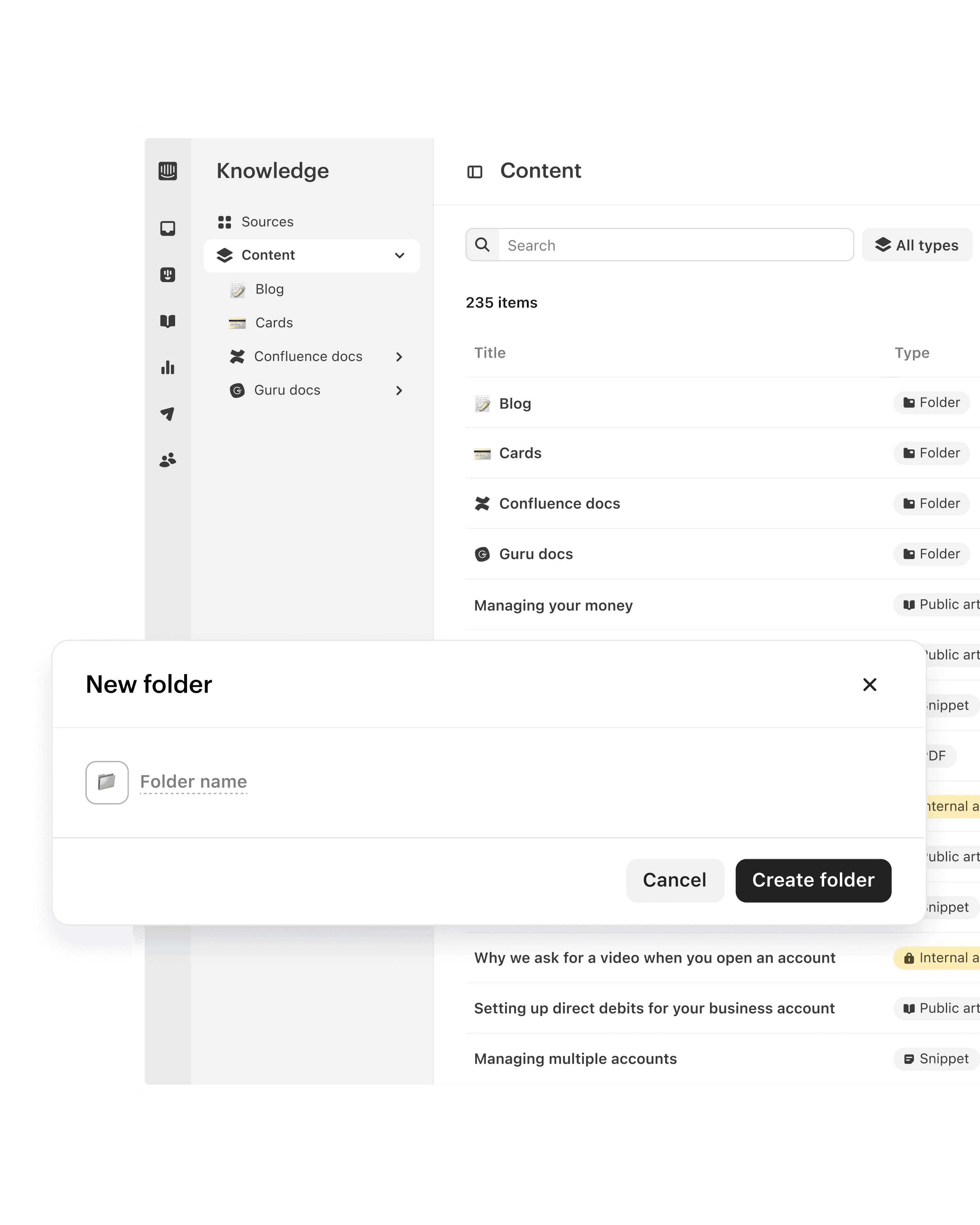
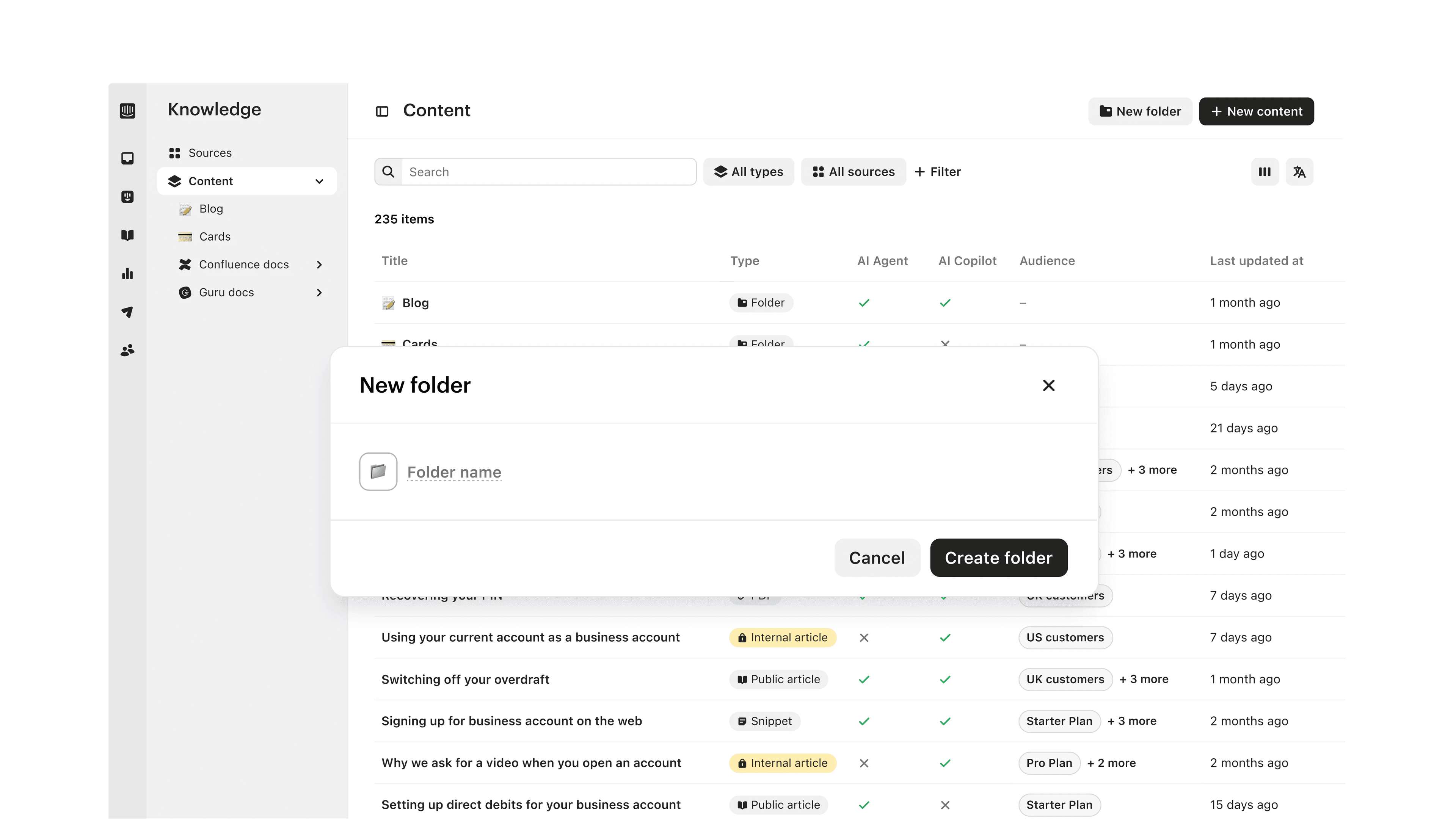
Stay organized with folders, find content more easily with search, and filter to take bulk actions.
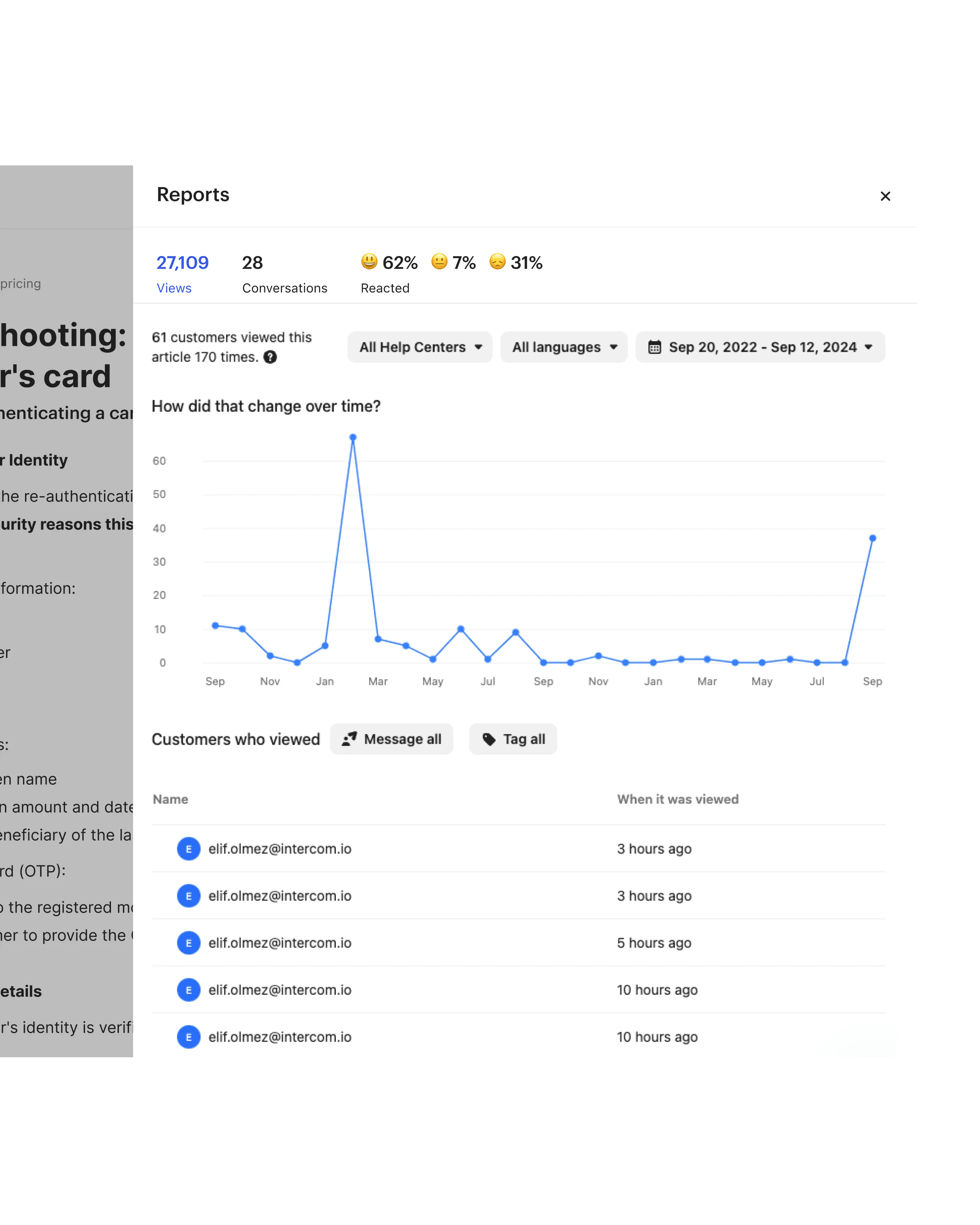
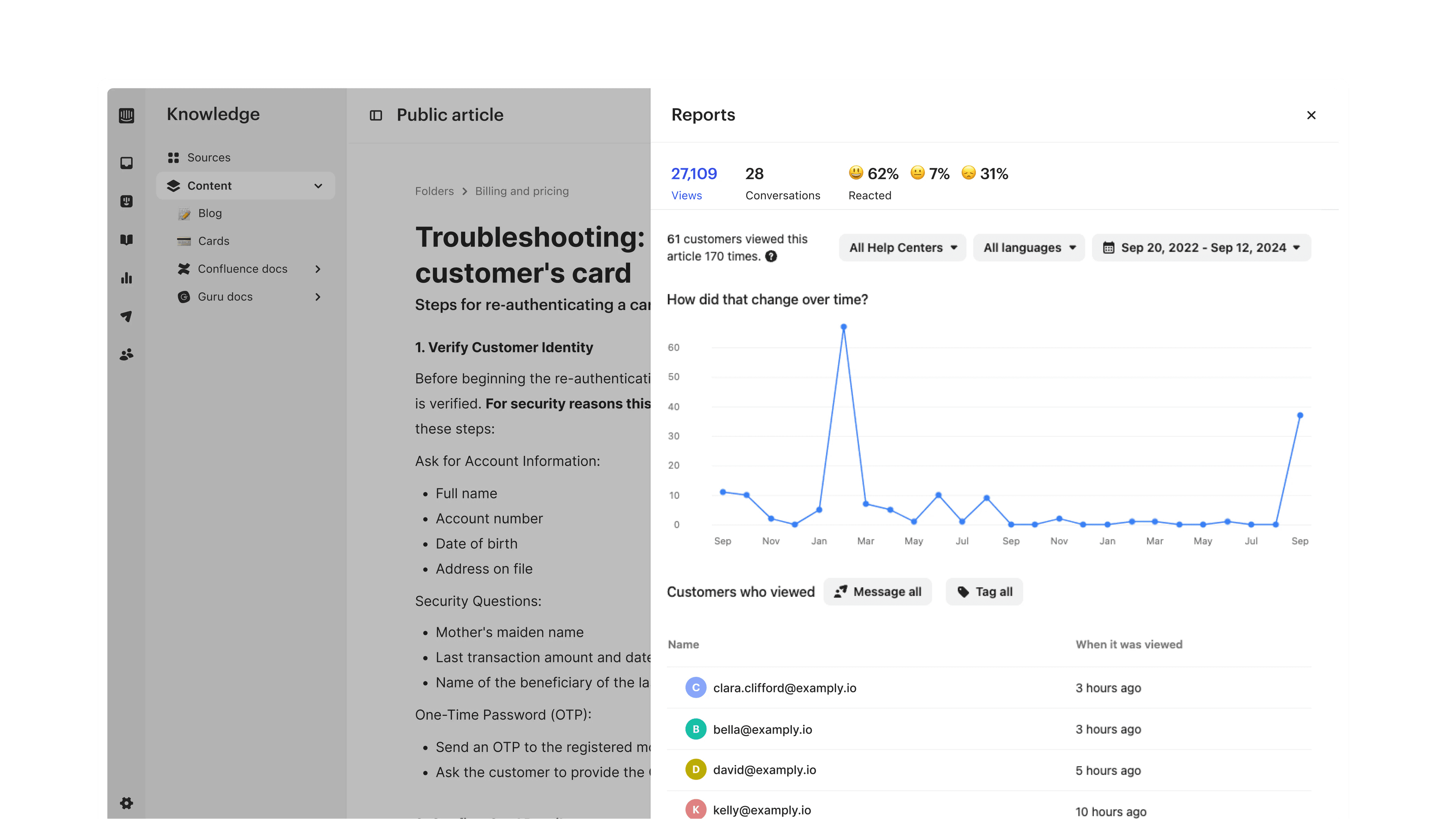
Review performance, and use past conversations to fill content gaps.
Bring your sources together

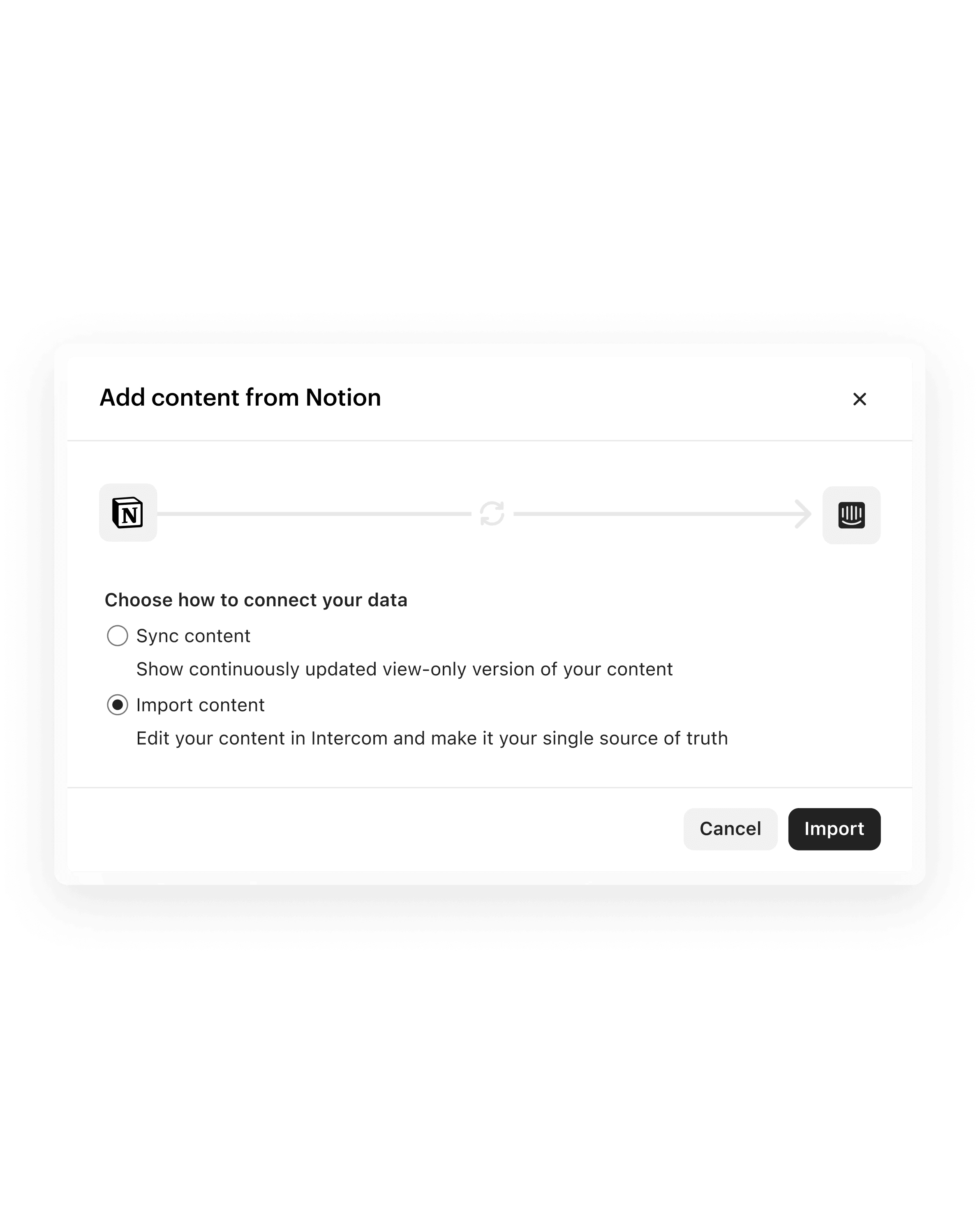

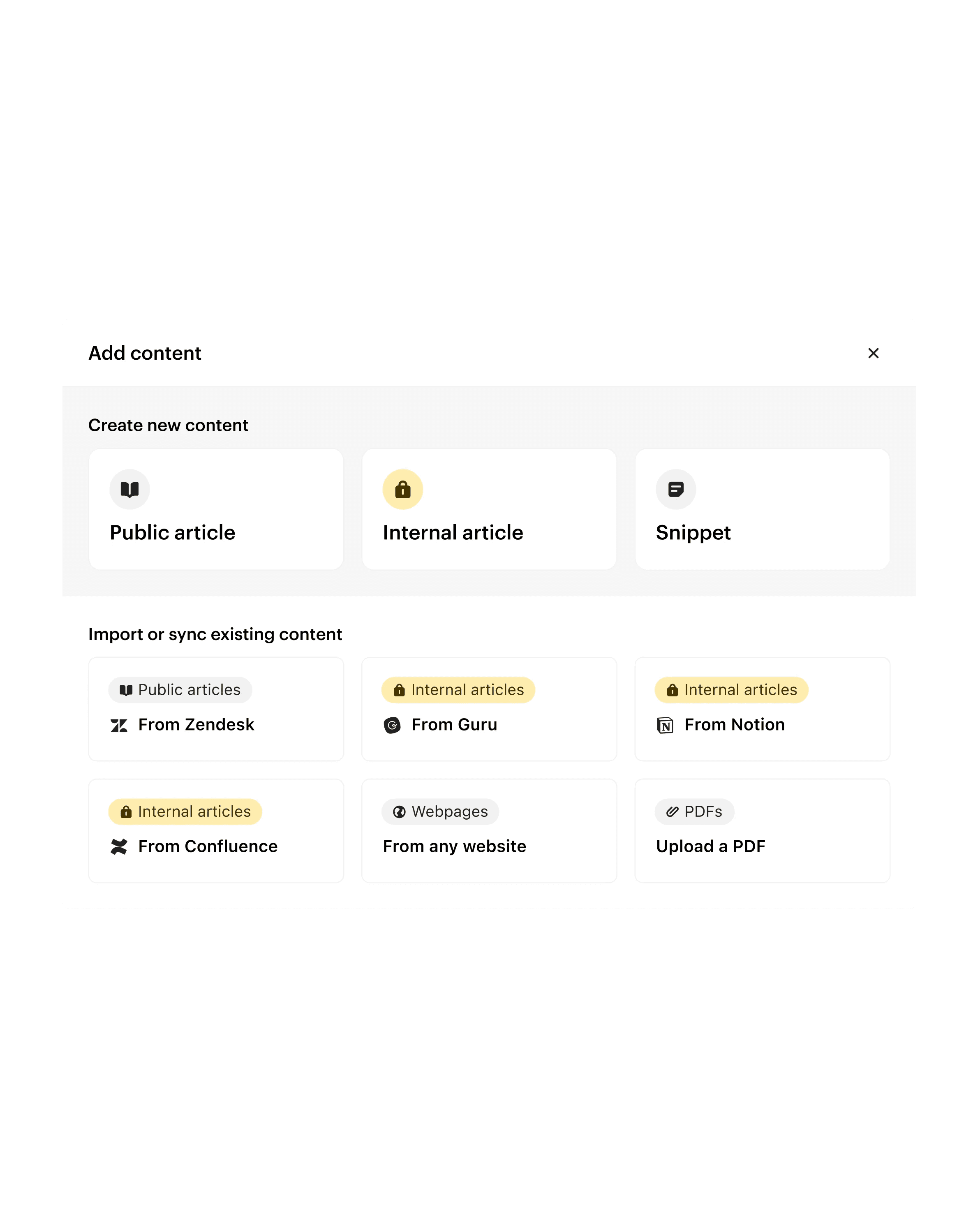
Sync support content from external platforms like Zendesk, Guru, Confluence and Notion so everything is accessible in the same place.

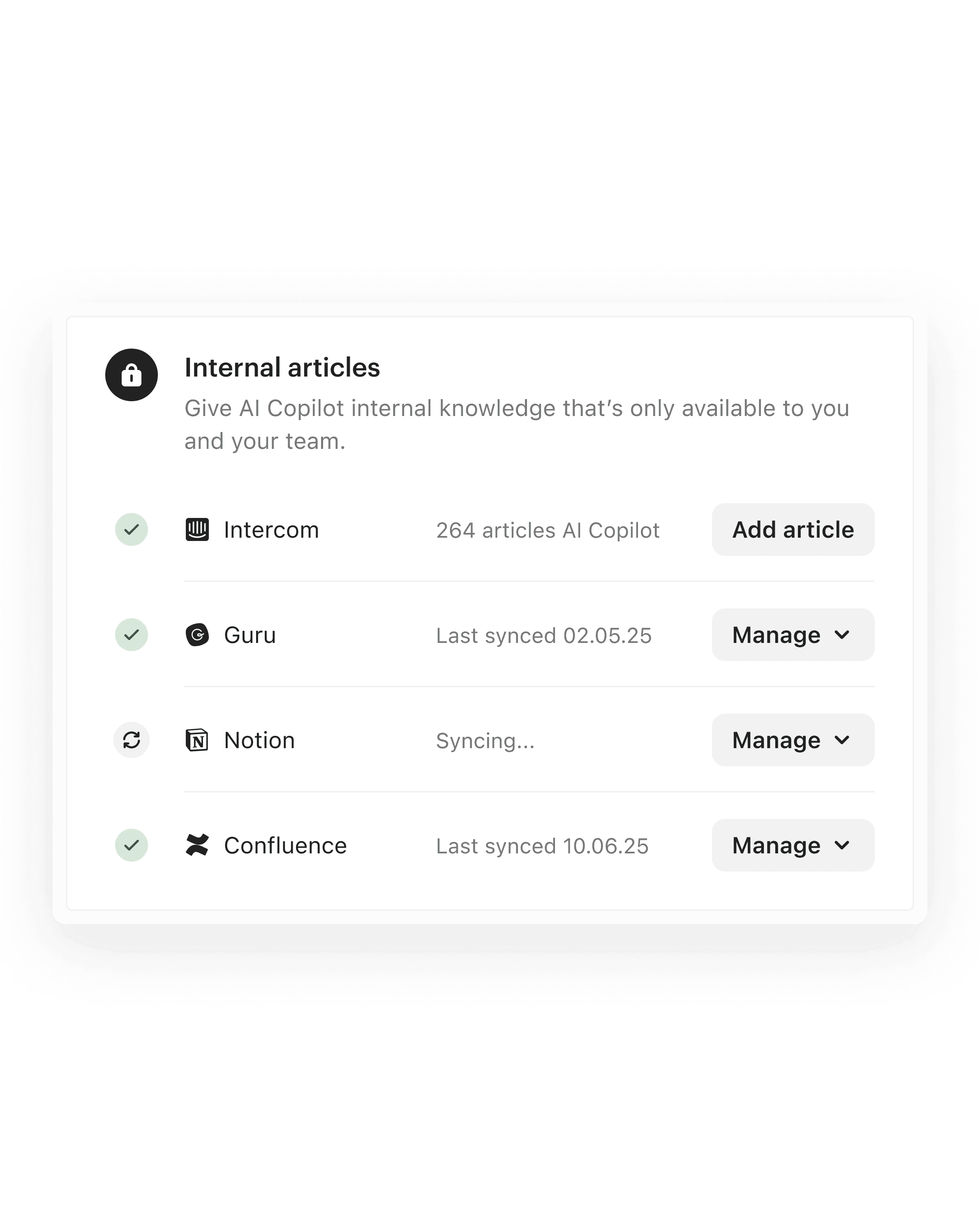
Use your existing content from Confluence, Notion, and Guru to instantly create fully editable internal support articles.
Create internal articles, public Help Center articles, and conversation snippets for your AI, agent, and self-serve support directly in the Knowledge Hub.
Organize and manage your content at scale

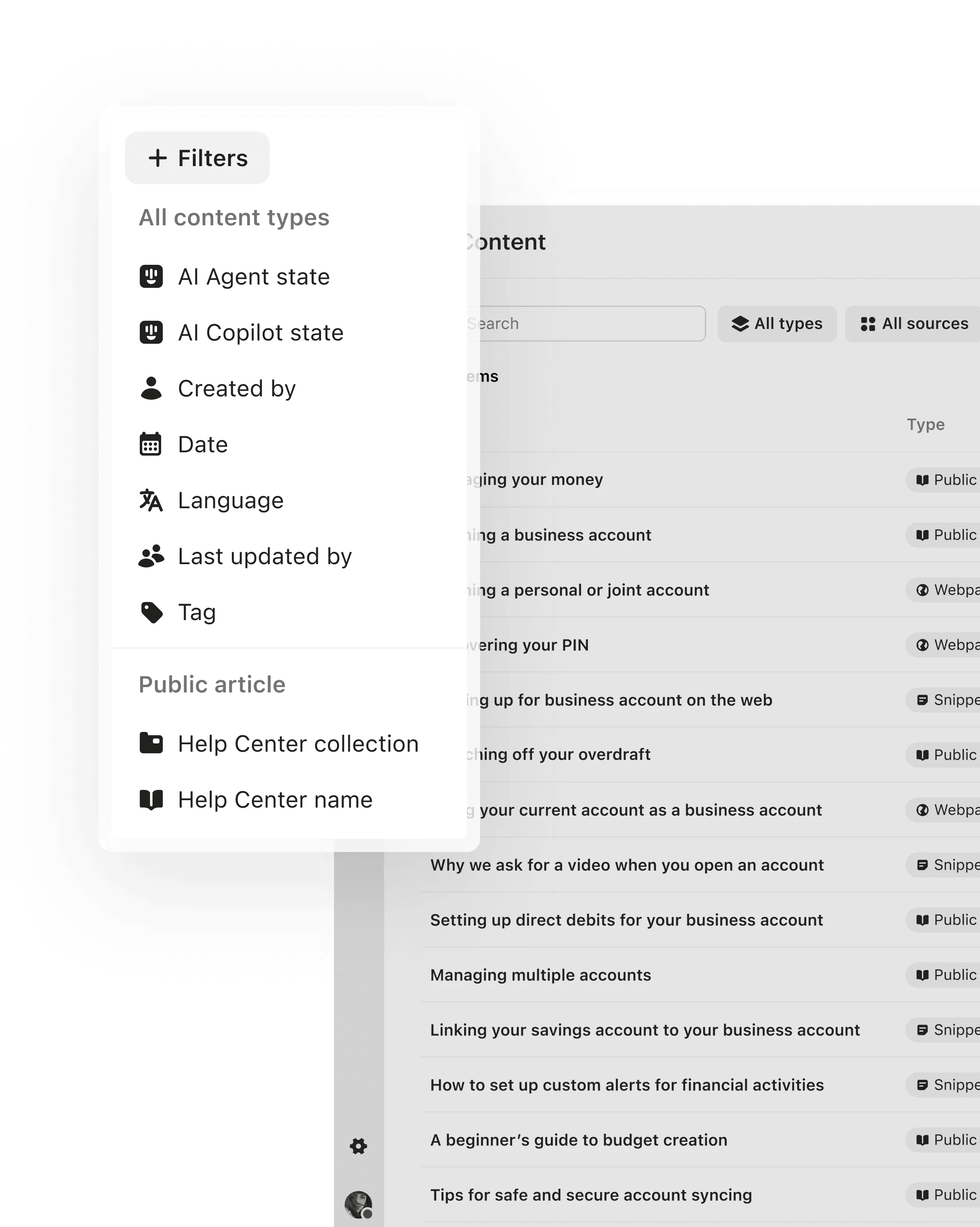

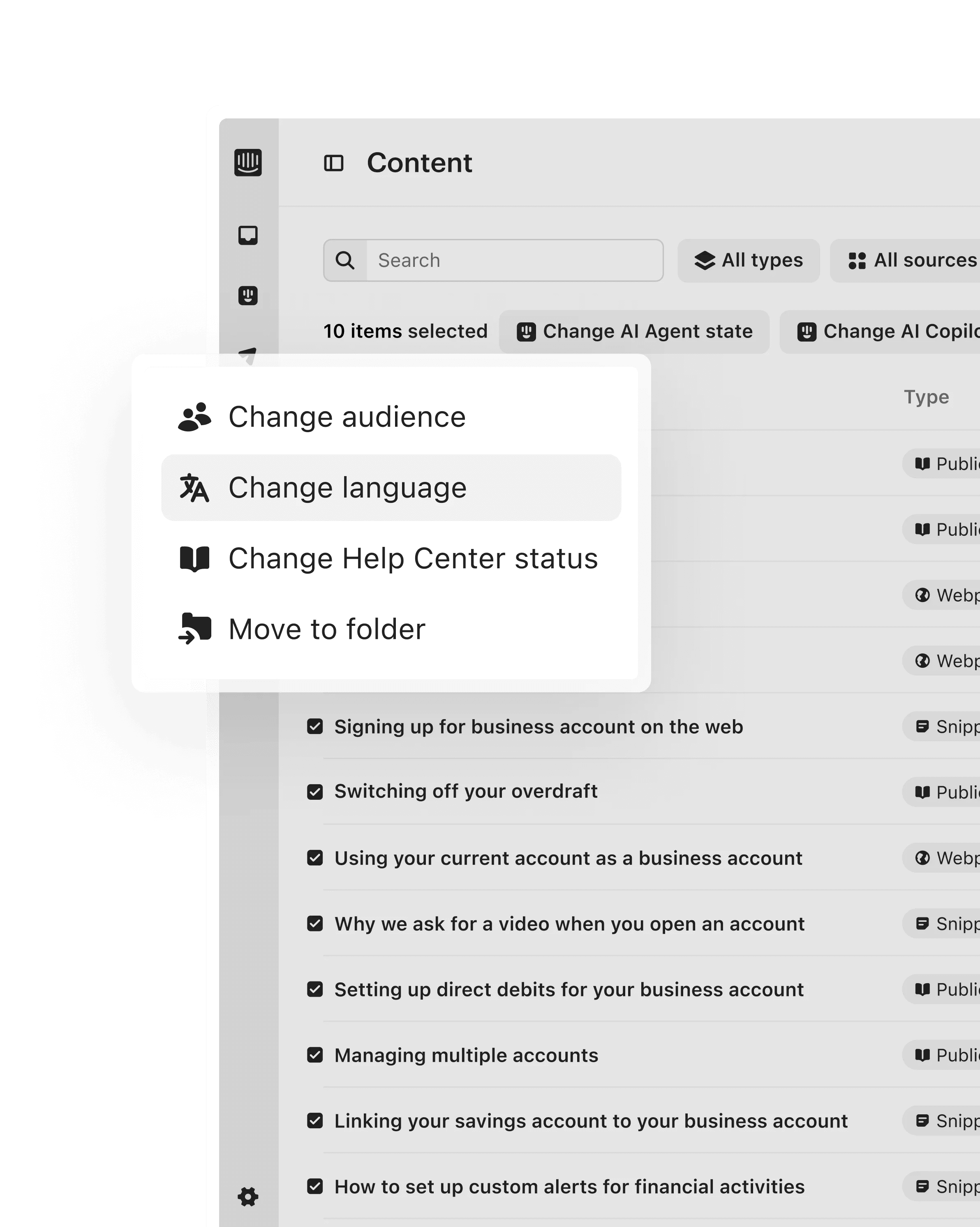

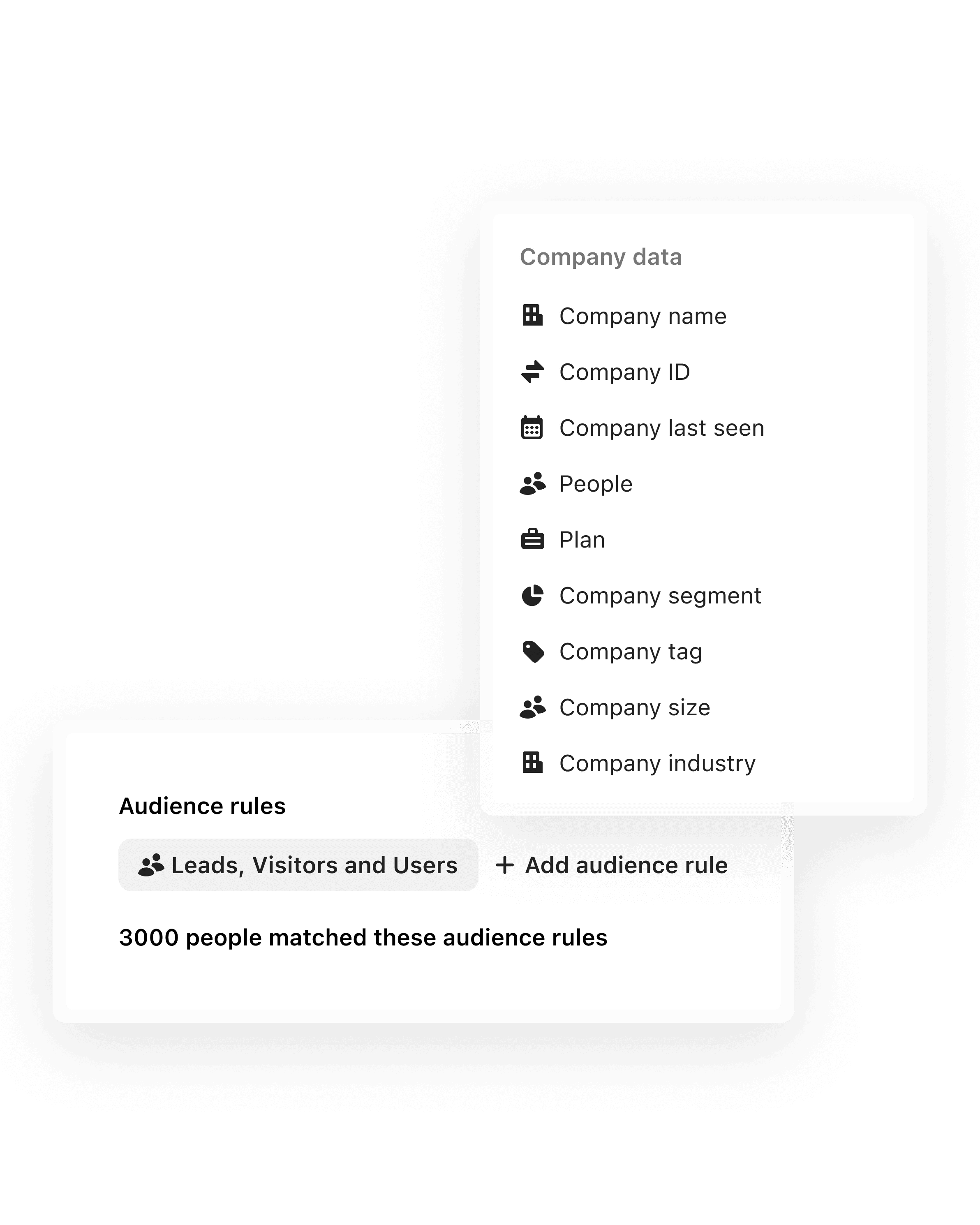
Use folders and subfolders to keep content organized and easily accessible as your Knowledge Hub grows.

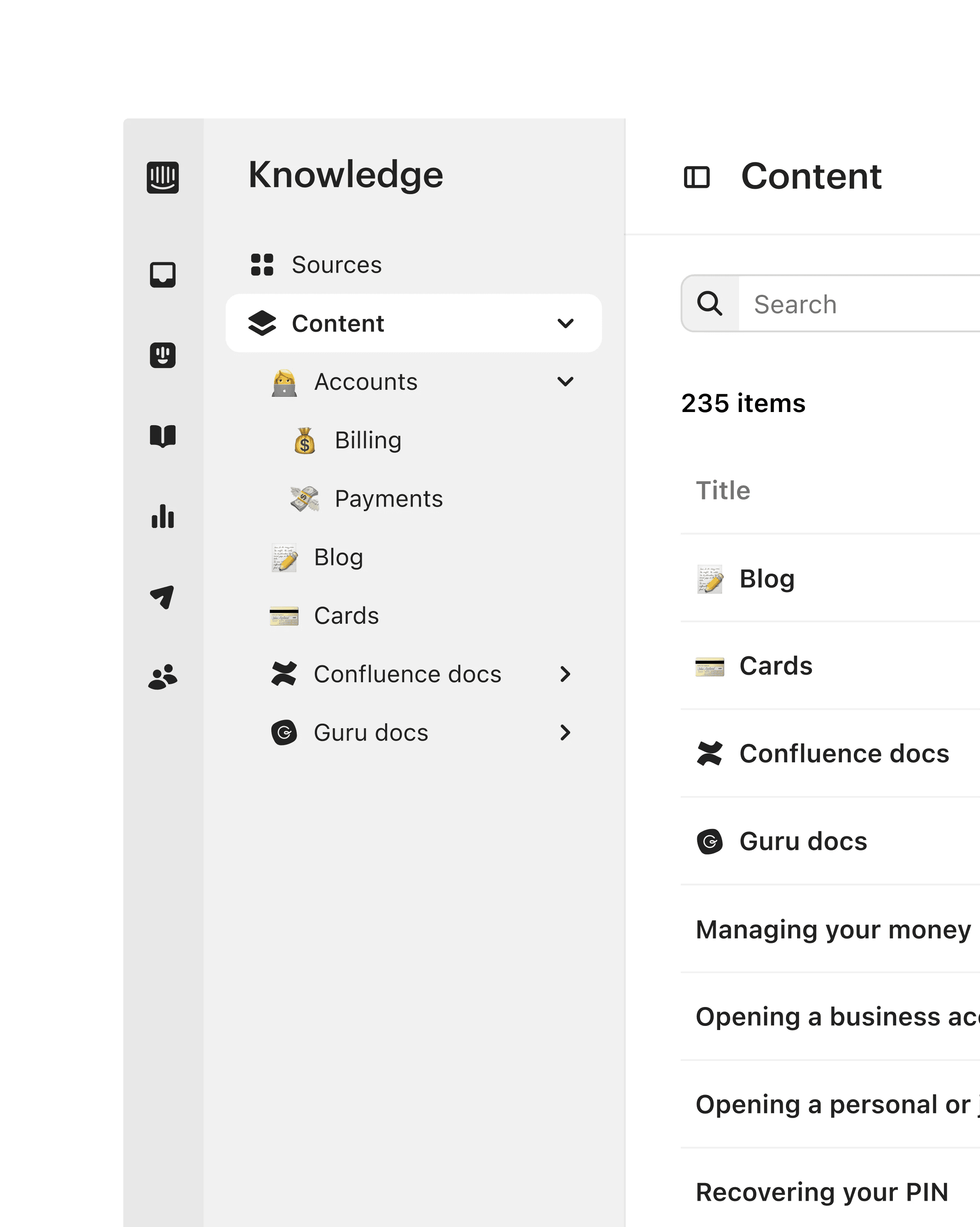
Easily search and filter by criteria like content type, author, date, or Fin availability to quickly find and update specific content.
Filter for folders or specific pieces of content and apply bulk actions to change Fin availability, audience, folder location, languages, and more.
Tailor your content to different customer segments by choosing which specific audiences can view or access internal and public articles.
Improve performance with content optimized for AI

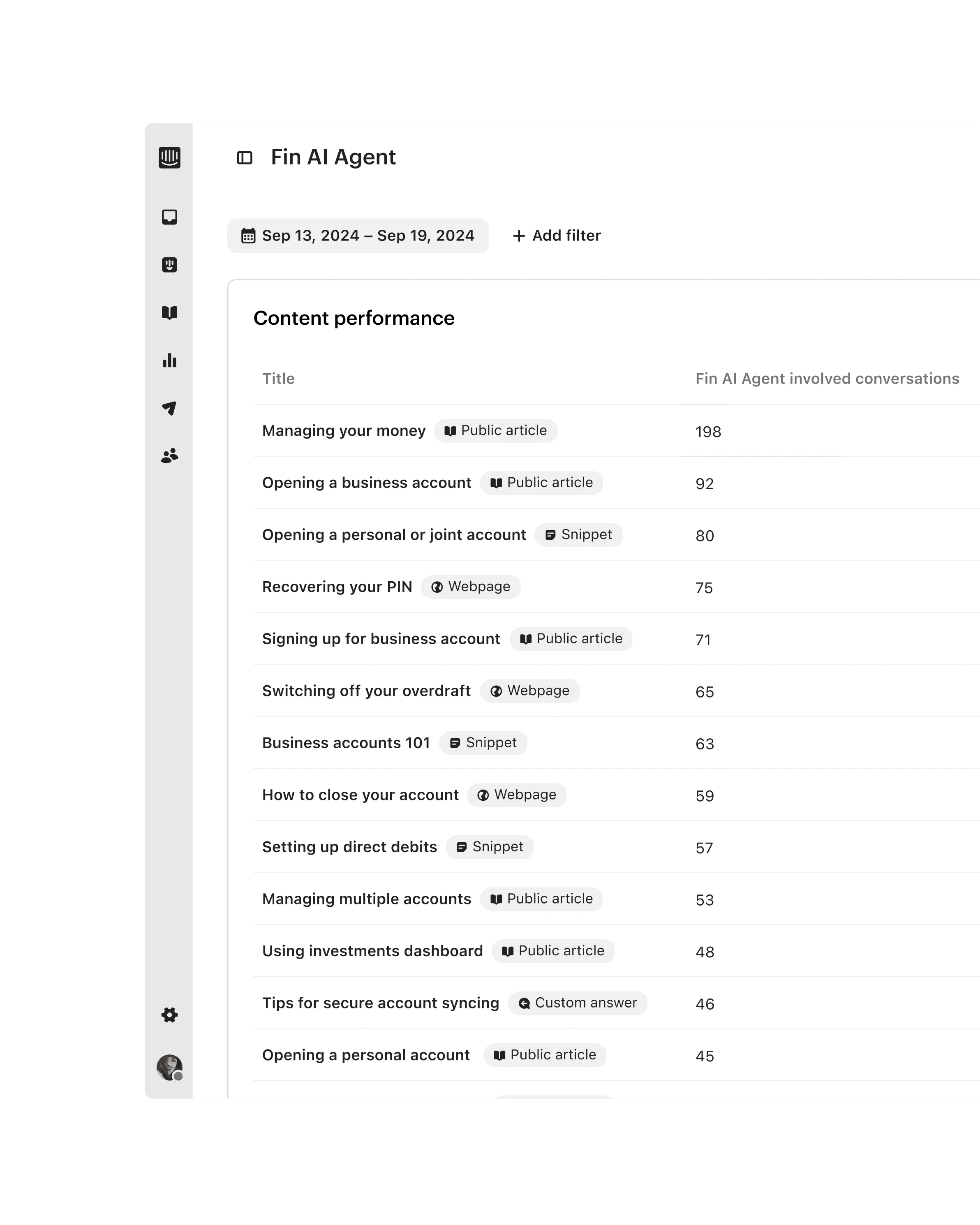
Identify exactly which content performs best for Fin AI Agent, Copilot and self-serve support to help resolve more customer questions.

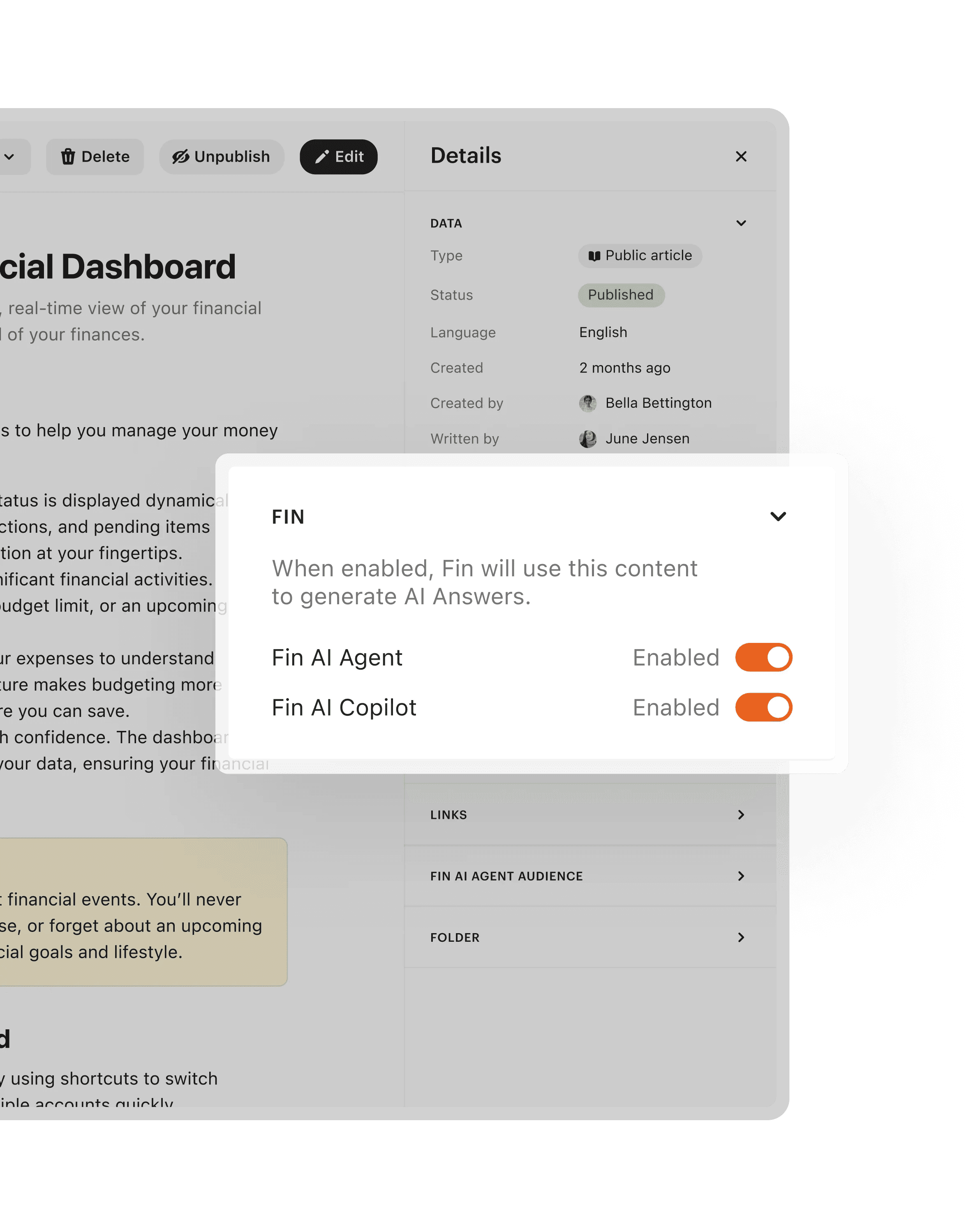
Choose which content can be used by Fin AI Agent, Copilot, and your Help Center to ensure AI and self-serve support remains safe and effective.
A single tool for every content source
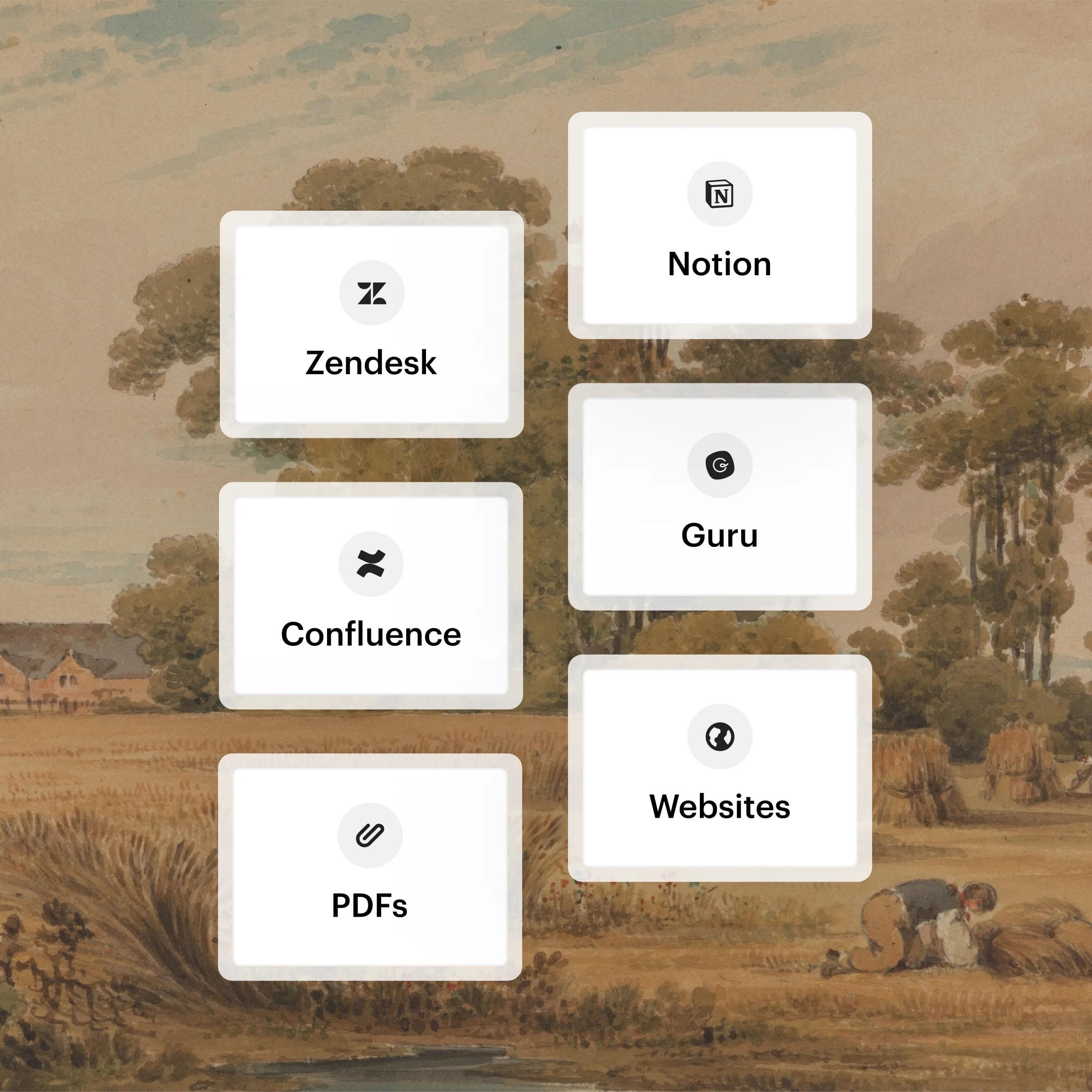
Content sources
Includes: Guru, Confluence, Notion, Zendesk, PDFs, and websites.
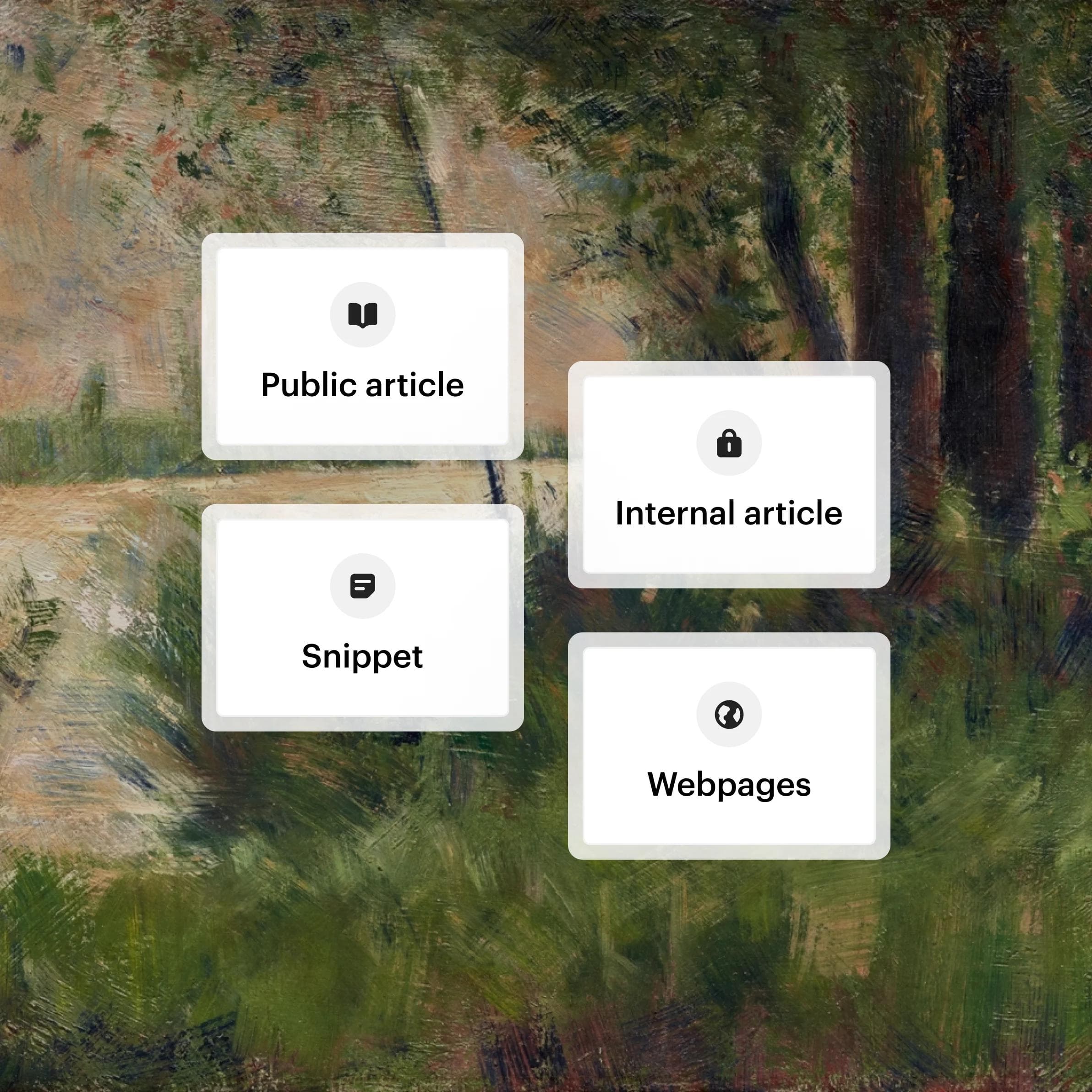
Content types
Includes: Public articles, internal articles, snippets, past conversations, and webpages
Helpdesk Updates
Over 60 improvements to the helpdesk you use everyday
The features you've been asking for and improvements you'll notice every day.
A central knowledge management system you can trust
Previously we’ve been managing content in lots of different locations which made it a nightmare to update and maintain. Intercom’s Knowledge Hub has made it so easy to see and manage everything that our support team needs in one place and has made our lives so much easier.”
We have so much content in so many different formats that we were concerned of the overhead of having to manage them all and configure them correctly to use with AI, but the Knowledge Hub made that so easy with the different filters and bulk actions we could take.”
We were initially a little hesitant to sync our content with Intercom because we weren’t sure if all the different content formats would be supported, but we were impressed with how well the syncing with our other tools worked.”
FAQs
Knowledge Hub is Intercom's central knowledge management system for creating, managing, and optimizing all of your support content in one place. It brings every content source together, from synced platforms to articles and snippets, so your knowledge base powers consistent, accurate answers across Fin AI Agent, Copilot, and self-serve support.
Better content means better answers. Knowledge Hub lets you review which content performs best, fill gaps using past conversations, and control exactly what Fin AI Agent and Copilot can use, so your content stays accurate and effective. With well-optimized content, Fin resolves 76% of support questions on average, and many customers see 85%+. Learn more about Copilot in the Inbox.
Knowledge Hub syncs and imports support content from external platforms including Zendesk, Guru, Confluence, and Notion, plus PDFs and public websites. You can also create new content directly, including public Help Center articles, internal articles, and conversation snippets, so every source lives in one place.
Organize content with folders and subfolders, then search and filter by criteria like content type, author, date, or Fin availability to find exactly what you need. Take bulk actions to update Fin availability, audience, folder location, or languages across many pieces of content at once.
Yes. You choose which content can be used by Fin AI Agent, Copilot, and your Help Center, so AI and self-serve support stay safe and accurate. Set availability per piece of content or apply it in bulk, and target specific audiences for both internal and public articles.
Yes. Knowledge Hub supports content in 45 languages, and you can bulk-edit languages across multiple pieces of content at once so your Help Center content serves a global audience.
Start a free trial to set up Knowledge Hub in minutes. Sync your existing content from tools like Zendesk, Confluence, Notion, and Guru, or create new content from scratch. You can also view a demo to see it in action.